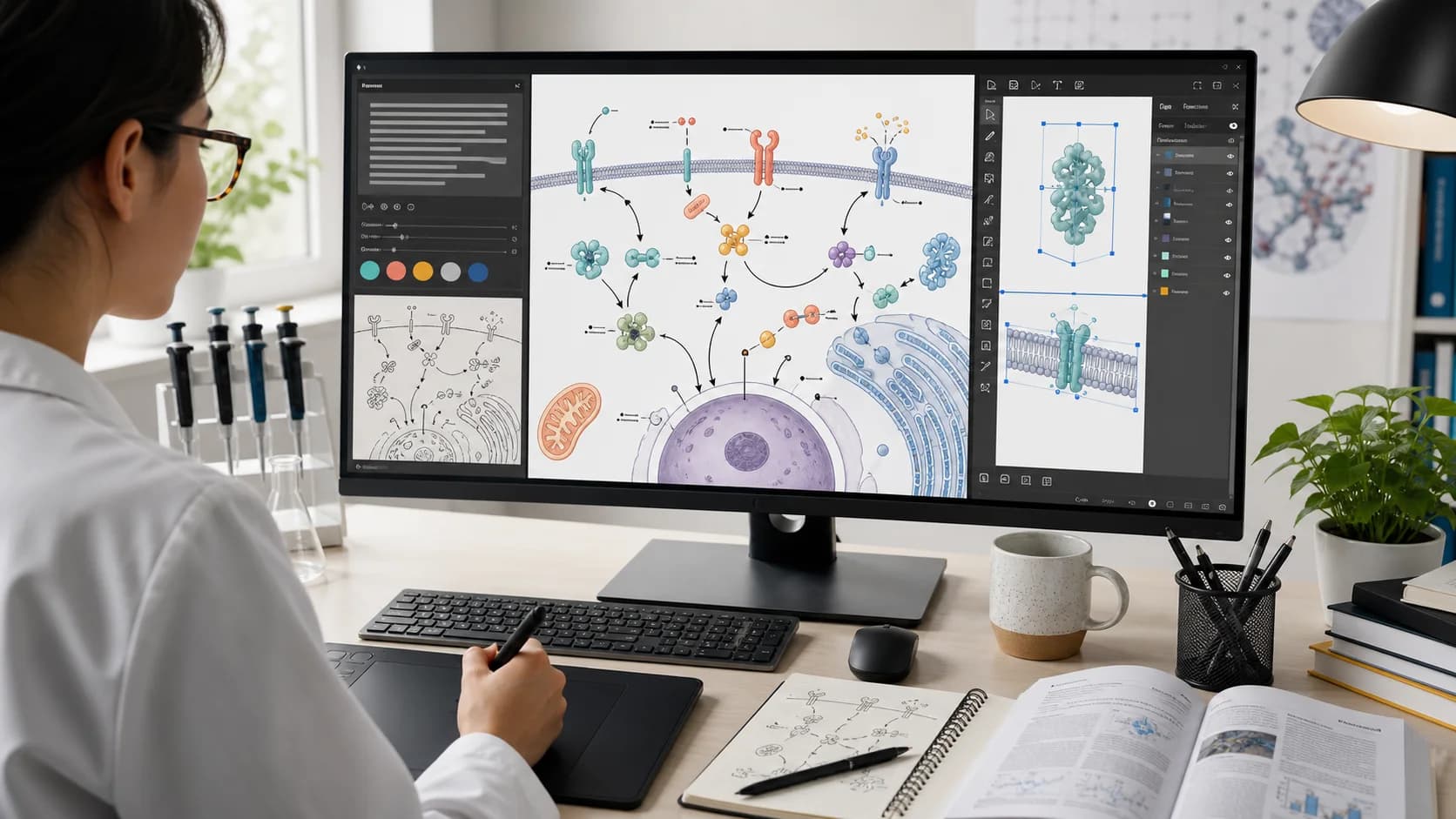
Best Free BioRender Alternatives for Scientific Illustration in 2026
2026/06/10

Best Free BioRender Alternatives for Scientific Illustration in 2026

Compare BioRender alternatives for scientific illustration, including AI figure generators, free vector tools, chemistry diagram makers, and open scientific icon libraries.

BioRender is one of the best-known tools for creating life science figures, graphical abstracts, posters, and presentation visuals. Its strength is clear: a polished icon library, templates, graphing tools, and a drag-and-drop workflow made for researchers who do not want to design from scratch.

But it is not the only way to make a scientific figure.

Some researchers need a free workflow for teaching or early drafts. Some need editable SVG files. Some work outside classic life science templates. Others already have the research written down and want AI to turn a dense methods paragraph into a first figure draft.

If you are comparing BioRender alternatives, the right choice depends on the job you are trying to finish.

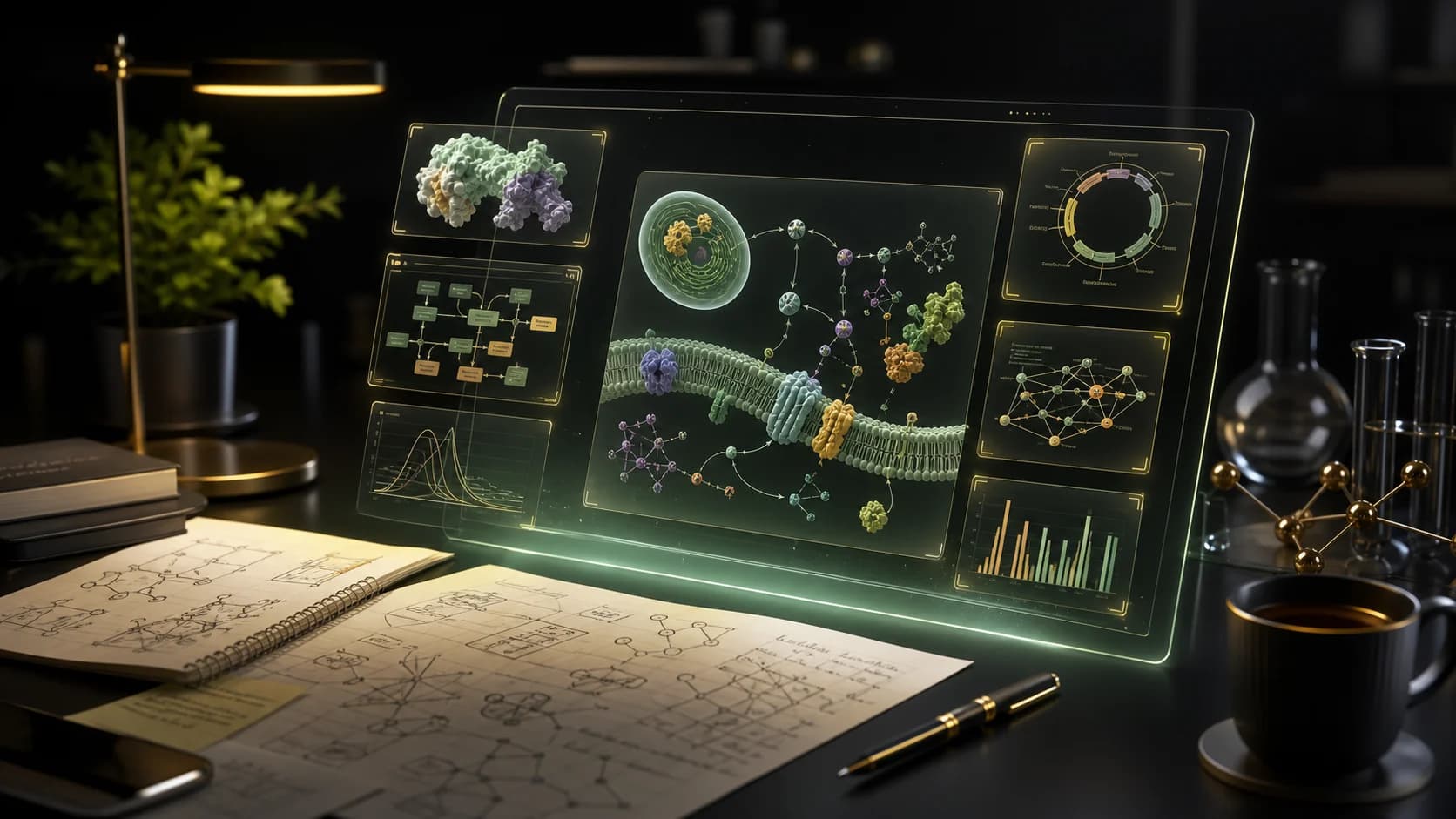
A dark research workspace showing scientific illustration panels, AI-assisted drafting, and poster-ready figure layouts

Quick Answer

Choose PaperBanana if you want to turn research text, paper drafts, prompts, or poster source material into scientific figure drafts with AI.

Choose Inkscape + Bioicons if you want a free, manual, open-source vector workflow.

Choose Chemix if you need chemistry lab apparatus diagrams.

Choose diagrams.net + Bioicons if you need free flowcharts, pathways, or research workflow diagrams.

Choose Mind the Graph if you want a familiar template-and-icon workflow similar to BioRender.

Choose Canva for Education if you are making classroom materials and qualify for Canva's education plan.

Choose SciDraw if you want reusable open scientific drawings for presentations and posters.

Best BioRender Alternatives at a Glance

Seven abstract scientific illustration tool categories shown as polished cards on a dark canvas

ToolBest ForFree AngleMain Tradeoff
PaperBananaAI scientific figures from research textFree entry point with paid generation workflowsBest when you want AI-first drafting, not a manual icon library
Inkscape + BioiconsEditable vector figuresOpen-source editor plus free science iconsMore manual work and a steeper learning curve
diagrams.net + BioiconsFlowcharts, pathways, research workflowsFree online diagramming plus scientific iconsLess polished for complex biological illustration
ChemixChemistry lab diagramsFree online lab diagram editorNarrow chemistry-focused scope
Canva for EducationClassroom posters and teaching visualsFree for eligible K-12 teachers, students, schools, and districtsNot a dedicated publication figure tool
Mind the GraphScientific icons, infographics, graphical abstractsFree entry point and paid plansStill template-first rather than text-first
SciDrawOpen science drawingsFree repository, generally Creative Commons licensedAsset source, not a full figure editor

1. PaperBanana: Best for AI-Generated Scientific Figure Drafts

PaperBanana is the most useful BioRender alternative when your starting point is not an icon search. It is built for researchers who already have source material: a methods paragraph, abstract, model description, manuscript draft, poster outline, or rough figure idea.

Instead of manually assembling every object, you can describe the figure and generate a structured academic visual draft.

PaperBanana is a good fit when you need:

  • AI scientific illustrations for papers, slides, and grant proposals
  • Research workflow diagrams from methods text
  • Model architecture visuals for AI, engineering, or computational biology
  • Scientific poster drafts from source material
  • Editable SVG figure workflows after generation
  • A faster first draft before polishing the final figure

This matters because many scientific visuals do not fail at the decoration stage. They fail earlier, when the research story has not yet been translated into a clear visual structure.

Try PaperBanana's AI scientific illustration generator

2. Inkscape + Bioicons: Best Free Manual Workflow

If you want a free, flexible, and fully editable workflow, Inkscape plus Bioicons is one of the strongest options.

Inkscape is a free and open-source vector graphics editor. Bioicons provides scientific icons in SVG format under permissive licenses such as CC0, CC BY, and MIT, depending on the asset. Together, they create a practical open workflow for scientific figures.

This setup is especially good for:

  • Editable SVG figures
  • Custom graphical abstracts
  • Lab presentations
  • Teaching slides
  • Figures that need precise manual control

The tradeoff is time. You need to know how to arrange objects, manage layers, adjust paths, and export cleanly. For researchers who enjoy control, that is a strength. For researchers who need a draft quickly, it can become the bottleneck.

3. diagrams.net + Bioicons: Best for Free Research Workflows and Pathways

diagrams.net, also known as draw.io, is a free diagramming tool for flowcharts, process diagrams, and structured visual systems. When paired with Bioicons, it becomes useful for scientific workflows and pathway-style diagrams.

Use this combination for:

  • Experimental pipelines
  • Research protocols
  • Decision trees
  • System diagrams
  • Biology or ML workflow figures
  • Lab onboarding diagrams

It is less suited to polished, complex biomedical illustration. But for structured diagrams, it is fast, free, and practical.

4. Chemix: Best for Chemistry Lab Diagrams

Chemix is a focused tool for drawing chemistry lab diagrams and school experiment apparatus. It is simple, browser-based, and much faster than trying to build lab glassware from generic shapes.

Use Chemix if you need:

  • Chemistry apparatus diagrams
  • School experiment visuals
  • Lab report illustrations
  • Teaching materials for practical experiments

Chemix is not a full BioRender replacement. It wins because it solves one specific job well.

5. Canva for Education: Best for Classroom Science Materials

Canva is not a scientific illustration platform, but Canva for Education can be useful for teachers creating visual classroom materials. Canva says its education plan is free for eligible K-12 teachers, students, schools, and districts.

It works well for:

  • Classroom posters
  • Worksheets
  • Lesson visuals
  • Student presentation templates
  • General science infographics

It is not the best choice for technical publication figures, editable vector workflows, or specialized biomedical pathways. But for education, it can be enough.

6. Mind the Graph: Best for a BioRender-Like Template Workflow

Mind the Graph is one of the closest BioRender alternatives for researchers who still want a library-based scientific design workflow. It focuses on scientific illustrations, graphical abstracts, posters, and infographics.

Choose Mind the Graph if you want:

  • Scientific icon categories
  • Graphical abstract templates
  • Poster and infographic layouts
  • A familiar drag-and-drop workflow

It is a strong option if you like BioRender's general approach but want to compare another scientific illustration library. It is less compelling if your main pain is starting from text or generating a figure draft automatically.

7. SciDraw: Best for Reusable Open Scientific Drawings

SciDraw is a repository of scientific drawings for presentations, posters, and research communication. It is not a complete editor. It is better understood as an asset source.

Use SciDraw when you need:

  • Open scientific drawings
  • Presentation illustrations
  • Animal, setup, or science communication assets
  • Creative Commons drawings you can adapt with attribution

Always check the license on the drawing you use. Open does not mean "no rules"; it usually means you can reuse the work if you follow the stated terms.

A Better Way to Choose: Start from the Bottleneck

The best BioRender alternative is not always the prettiest interface. It is the tool that removes the real bottleneck in your figure workflow.

If the bottleneck is cost

Start with Inkscape, Bioicons, diagrams.net, Chemix, or SciDraw.

If the bottleneck is speed

Use PaperBanana to generate a first visual draft from text, then refine the result.

If the bottleneck is a missing icon

Try Bioicons, Mind the Graph, SciDraw, or a specialized icon library.

If the bottleneck is a poster deadline

Use PaperBanana for scientific poster drafting, then polish layout and labels before submission.

If the bottleneck is a classroom visual

Use Canva for Education if you qualify, or Chemix for chemistry-specific diagrams.

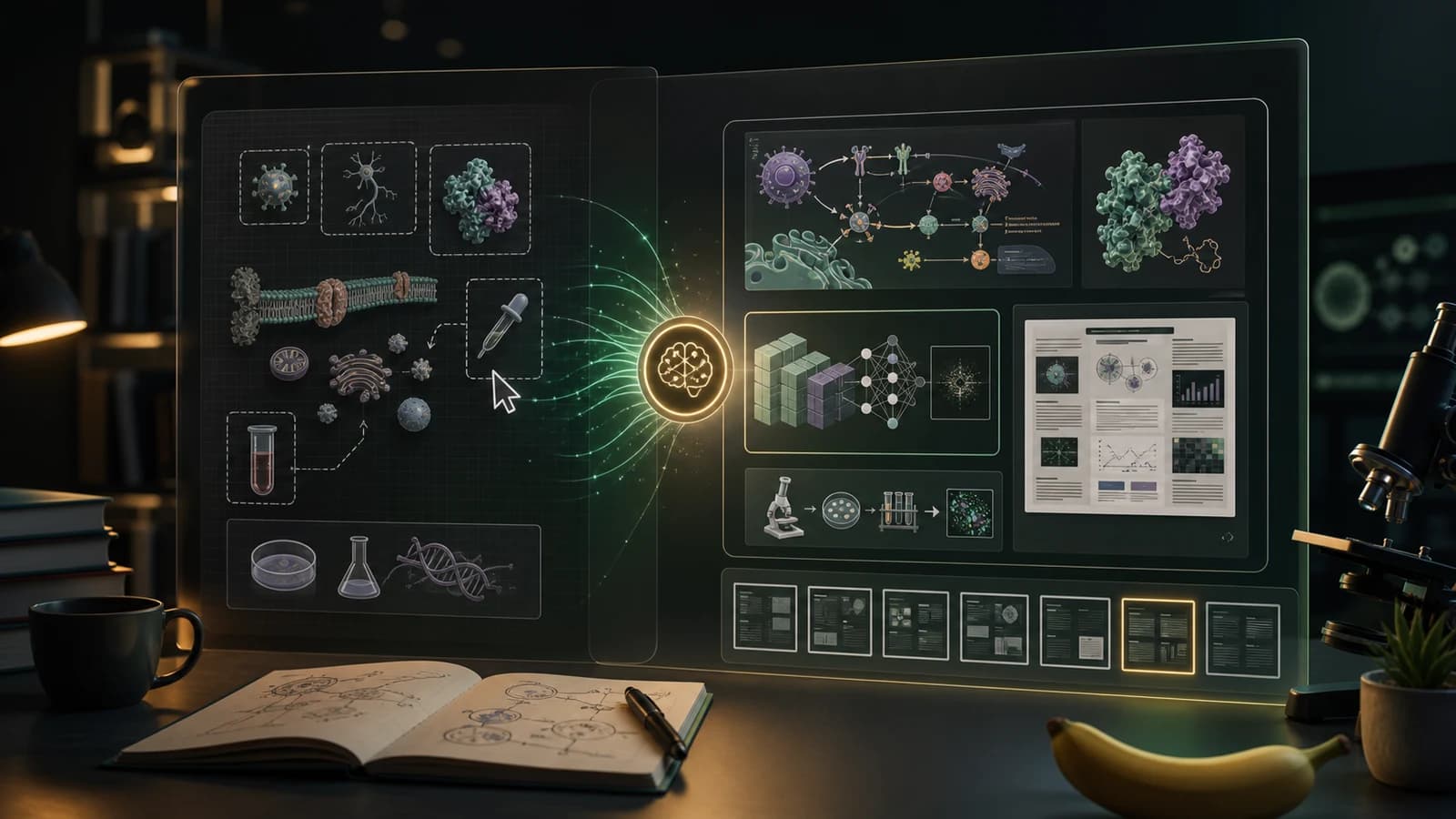
Research notes transforming into a scientific figure canvas and then into a conference poster layout

A Practical Workflow for Researchers

Here is a simple way to combine free tools with an AI-first figure workflow:

  1. Start with your research text. Use the methods section, abstract, or protocol you already have.
  2. Generate a first figure draft in PaperBanana.
  3. Check the scientific structure before polishing style.
  4. Use Bioicons, Inkscape, or diagrams.net if you need manual vector refinements.
  5. Reuse the same visual direction for the paper, slide deck, and poster.

This avoids the blank-canvas problem. You are not forced to decide the final layout before you have seen a draft.

When BioRender Is Still the Right Tool

BioRender may still be the best choice if your lab already uses it, your figures depend on a specific BioRender visual style, or your project needs a mature life science icon library with template-first editing.

That is fine. The goal is not to replace every tool with one product.

The goal is to match the tool to the work:

  • Asset-first figure creation: BioRender or Mind the Graph
  • Text-first AI drafting: PaperBanana
  • Free vector control: Inkscape + Bioicons
  • Chemistry apparatus: Chemix
  • Flowcharts and systems: diagrams.net + Bioicons
  • Teaching visuals: Canva for Education
  • Open reusable drawings: SciDraw

FAQ

What is the best free BioRender alternative?

For a free manual workflow, Inkscape plus Bioicons is one of the best choices. You get a free vector editor and a large set of scientific SVG icons. For structured diagrams, diagrams.net plus Bioicons is also strong.

What is the best BioRender alternative for AI scientific figures?

PaperBanana is a strong option if you want AI to create the first figure draft from research text, prompts, paper drafts, or poster material.

Is there a BioRender alternative for chemistry diagrams?

Yes. Chemix is a focused online editor for chemistry lab diagrams and school experiment apparatus.

Is Canva a good BioRender alternative?

Canva can work for classroom materials, posters, and general science infographics, especially through Canva for Education. It is not a dedicated scientific figure editor for publication-grade biomedical diagrams.

Can I use free scientific icons in journal figures?

Often yes, but you need to check each asset's license. Bioicons and SciDraw include open assets, but license terms can differ by item. Always confirm attribution and publication requirements before submission.

Final Takeaway

BioRender remains a strong scientific illustration platform, especially for life science teams that want polished icons and templates.

But if you are looking for BioRender alternatives, you probably have a specific reason: budget, speed, AI drafting, editable SVGs, chemistry diagrams, classroom materials, or open scientific assets.

For researchers who want to move from research text to a usable visual faster, PaperBanana is the most natural place to start.

Sources Checked