


Product
Best Free BioRender Alternatives for Scientific Illustration in 2026
Compare BioRender alternatives for scientific illustration, including AI figure generators, free vector tools, chemistry diagram makers, and open scientific icon libraries.

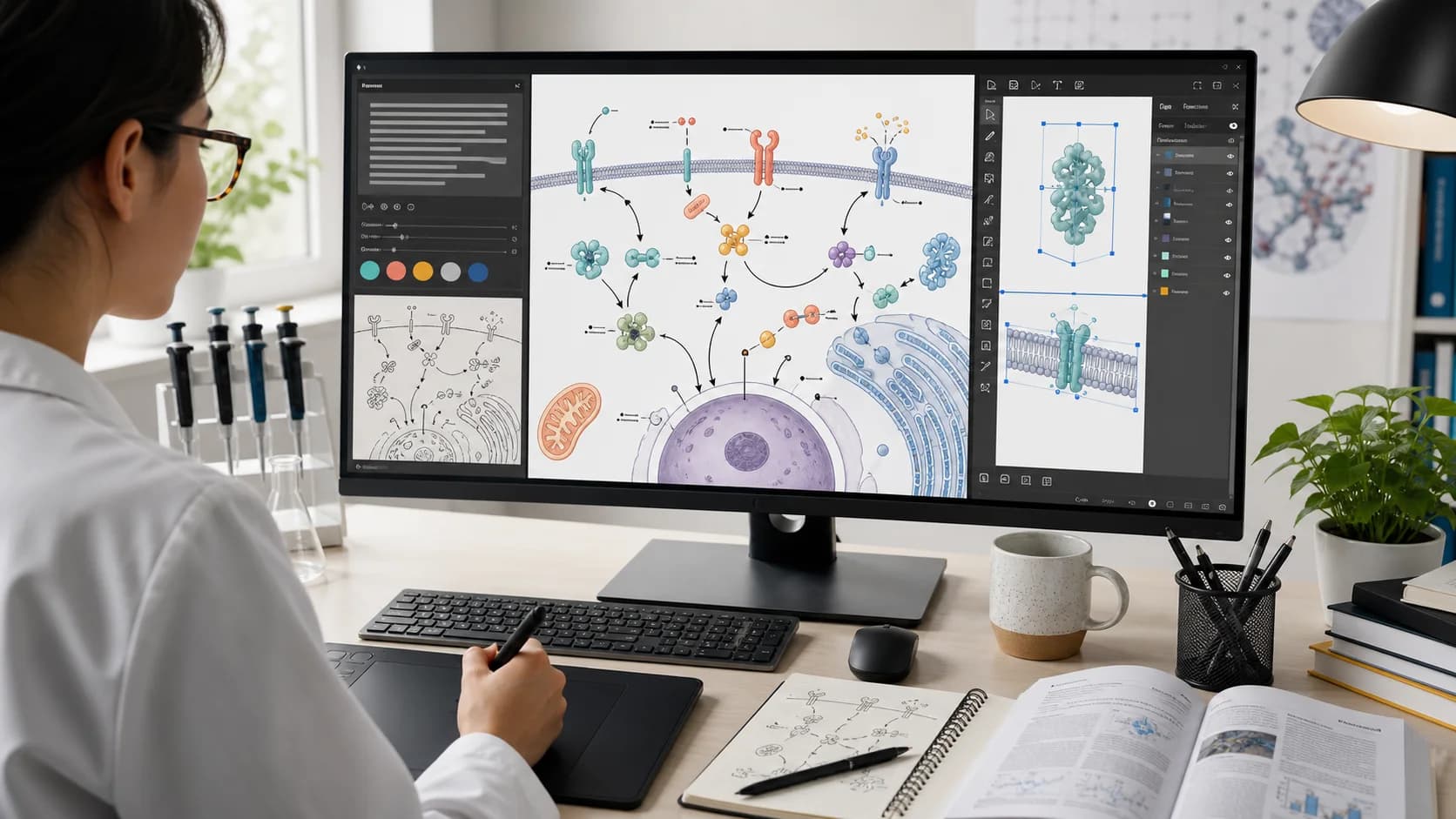
Looking for a FigureLabs alternative? Compare FigureLabs and Paper Banana for AI scientific figures, editable SVGs, posters, pricing, and research workflows.
FigureLabs is a capable AI workspace for turning prompts, sketches, and reference images into scientific illustrations. Its combination of chat-based iteration and a visual canvas makes it appealing when you want to produce a polished concept figure without starting from a blank page.
But it is not the only workflow worth considering. Researchers may want a FigureLabs alternative when they need to start from a methods section, generate editable SVG diagrams, turn a paper into a conference poster, or control the cost of repeated AI iterations.
If that sounds like your workflow, paper banana is designed to take you from research material to a usable visual draft quickly, while keeping figure editing and poster creation in the same product.
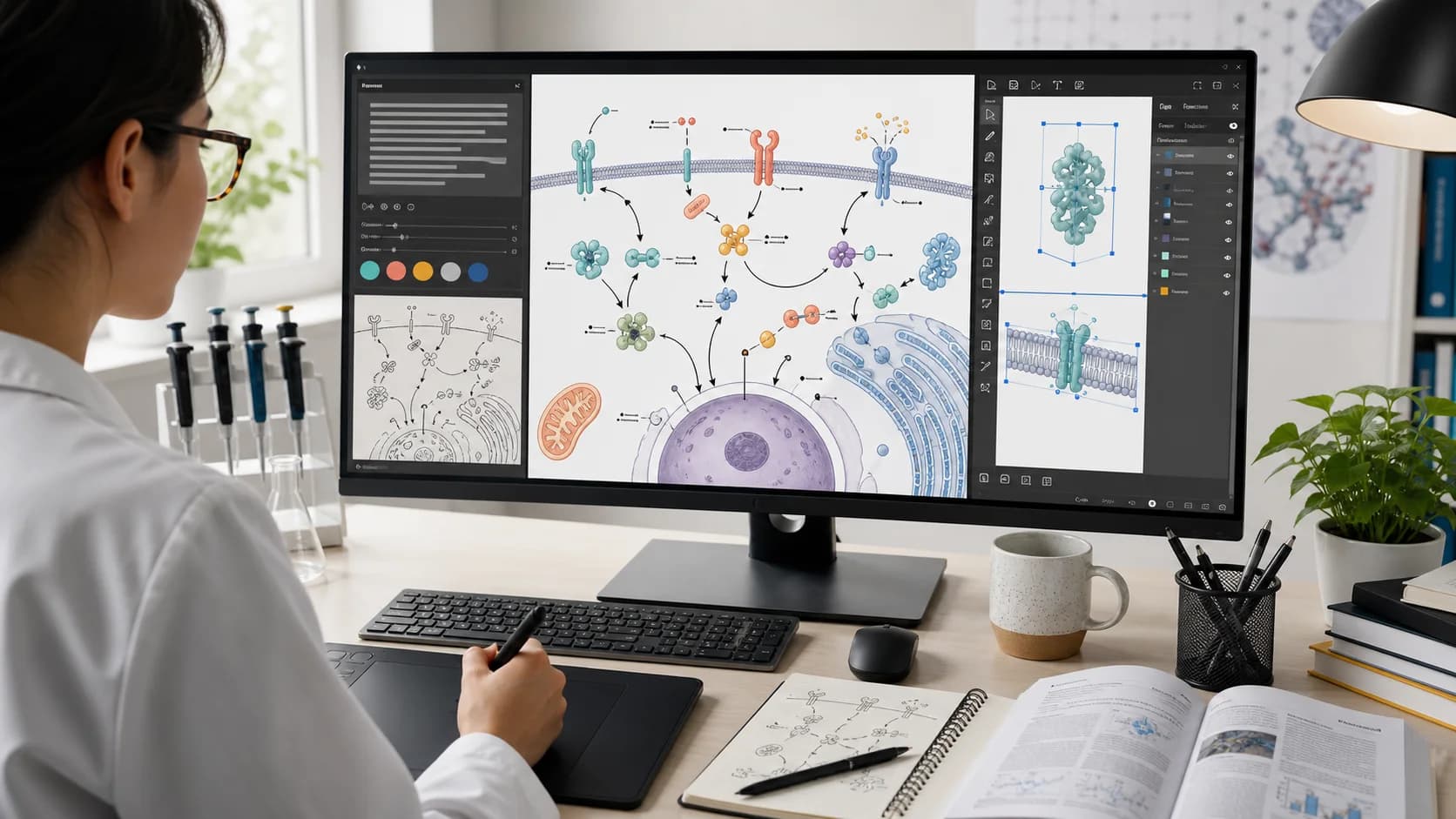
Choose FigureLabs if you want a visually integrated generation workspace where prompts, sketches, reference figures, conversational revisions, and canvas tools live together.
Choose Paper Banana if you want to:
Neither tool removes the need for scientific review. You should verify every label, arrow, molecular structure, chart, citation, and quantitative claim before publication.
FigureLabs has attracted attention by making scientific figure creation feel more approachable. Instead of asking users to assemble every element manually, it combines AI generation with reference-driven iteration and visual editing.
This makes FigureLabs appealing for researchers who want to move from a rough idea to a presentable concept figure without building the entire composition by hand.
Before choosing any AI scientific illustration tool, test it with a representative figure from your own research. Pay attention to:
The best choice depends on the complete path from source material to final submission, not only the quality of a single generated example.
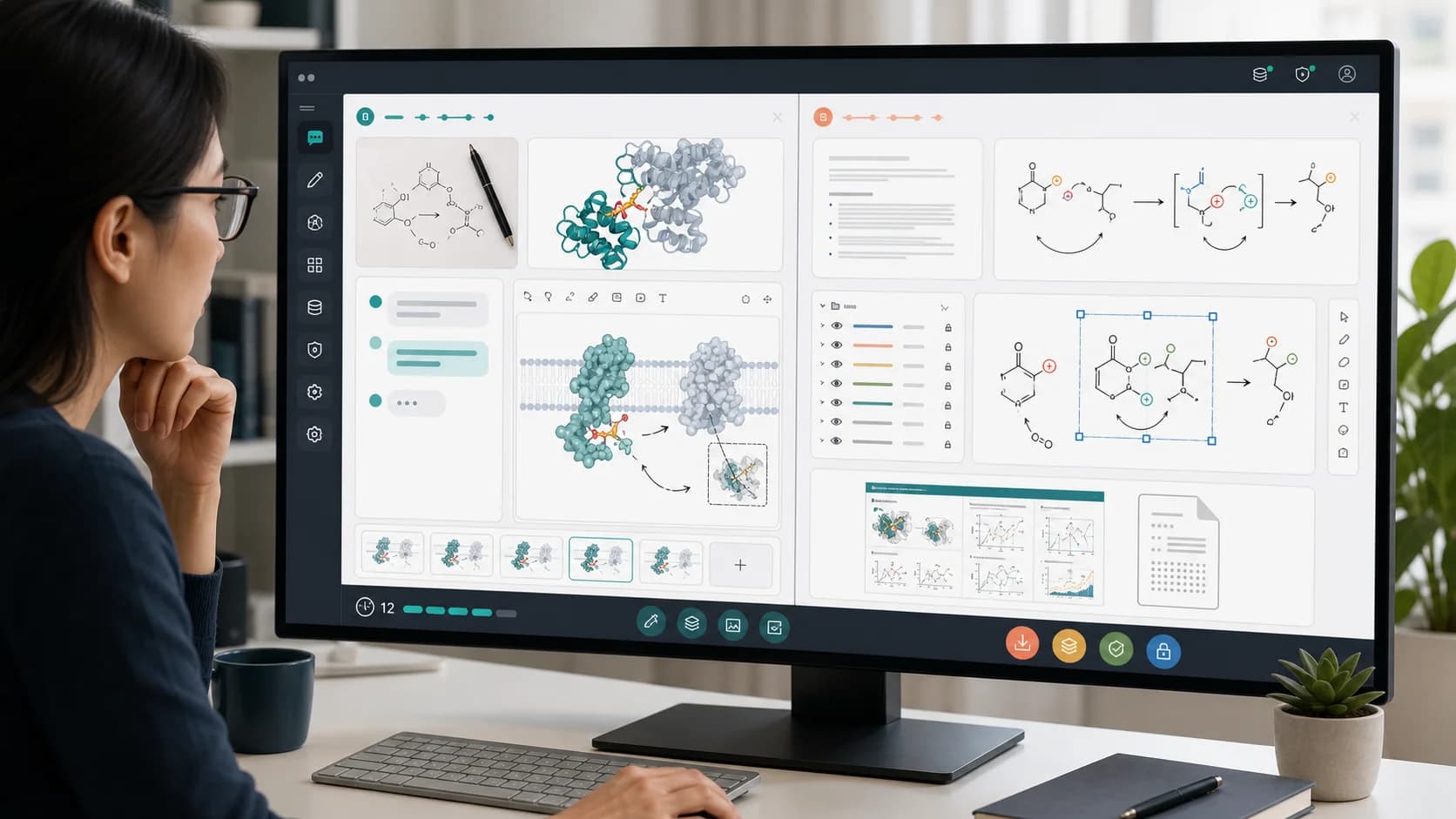
FigureLabs brings AI generation and visual editing into a single workspace. The product can be understood as a generation workbench plus conversational editor plus visual canvas.
The home screen offers Illustration, Flowchart, and Data Chart modes. It also includes options for enhancing a figure, converting a sketch, adding a reference figure, selecting colors, maintaining visual consistency, choosing a model, and selecting a style or aspect ratio.
Inside a project, the workflow combines:
This is FigureLabs' clearest advantage. The experience is cohesive when you want to converse with an image and adjust it in the same workspace.
| Decision Area | FigureLabs | Paper Banana |
|---|---|---|
| Best starting point | Prompt, sketch, reference image, or an existing figure | Methods text, manuscript content, prompt, PDF paper, source image, or editable diagram template |
| Core workflow | Generate through chat, then iterate in a visual canvas | Generate a structured research visual, then refine it in figure, diagram, paper, or poster workflows |
| Main visual modes | Illustration, flowchart, and data chart | Scientific illustration, editable SVG figure, scientific diagram, image editing, plots, and conference posters |
| Reference control | Sketch-to-figure, reference figures, and visual consistency controls | Text and image references, reusable prior creations, diagram templates, and selected-area figure editing |
| Vector workflow | Vectorization and a Vector Canvas support further editing | Dedicated editable SVG figure and diagram generation, with a scientific figure editor for labels, panels, annotations, and layers |
| Poster workflow | Primarily centered on individual figures and visual canvases | Dedicated scientific poster maker that starts from a PDF paper and supporting material |
| Iteration model | Credit-based AI generation; compare the current plan with your expected revision volume | Credit-based plans starting at $19/month, plus one-time credit packages |
| Strongest fit | Researchers who want prompt, reference, chat, and canvas iteration in one interface | Researchers who want a text-first route from paper content to figures, SVG diagrams, edits, and posters |
| Main consideration | Confirm that the editing depth, export format, and plan fit your workflow | Generated science still requires expert verification, and unusual visuals may need several prompt or editor passes |
FigureLabs keeps the generated image, prompt history, reference material, revision actions, and canvas controls close together. That makes it easy to ask for a change and immediately inspect the result.
Its sketch, reference image, palette, and visual consistency controls are useful when you already have a visual direction and want the model to stay close to it.
For a graphical abstract, biological mechanism, conceptual overview, or flowchart, FigureLabs can provide a persuasive first result with a sufficiently detailed prompt.
Paper Banana is designed for the material researchers already have: a methods paragraph, abstract, manuscript section, PDF paper, model description, experiment plan, or existing figure.
That changes the first step. Instead of translating the paper into a visual prompt yourself, you can give the product the source material and ask it to establish the hierarchy, panels, flow, and visual language.
A good-looking bitmap is not always enough. Reviewer feedback may require a label change, a new arrow, an adjusted panel, or a different annotation.
Paper Banana includes editable SVG figure and diagram workflows, plus a scientific figure editor for changing labels, layers, panels, annotations, charts, and figure assets. This is especially useful when the final deliverable needs more than a flattened image.
The same research story often needs to appear in a paper, slide deck, lab update, and conference poster. Paper Banana includes a poster workflow that can start from a PDF paper, reducing the handoff between figure generation and poster layout.
Paper Banana combines scientific illustrations, academic diagrams, editable SVGs, selected-area image editing, plots, and posters. That breadth is useful for researchers who do not want a separate tool for every stage of visual communication.
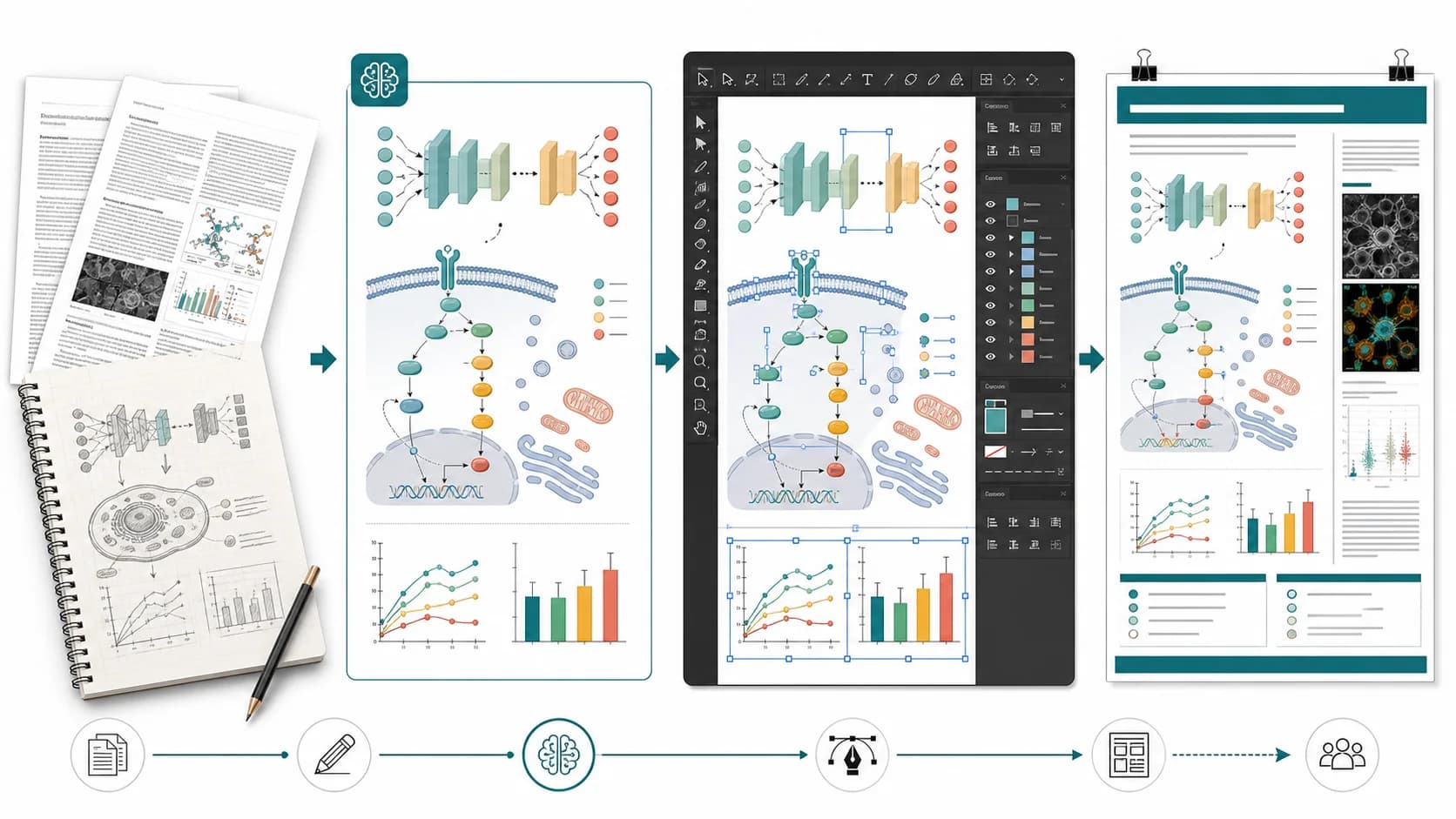
You can test this workflow directly with paper banana.
You do not need to recreate an entire figure library on day one. Test one representative project first.
Choose a figure that includes the kind of work your lab repeats: a mechanism, model architecture, experimental pipeline, graphical abstract, or multi-panel result.
Prepare the methods text, key terminology, required labels, figure caption, source images, and any style reference you are allowed to upload.
Use the manuscript or methods content to create the first composition. Judge the information hierarchy before judging small visual details.
Check directionality, labels, units, molecular structures, scale bars, legend mappings, statistical marks, and whether the figure implies any unsupported causal relationship.
Use the appropriate editor when labels or layers need manual control. Export the required format and test it in the document, slide, or poster where it will actually appear.
Record the number of generations, editing time, export cleanup, and final corrections. The best tool is the one that reduces total rework, not the one that produces the most impressive first image.
FigureLabs is likely the better fit if:
Paper Banana is likely the better fit if:
Stay with your current tool if your lab has a stable workflow, the team already shares reusable assets, and switching would add more training and review work than it removes.
You should also avoid uploading confidential, unpublished, patient-identifiable, export-controlled, or commercially sensitive material to any AI illustration service until you have reviewed the vendor's current terms, privacy policy, retention practices, and your institution's rules.
FigureLabs uses a credit-based model for AI generation. Because plan prices and allowances can change, compare the current offering with the number of revisions and exports your typical project requires.
Paper Banana's Basic plan starts at $19/month and currently includes 500 monthly credits, watermark-free downloads, priority generation, multiple image models, SVG scientific illustration, editable diagram generation, and poster creation. Higher plans add more credits and expanded editing or commercial-use options. One-time credit packages are also available.
Compare both tools using a real project. Include generation attempts, manual cleanup, SVG repair, poster work, and researcher time in the calculation.
Paper Banana is a strong FigureLabs alternative for researchers who want to start from methods text or a paper, generate editable SVG figures and diagrams, and continue into figure editing or conference poster creation. FigureLabs remains strong for conversational, reference-driven generation inside a cohesive canvas.
FigureLabs has a credit-based product experience, but current free allowances, paid prices, and export rights may change. Verify its live pricing and terms before choosing a plan.
Yes. Paper Banana includes SVG scientific illustration and diagram generation, along with a scientific figure editor for labels, panels, annotations, images, charts, and vector layers.
No. It supports research visuals for biology and medicine, but also AI model architectures, engineering systems, research methods, conceptual frameworks, plots, education research, and interdisciplinary work.
Only after reviewing the current terms, privacy policy, data retention rules, and your institution's requirements. Remove confidential or identifying information when possible, regardless of which tool you choose.
The most useful comparison is not a feature checklist. It is one difficult figure from your actual research.
Bring a methods paragraph, paper draft, source image, or rough visual idea. Generate the structure, verify the science, refine the labels, and judge how much work remains before publication.
Start that test with paper banana.
Compare BioRender alternatives for scientific illustration, including AI figure generators, free vector tools, chemistry diagram makers, and open scientific icon libraries.
Compare SciDraw and Paper Banana for scientific figures, editable SVGs, data charts, posters, pricing, and research accuracy before choosing a tool.
Looking for a BioRender alternative? Compare BioRender with PaperBanana for AI scientific illustrations, editable diagrams, conference posters, and fast research visual workflows.