


1
Describe What You Need
Paste your method text or type a short description. Tell us what the diagram should show.
Make publication-ready diagrams in minutes. No design skills needed.
Slide-ready process and evaluation flow layouts
Biology, chemistry, physics, and more. Pick a template and start creating.
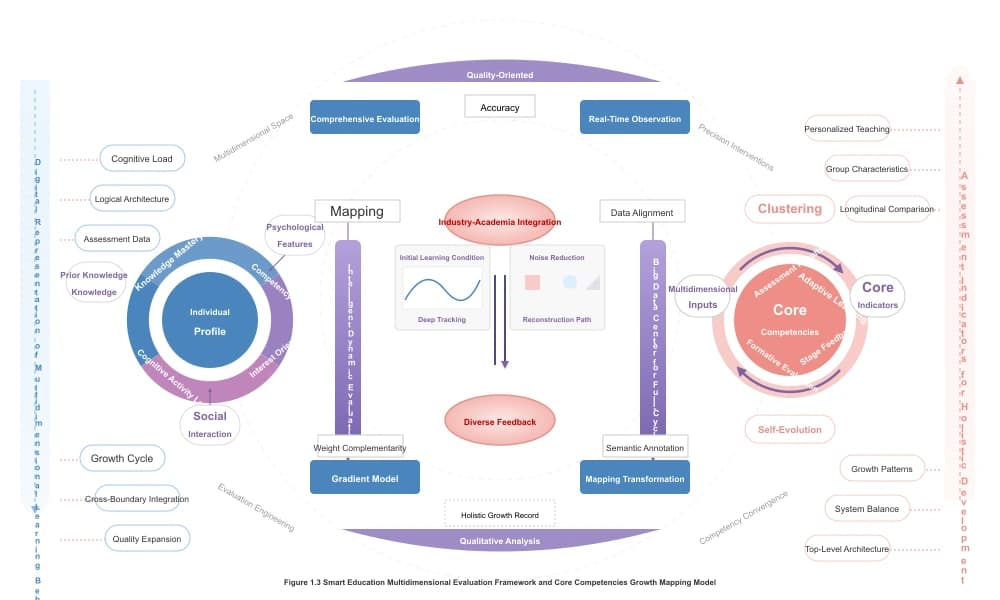
Draw cell pathways, DNA processes, and body systems. All symbols are accurate.
Make Biology Diagrams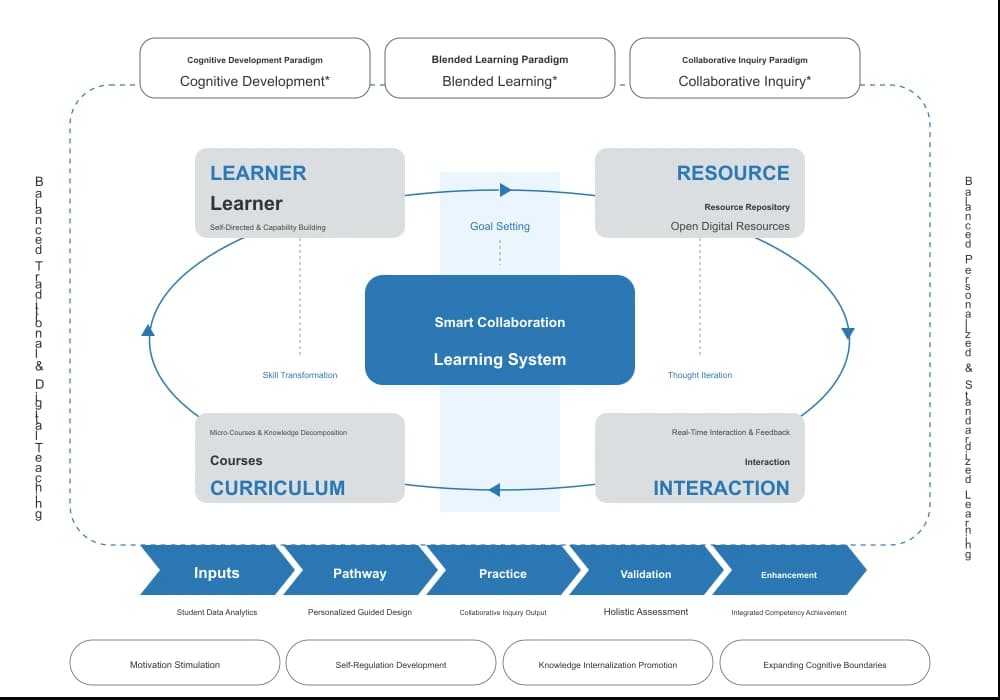
Create reaction steps, lab setups, and molecule shapes. Great for papers and reports.
Make Chemistry Diagrams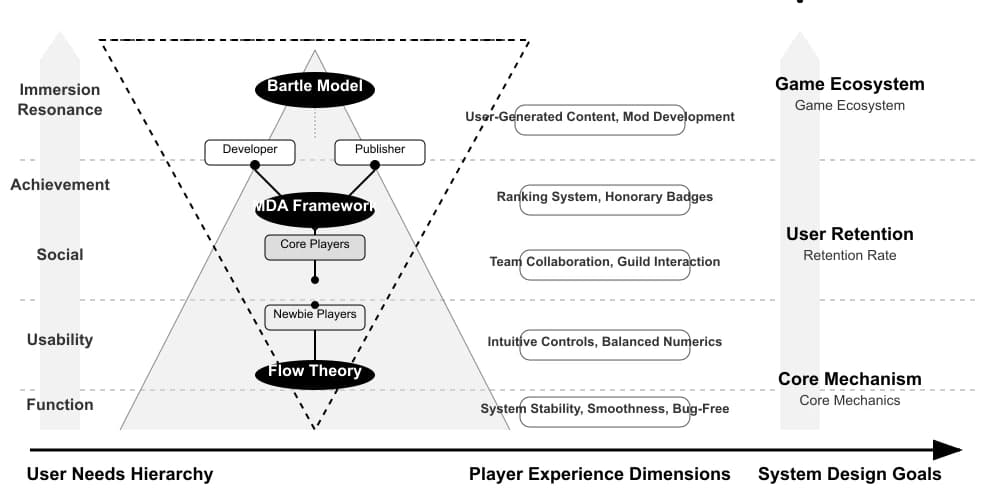
Build circuits, force arrows, and experiment setups. Clear and easy to read.
Make Physics Diagrams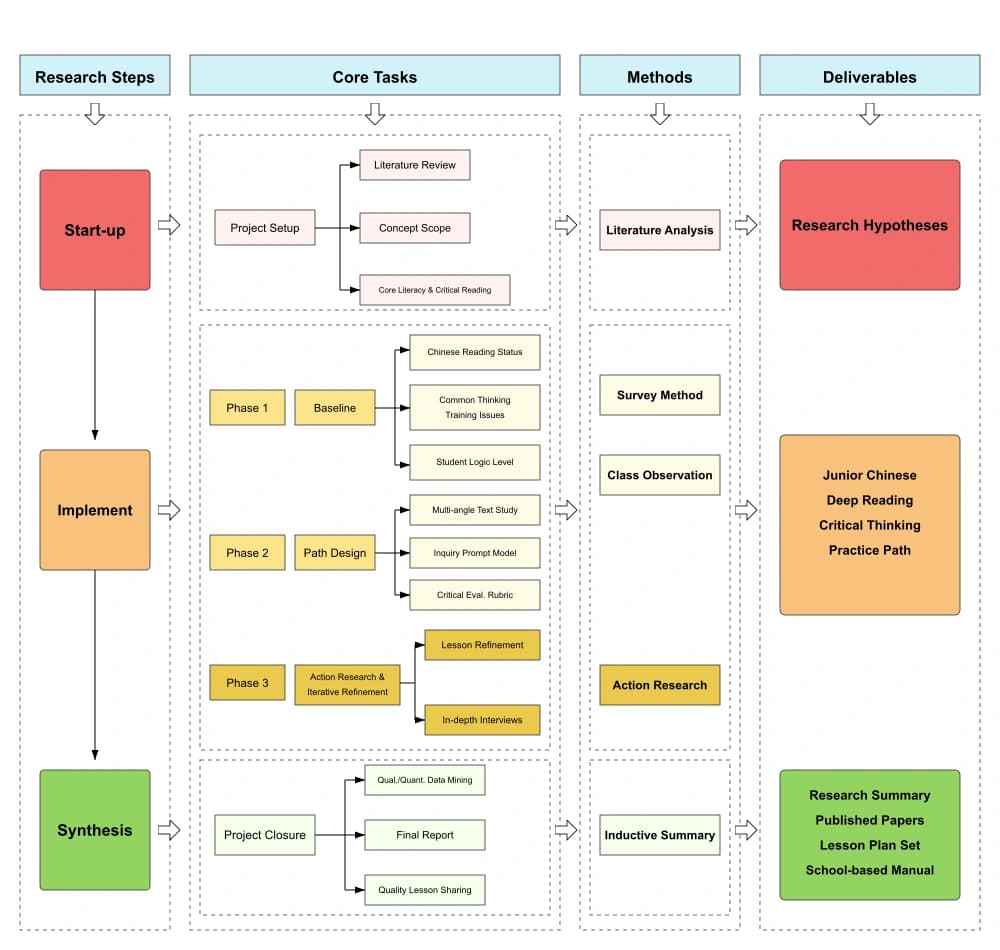
Put many images in one figure. Add plots, photos, and labels. Ready for journals.
Build Figure PanelsMost tools only generate. We let you edit every label, color, and shape after.
Paste your method section or describe what you need. AI makes a draft in seconds.
Click any label to change it. Drag shapes to move them. Change colors with one click.
Create figures with panels A, B, C. Spacing stays even. Labels line up. Journals love it.
Save as SVG, PPTX, PDF, or PNG. One click. No extra tools needed.
No $35/month fees. No complex tools. Just make your diagram and export it.
Just type what you need. AI does the drawing. You make small edits. That's it.
Export clean figures. No logos or marks. Your work looks professional.
SVG, PDF, PPTX, PNG. All formats journals accept. No extra conversion.
Bio, chem, physics, medicine, and more. We have templates for your field.
No download. No install. Open the site, make your diagram, export. Done.
Reviewer wants changes? Edit the text, move the shapes. No need to start over.
PhD students, postdocs, and professors use Paper Banana every day.
“Made my pathway figure in 5 minutes. Used to take 2 hours in Illustrator.”
“I paste my method text, get a draft, fix the labels. So much faster than PowerPoint.”
“My whole lab uses the templates now. All our papers have the same clean style.”
“No watermarks on exports. That alone made me switch from BioRender free.”
“Best free diagram tool I found. Labels stay editable. Export just works.”
“I used to hate making figures. Now I finish them in minutes.”
Three steps to a finished diagram.
Paste your method text or type a short description. Tell us what the diagram should show.
AI makes a first version. You fix the labels, move things around, and pick colors.
Download as SVG, PPTX, PDF, or PNG. No watermarks. Ready for your paper.
Compare PaperBanana plans for AI scientific illustrations, image editing, SVG figure workspaces, poster maker, watermark-free exports, and advanced models.
Cancel anytime · Subscription credits are valid for 30 days


Quick answers about making science diagrams.
Move from AI figure generation to editable diagrams and conference posters with crawlable links between every core PaperBanana tool.
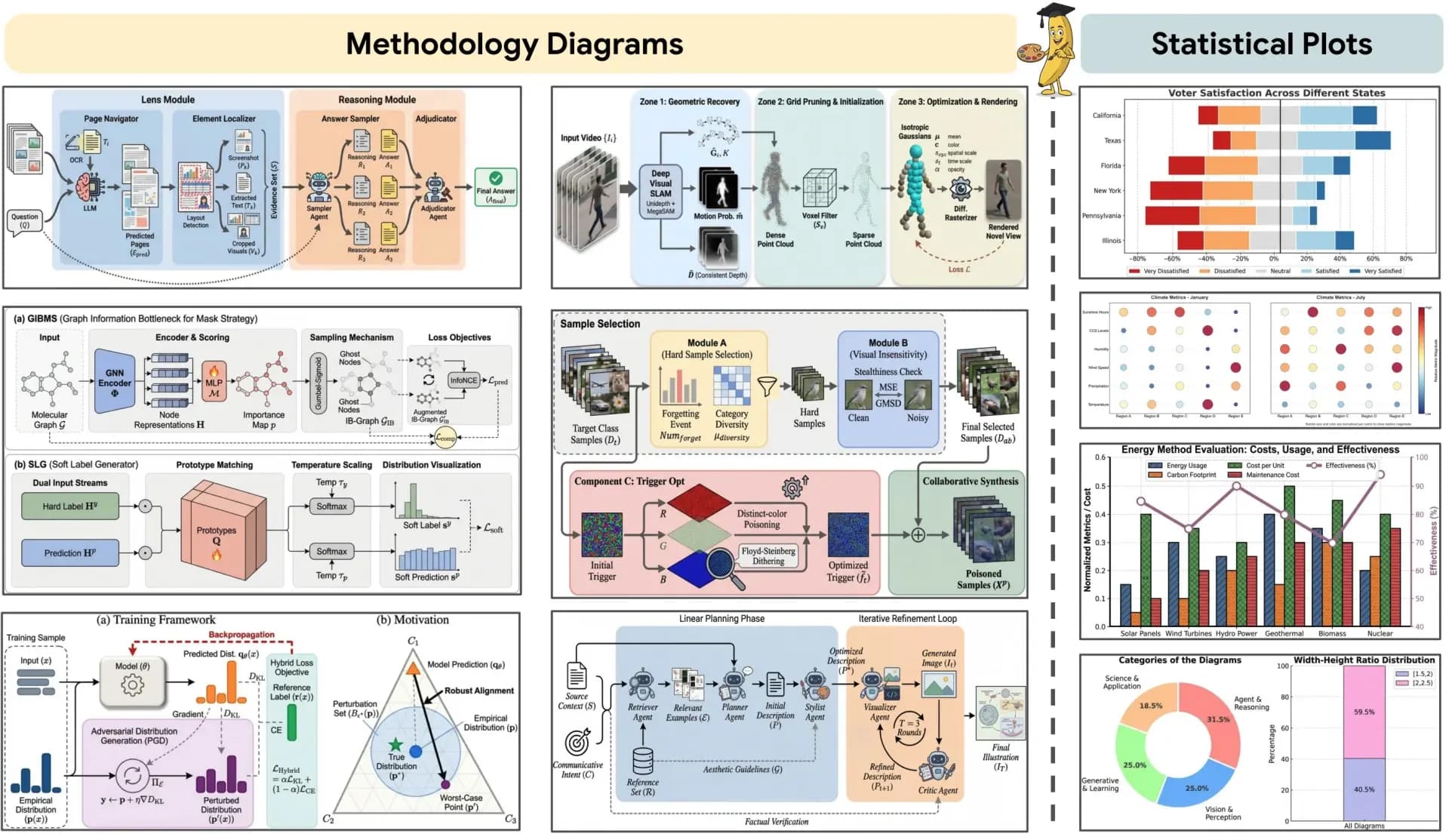
Start from the main AI figure workspace for prompts, image edits, and research visual generation.
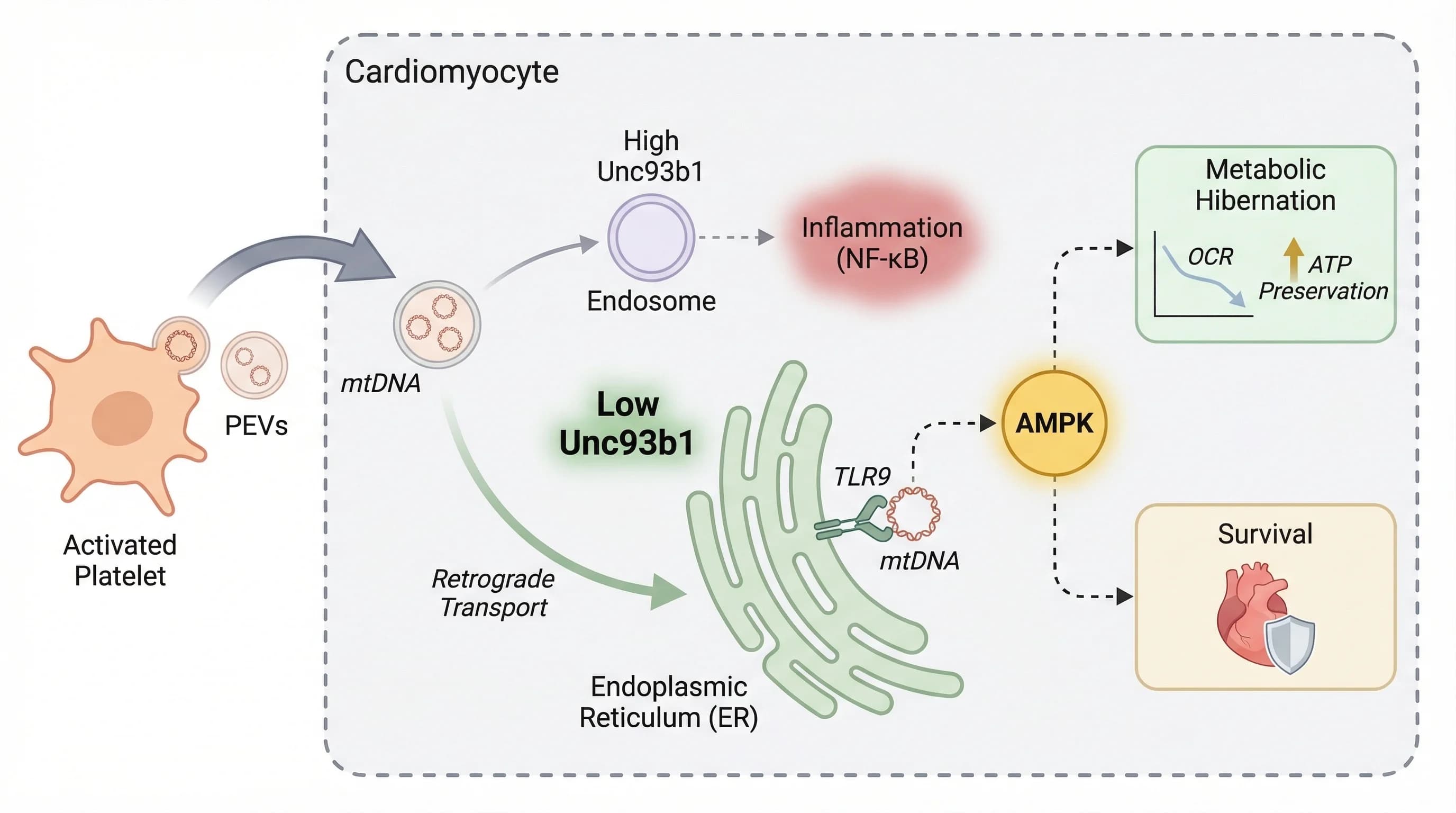
Generate publication-ready research figures from prompts, methods, and reference images.
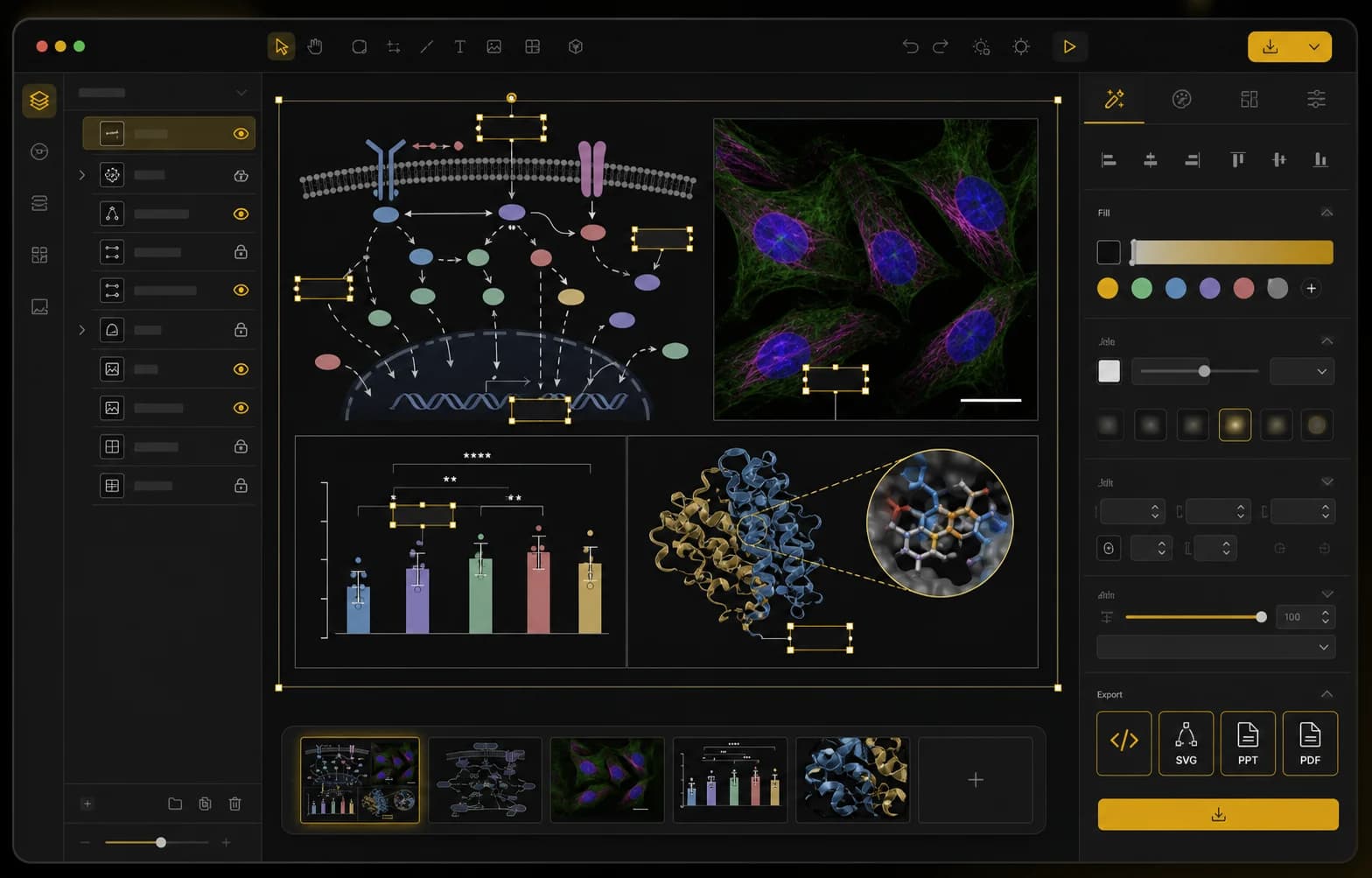
Edit labels, layers, panels, microscopy annotations, and export-ready research figure layouts.
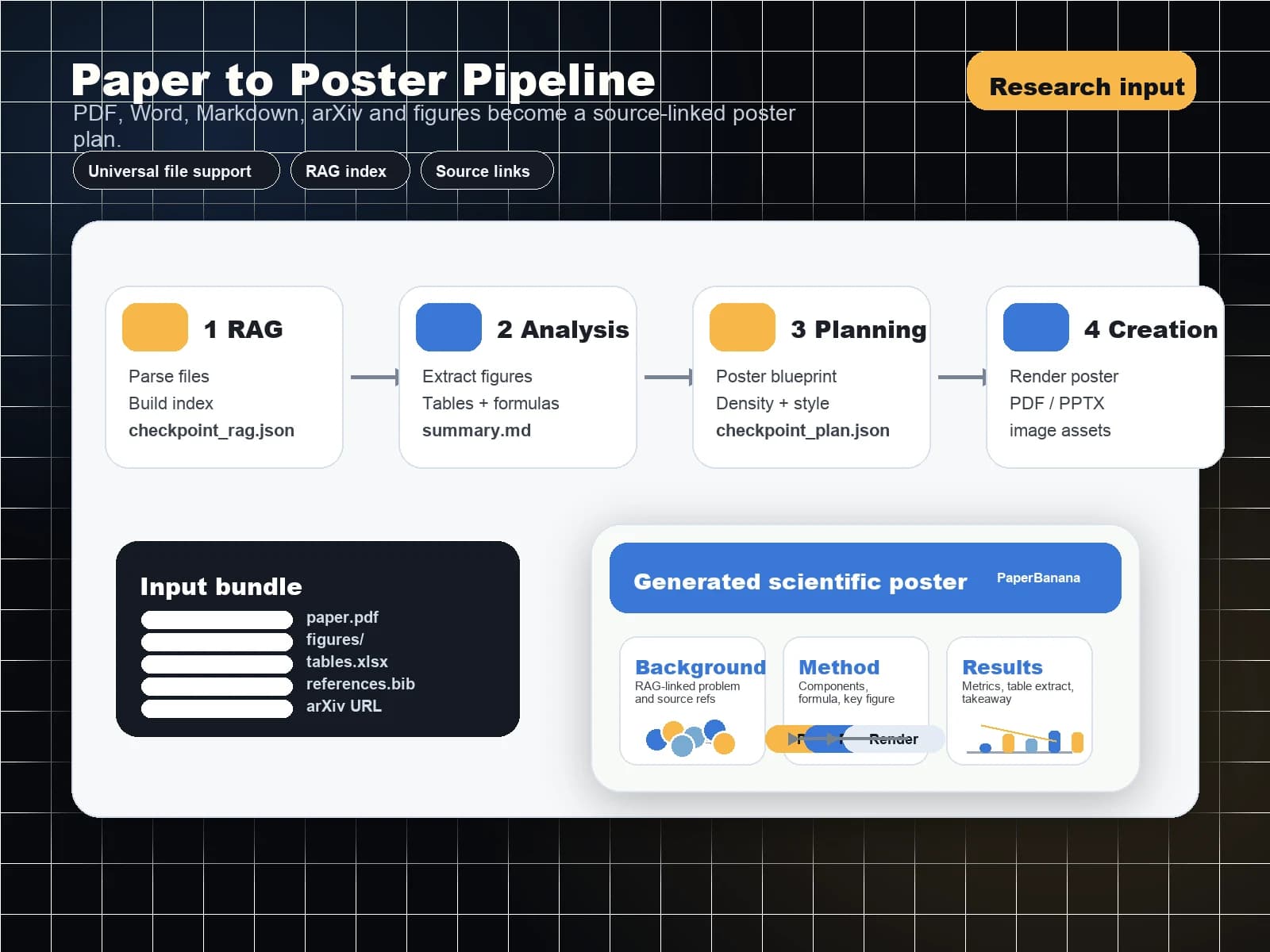
Turn PDF papers into conference-ready poster layouts.