


Product
Best Free BioRender Alternatives for Scientific Illustration in 2026
Compare BioRender alternatives for scientific illustration, including AI figure generators, free vector tools, chemistry diagram makers, and open scientific icon libraries.

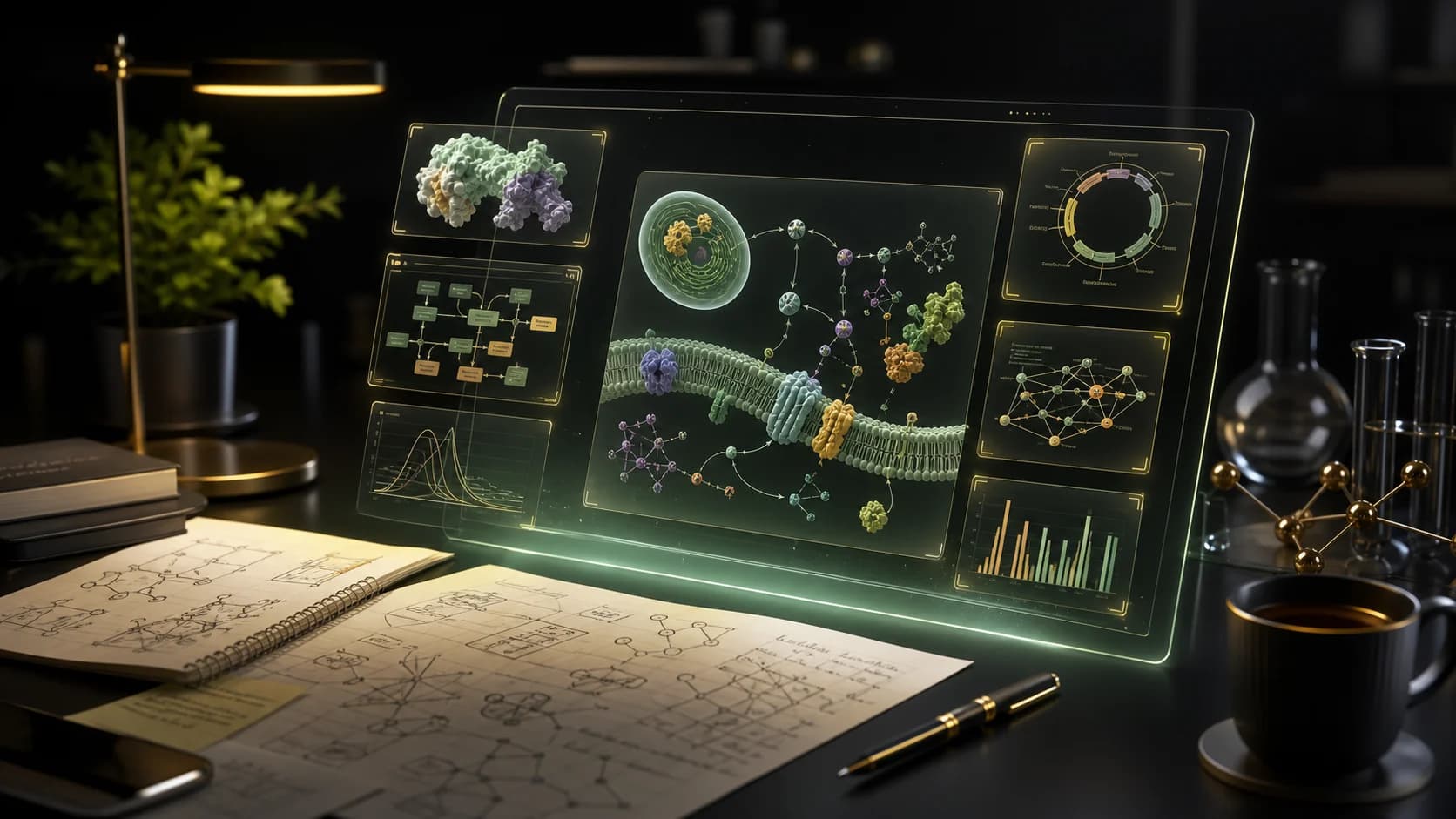
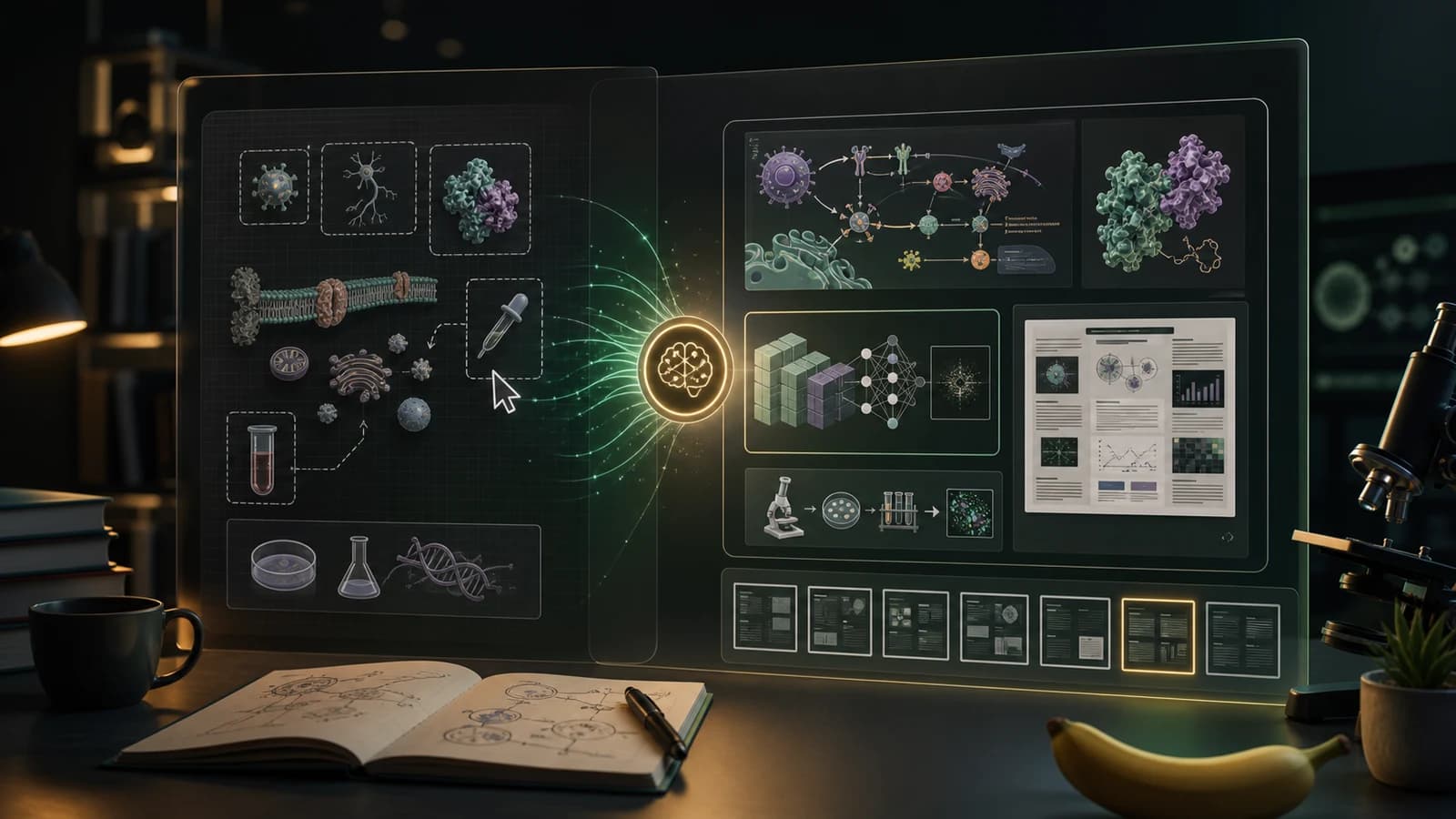
Looking for a BioRender alternative? Compare BioRender with PaperBanana for AI scientific illustrations, editable diagrams, conference posters, and fast research visual workflows.
BioRender is a strong choice when you want a polished life science figure built from an icon and template library. It is widely known for scientific icons, templates, slide decks, graphing, and publication-ready exports.
But not every research visual starts with the question: "Which icon should I drag onto the canvas?"
Sometimes the real starting point is a methods paragraph, a rough paper draft, a model architecture, a poster abstract, or a screenshot of a figure that needs to become cleaner. If that is your workflow, a BioRender alternative should do more than provide assets. It should help you move from research text to a usable visual draft faster.
With paper banana, you can turn research methods, mechanism descriptions, or manuscript drafts into a first scientific figure draft.
Choose PaperBanana if you want to:
Choose BioRender if you already know exactly which life science icons you need and prefer a template-first drag-and-drop workflow.
Most people do not search for "BioRender alternative" because BioRender is bad. They search because their workflow has changed.
They may need faster first drafts, more AI-assisted generation, lower-friction poster creation, or a tool that starts from a written research idea instead of a blank canvas. A good alternative page should answer the real decision question:
Which tool helps me create the scientific visual I need with the least rework?
For many researchers, the bottleneck is no longer just design polish. It is translating dense research material into a clear figure structure.

| Decision Area | BioRender | PaperBanana |
|---|---|---|
| Best starting point | Icon library, templates, graphing, slide decks | Methods text, paper drafts, prompts, source images, editable figure workflows |
| Main workflow | Build or customize a figure from existing visual assets | Generate a structured academic visual, then refine or export |
| Strongest fit | Life science figures where a template or icon set already matches the idea | Research teams that need diagrams, posters, and illustrations from written source material |
| Output needs | Publication figures, graphs, slides, template-based visuals | AI scientific illustrations, SVG figure generation, poster drafts, plot images, editable workspaces |
| Learning curve | Familiar if you like visual canvas editing | Faster if you prefer describing what you need first |
| Pricing angle | BioRender lists free and individual plans publicly; industry/team plans vary by use case | PaperBanana starts at $19/month for solo researchers, with watermark-free exports on paid plans |
The practical difference is simple: BioRender is strongest when you want to assemble a scientific figure from a mature visual library. PaperBanana is strongest when you want AI to create the first figure draft from your research content.
PaperBanana is built for researchers who already have the science written down but do not yet have a figure. Paste a method description, choose a visual direction, and generate a clean academic diagram that can become the first draft for a paper, thesis, slide, or poster.
That matters when the source material is dense:
Instead of hunting for the closest template, you can describe the structure and let the system draft the visual hierarchy.
PaperBanana is not only a single figure generator. It includes workflows for AI scientific illustration, scientific diagram creation, SVG figure editing, and scientific poster drafting.

This makes it useful when a project moves through multiple formats:
The goal is to reduce handoff friction between "draft the idea" and "prepare the final visual."
Template tools are excellent when the template fits. They are slower when the research story is unusual.
PaperBanana is designed for the messy middle: you know the research, but you do not know the final figure layout yet. A prompt-first workflow gives you a concrete draft to react to, which is often faster than staring at an empty canvas.
BioRender is especially strong in life sciences. PaperBanana is broader by design. It can support academic visual styles for AI, computer science, education research, engineering, biology, chemistry, medicine, and interdisciplinary work.
If your figures include model blocks, system diagrams, statistical plots, workflows, architecture maps, or conceptual frameworks, PaperBanana is often the more natural fit.
BioRender may still be the better option if:
This is not a one-tool-fits-everyone decision. If your visual process is asset-first, BioRender is a serious option. If your process is text-first, AI-first, or poster-first, PaperBanana is worth trying.
Paste the paragraph you already have: methods, abstract, system description, experiment design, or model architecture.
Use PaperBanana to create an academic figure draft. The goal is not perfection on the first try. The goal is to get a structured visual you can evaluate.
If the figure needs label edits, panel changes, or export adjustments, continue in the editable figure workflow.
A good research visual should not live in only one format. Use the same visual direction for manuscript figures, talk slides, lab updates, and poster layouts.
| Use Case | Best Choice |
|---|---|
| "I need a life science icon library" | BioRender |
| "I have a methods paragraph and need a figure draft" | PaperBanana |
| "I need a conference poster from paper source material" | PaperBanana |
| "I need a polished biology template fast" | BioRender |
| "I need model architecture or workflow diagrams" | PaperBanana |
| "I want to edit an SVG research figure after generation" | PaperBanana |
| "My team already maintains a BioRender library" | BioRender |
BioRender's public pricing and help pages list a free plan, Academic Individual pricing, and separate Industry Individual/Team options. Because plan details and licensing can change, always verify the current BioRender plan before making a purchase decision.
PaperBanana's paid plans start at $19/month for solo researchers and include credits for AI visual generation, with paid features such as watermark-free downloads, priority queue, advanced models, SVG Figure vector generation, and scientific poster generation.
The pricing decision should come down to workflow. If you mostly need a manual illustration library, compare BioRender's plan. If you need repeated AI-generated research visuals, compare how many drafts, posters, and figure edits you can create in PaperBanana.
PaperBanana is a strong BioRender alternative if you want to generate scientific illustrations from prompts, methodology text, or paper drafts instead of manually assembling every visual from icons.
No. PaperBanana supports broader academic visuals, including model architecture diagrams, research pipelines, conceptual frameworks, plots, posters, and editable SVG figures.
It depends on your workflow. If your team depends on BioRender's icon library and template style, you may keep BioRender for those assets. If you mainly need fast first drafts, AI diagrams, posters, and editable research visuals, PaperBanana can become your primary workflow.
Yes. PaperBanana includes a scientific poster workflow designed to turn papers and source material into structured poster drafts.
Yes. PaperBanana supports SVG Figure vector generation and a scientific figure editor workflow for revising labels, panels, annotations, and export-ready layouts.
If you are searching for BioRender alternatives, you are probably not just comparing feature lists. You are trying to get from research idea to clear visual faster.
PaperBanana helps you start with the material you already have: a method paragraph, a paper draft, a poster abstract, a source image, or a rough figure idea.
Generate a scientific illustration
Explore AI scientific illustration
Compare BioRender alternatives for scientific illustration, including AI figure generators, free vector tools, chemistry diagram makers, and open scientific icon libraries.
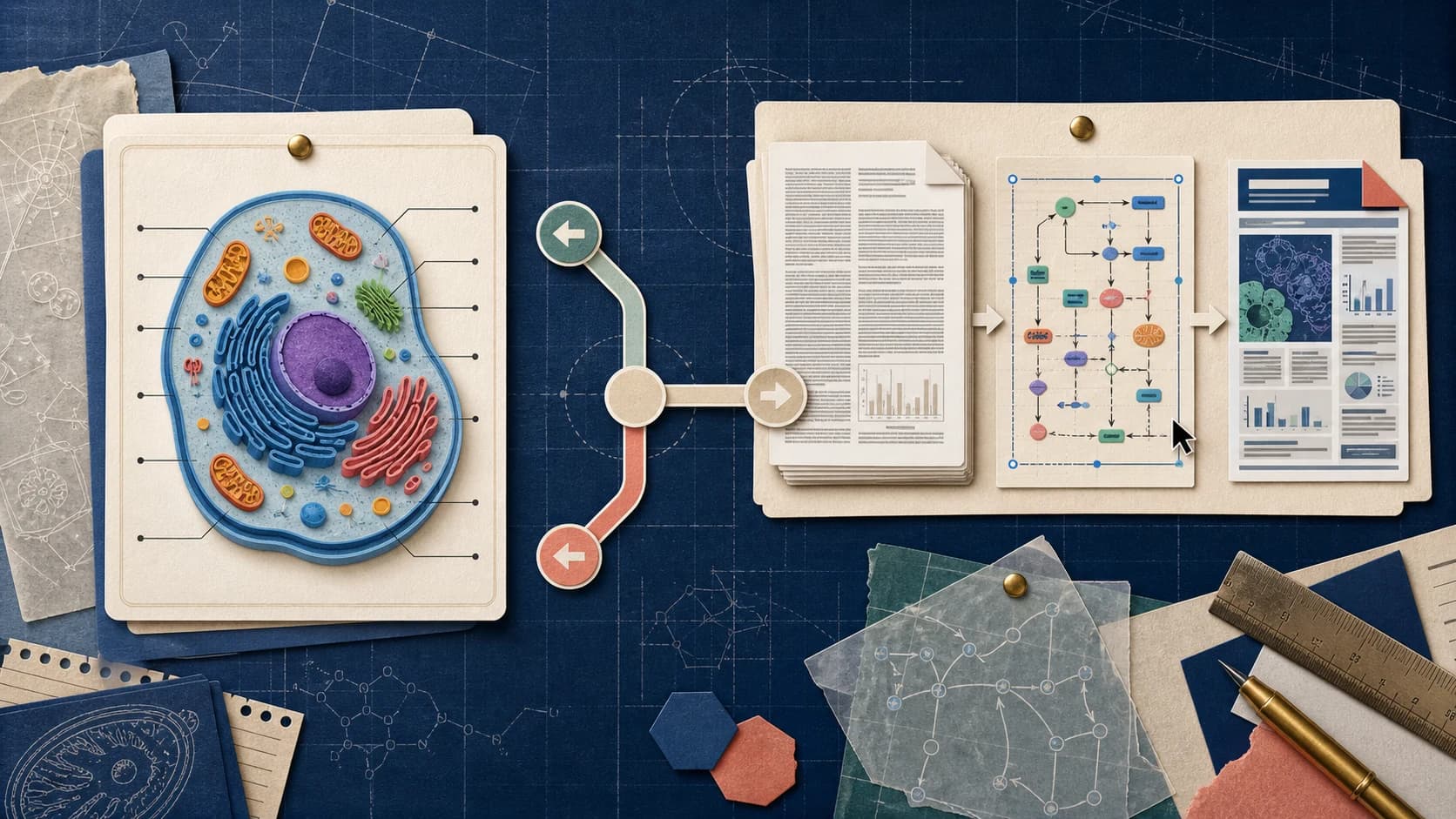
Looking for a ConceptViz alternative? Compare ConceptViz and Paper Banana for scientific diagrams, editable SVGs, research figures, and academic workflows.
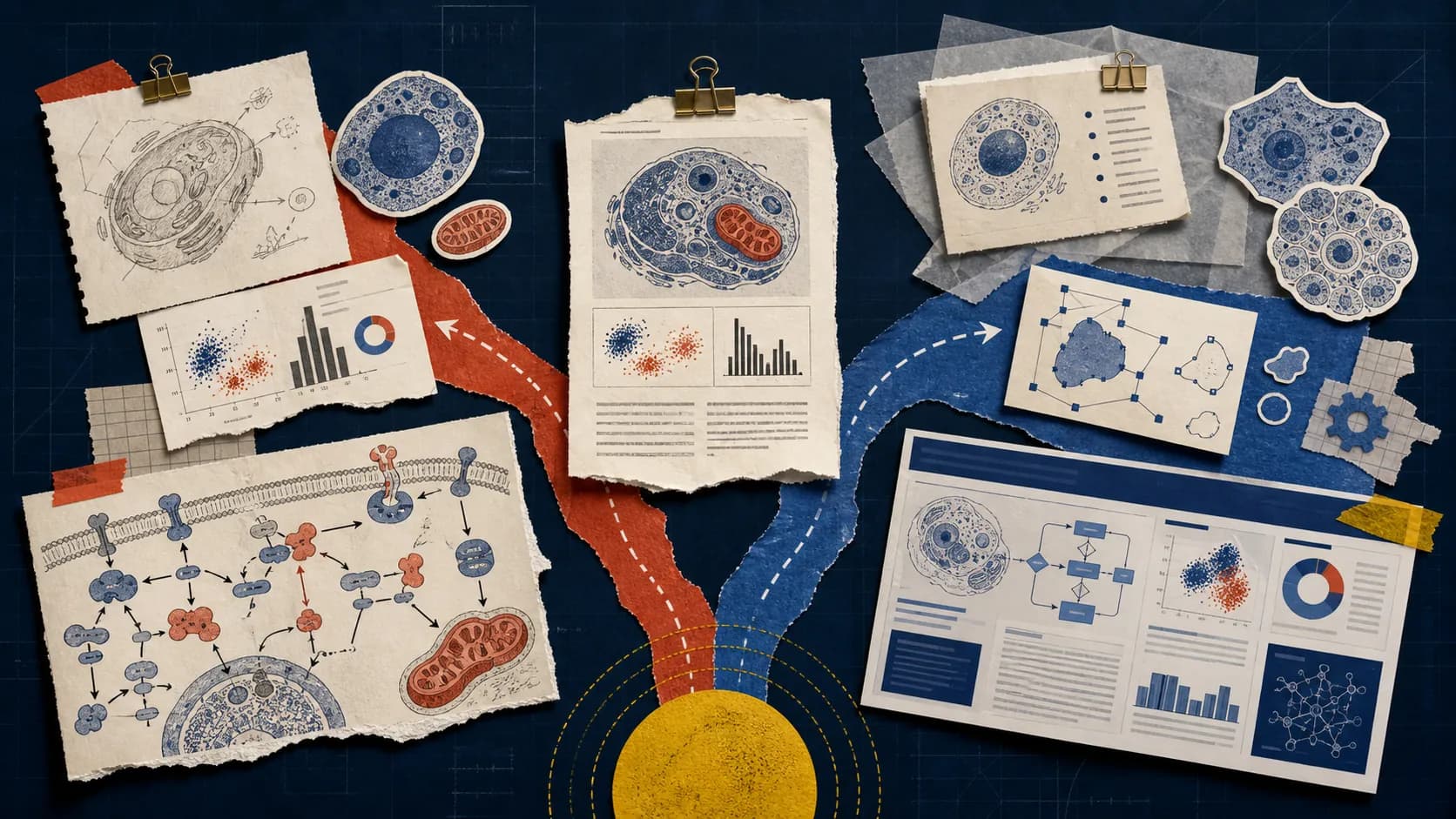
Compare SciDraw and Paper Banana for scientific figures, editable SVGs, data charts, posters, pricing, and research accuracy before choosing a tool.