Students: check chemistry homework
Compare your hand-drawn Lewis structure with the electron ledger and VSEPR shape before you hand it in.
Enter a supported formula or ion to draw its electron dot diagram. Check each atom's electron count and formal charge, compare resonance forms and VSEPR shapes, then export SVG, PNG or a PDF practice set with answers. The free Lewis Dot Structure Generator needs no account or watermark.
From formula to electron dot diagram
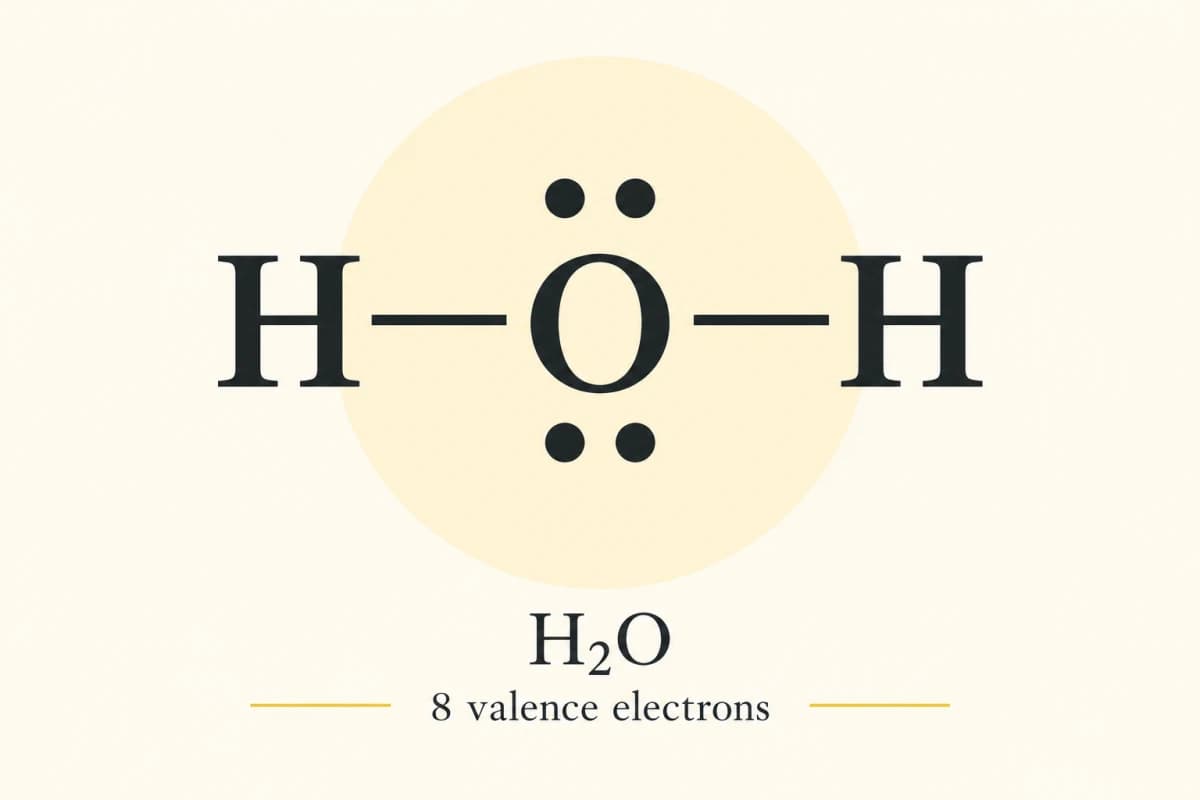
H₂O

Electron check: Bonding + nonbonding = total valence electrons: 4 + 4 = 8. Check the per-atom formal charges against the net charge.
| Atom | Valence e− | Nonbonding electrons | Bond-order sum | Formal charge | Shell e− |
|---|---|---|---|---|---|
| O1 | 6 | 4 | 2 | 0 | 8 |
| H2 | 1 | 0 | 1 | 0 | 2 |
| H3 | 1 | 0 | 1 | 0 | 2 |
BentAX2E2
Count each bonded atom once: a double or triple bond is one domain. AXnEm counts bonded atoms (X) and central lone pairs (E).
These are ideal electron-domain angles, not measured molecular bond angles. Lone pairs and multiple bonds can distort them. The Lewis drawing remains 2D.
VSEPR reference: OpenStax Chemistry 2e, §7.62D Lewis notation, not a 3D model or measured bond angles. O2 uses the simple double-bond model, which does not explain paramagnetism. Review the supported representation against your textbook.
Turn your research methods, mechanisms, and workflows into clear figures with paper banana.
Lewis Dot Structure Generator is a free online chemistry tool that turns supported formulas and ions into Lewis electron dot diagrams. It shows bonds, lone pairs and formal charges so you can check how valence electrons are distributed. Choose from 41 molecular and ionic structures or 42 main-group atomic symbols.
Compare resonance contributors, review VSEPR geometry for supported closed-shell, single-center structures, and export SVG or PNG diagrams. For classroom practice, create a one-to-eight-question A4 PDF with optional separate answers. Calculations run in your browser without signup or watermarks. Lewis diagrams are 2D; displayed VSEPR angles are ideal electron-domain angles.
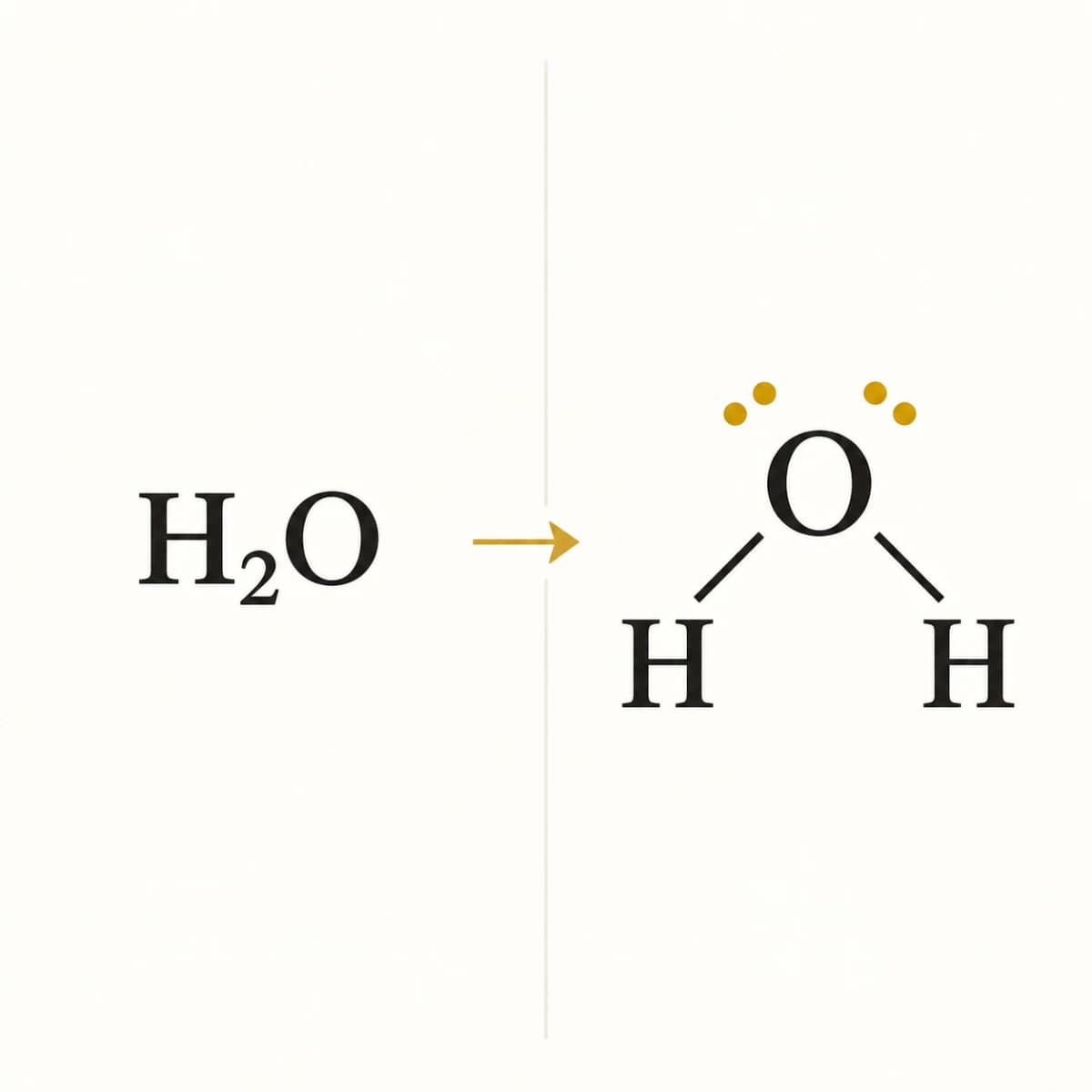
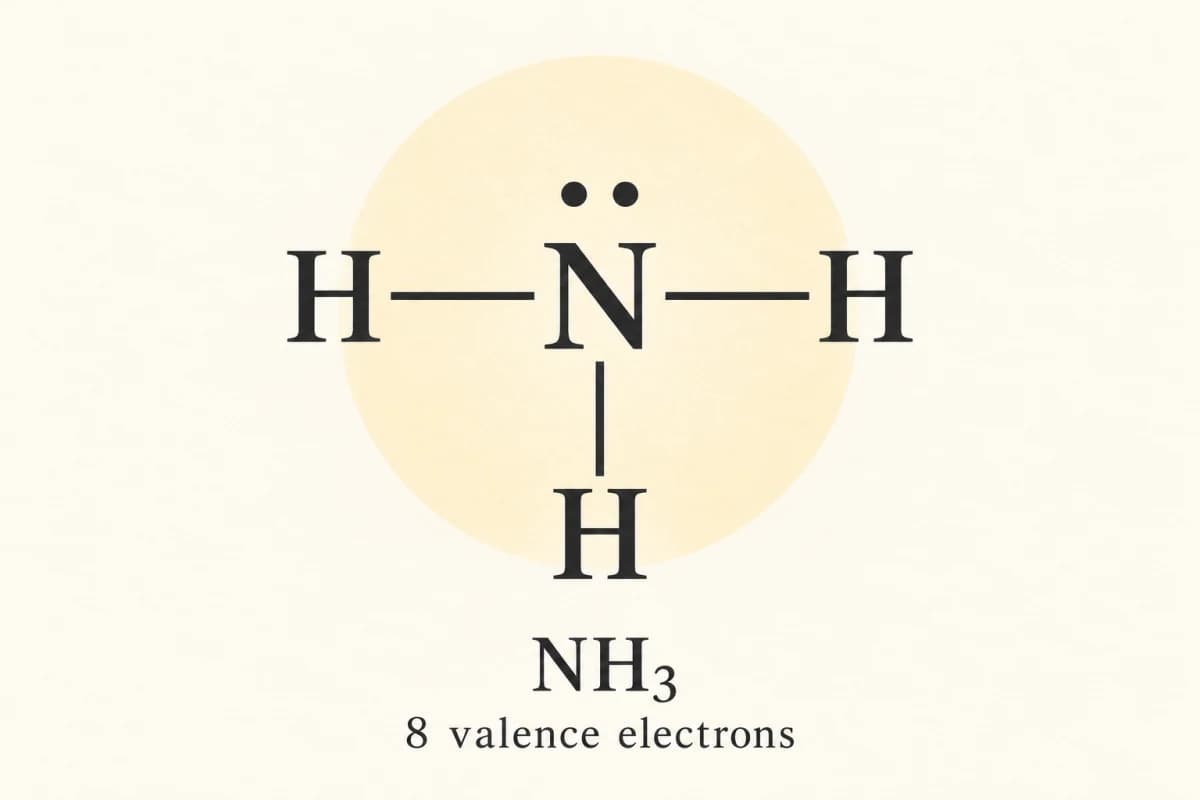
Start with water, carbon dioxide, ammonia and nitrate. Click an example to load its formula into the generator, which then builds a diagram you can download.
Classroom use
Checked structures work for homework, tutoring and class handouts.
Compare your hand-drawn Lewis structure with the electron ledger and VSEPR shape before you hand it in.
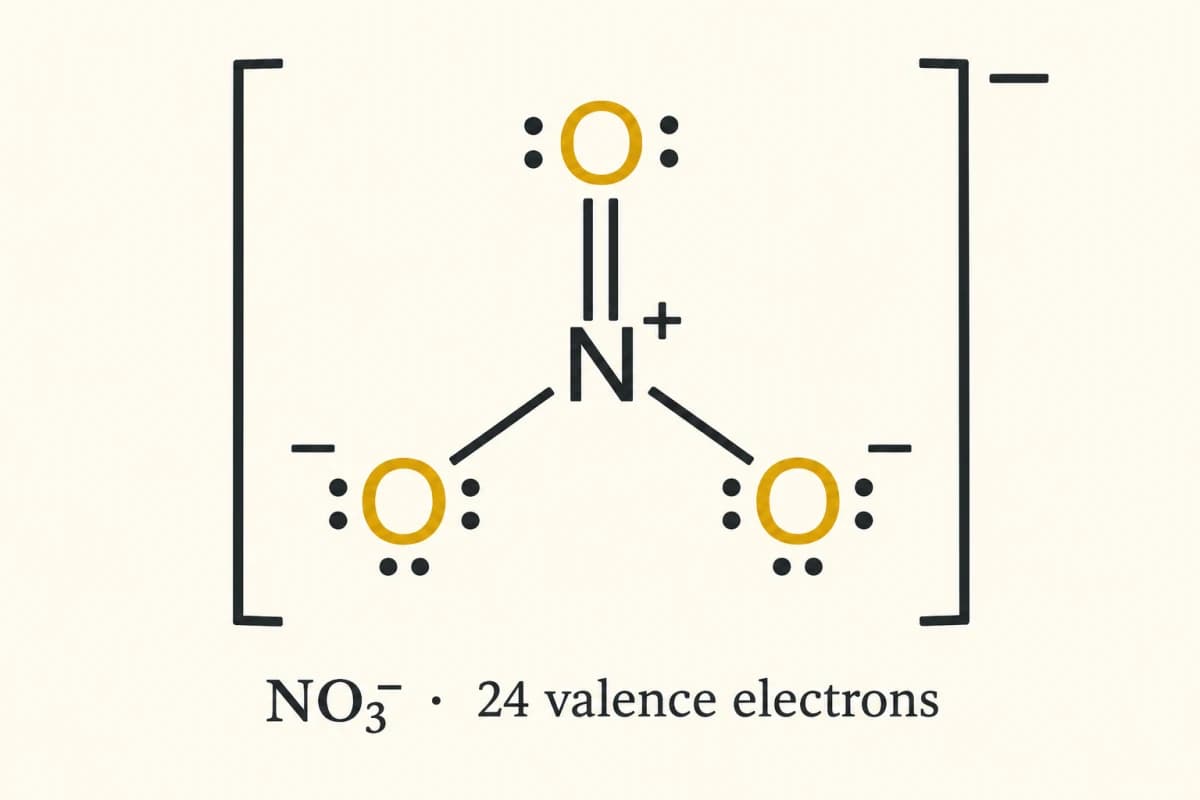
Use nitrate or carbonate to show how bonds and formal charges shift between resonance contributors.
Choose one to eight supported formulas, print A4 practice pages for students and keep full answers on separate pages.
Electron tools
See the diagram and its electron arithmetic side by side.
Check each atom's nonbonding electrons and bond-order sum against its formal charge. The ledger also confirms that the atom charges add up to the net charge of the molecule or ion.
Try Lewis Dot Structure Generator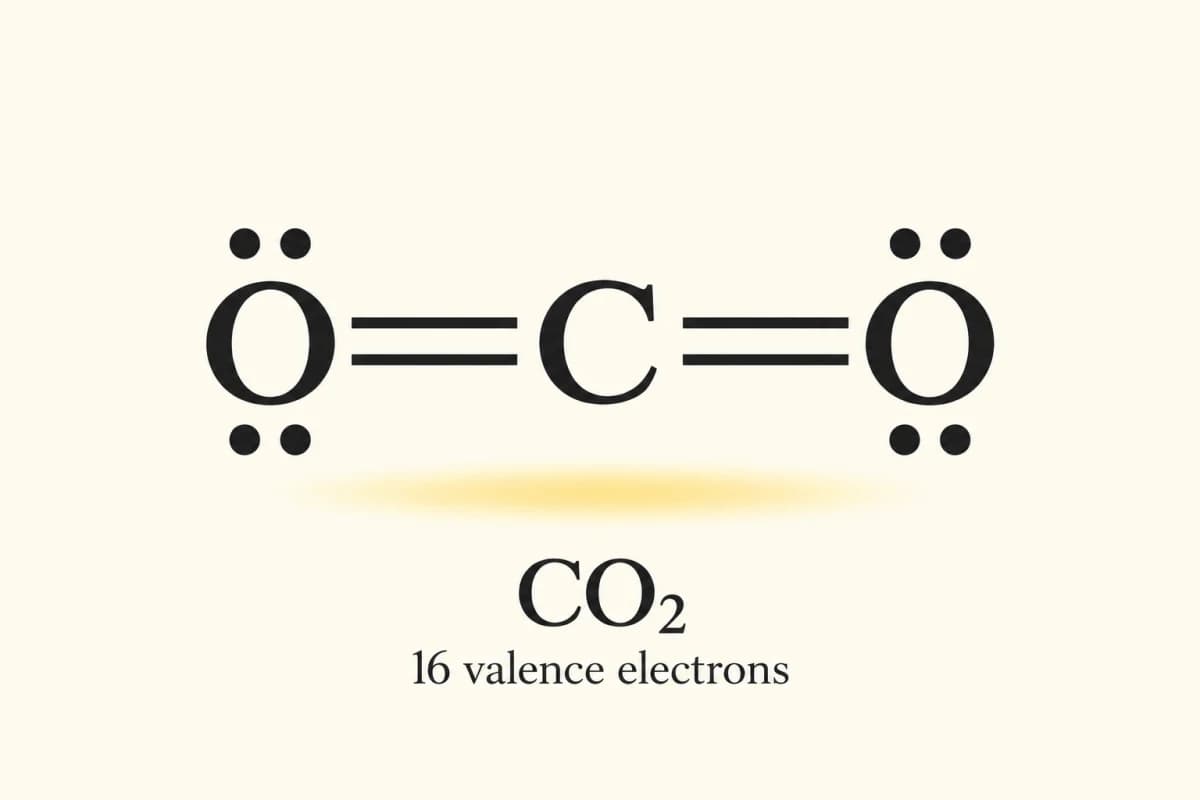
Switch between supported contributors for nitrate, carbonate or ozone. Compare which atom holds the double bond while the electron total and net charge stay fixed.
Try Lewis Dot Structure GeneratorHide the dots and atom charges for one question, or add the current structure to a PDF set. Students get bonding skeletons, and answer pages are optional.
Try Lewis Dot Structure GeneratorThree steps
Enter a formula, check the electron dot diagram and molecular shape, then export the diagram or a printable practice set.
Type a formula such as H2O, NO3- or SO4^2-. Leave the charge on Auto-detect to read an ion charge from the formula, then click Generate. If a formula is declined, check the supported list.
Compare the total electron count with the per-atom formal charges. Switch between resonance contributors, then review the VSEPR shape for closed-shell, single-center structures.
Download SVG or PNG for your notes. For class, open the PDF worksheet builder, enter up to eight formulas and choose whether to add answer pages.
Related tools
Pair electron dot structures with atom models and other research tools.
Questions
Add the valence electrons of every atom, subtract the net charge for an ion, then place bonds and nonbonding dots so the total matches. Check each atom's formal charge against the net charge. Hydrogen follows the duet rule, and BF3 is a common incomplete-octet example.
The Lewis Dot Structure Generator is free to use online, with no account, credits or watermark on core tools. Supported structures, electron checks, resonance, VSEPR shapes and SVG, PNG or PDF exports run in your browser. Other PaperBanana AI tools have their own access and pricing.
Turn on practice mode to hide nonbonding dots and atom charges while the bonding skeleton and ion charge stay visible. Enter your total electron guess, check it, then reveal the diagram and ledger. Download a single question as SVG or PNG, or build a multi-question PDF with answer pages.
Open the supported list to see all 41 molecular and ionic structures. Ozone and nitrite have two selectable contributors, nitrate and carbonate have three, phosphate has four and sulfate has six in this convention. Contributors show electron delocalization, not molecules switching between separate forms.
Formal charge equals valence electrons minus nonbonding electrons minus the bond-order sum, so a double bond counts twice. The ledger works this out for every atom and checks that the atom charges add up to the ion's net charge. Formal charge is bookkeeping, not a measured partial charge.
This tool does not provide an all-elements reference PDF. It supports 42 main-group atomic symbols, selected atomic ions and 41 molecular or ionic structures. Add one to eight supported symbols or formulas in the PDF worksheet builder for separate exercises and optional answer pages. Transition metals and arbitrary connectivity are unsupported.
This tool draws 2D Lewis diagrams, not interactive 3D models. For supported closed-shell, single-center structures, VSEPR reports AXE notation, electron domains and molecular shape. Multiple bonds count as one domain, and the displayed angles are ideal values, not measured ones. Atomic symbols and odd-electron species have their own scope notes.
Open the PDF worksheet builder and enter one to eight supported formulas, including ion charges. The A4 student pages show bonding skeletons without nonbonding dots or atom charges. Optional answer pages add complete diagrams, electron counts, formal charges and supported AXE shapes. Each resonance answer shows one contributor.
Start drawing
Enter a supported formula or ion, check its electron count and formal charges, then export an SVG, PNG or PDF practice set with answers. The Lewis Dot Structure Generator is free to use, with no account or watermark.