• Logo
    PaperBananaAI Academic Illustration Generator
Home
  • Home
  • Studio
  • Scientific Illustration Generator
  • Poster Maker
  • Diagram Maker
  • Figure Editor
  • Pricing
My Creations
  • My Creations
  • Invite Friends
LogoPaperBanana
HomePricingInvite Friends
LogoPaperBanana

PaperBanana - AI-powered academic illustration generator

support@paperbanana.me
All Tools

Tool directory

AI creation

  • Scientific Illustration
  • Graphical Abstract Maker
  • Scientific Poster Maker
  • Diagram Maker
  • Figure Editor

Diagrams & organizers

  • Conceptual Framework Generator
  • Graphic Organizer Maker
  • Frayer Model Maker
  • KWL Chart Maker
  • Cause and Effect Graphic Organizer
  • Compare and Contrast Graphic Organizer
  • Spider Diagram Maker
  • Plot Diagram Maker
  • Factor Tree Generator
  • Number Line Generator
  • Free Body Diagram Maker
  • PRISMA Flow Diagram Generator
  • Venn Diagram Maker
  • CONSORT Flow Diagram Generator

Data visualization

  • Scatter Plot Maker
  • Dot Plot Maker
  • Forest Plot Maker
  • Funnel Plot Maker
  • Kaplan-Meier Curve Maker
  • Box Plot Maker
  • Heatmap Generator
  • Volcano Plot Generator
  • Phylogenetic Tree Generator

Publishing tools

  • Free Journal Figure Checker
  • Free Image Format Converter
  • Free Tools
  • Prompts

© 2026 PaperBanana. All Rights Reserved.

Support

  • About
  • Pricing
  • Contact

Legal

  • Privacy Policy
  • Terms of Service
  • Acceptable Use
PricingContact

Free Spider Diagram Maker

Turn notes into an editable spider diagram. Start with a template, then download SVG, PNG or a worksheet PDF. Free, with no signup.

Build your spider diagram

Paste an outline or reopen a project

First line: central topic. Then add branch headings with bulleted or indented notes. Markdown # and ## headings are supported. Preview before replacing your diagram. This organizes structured notes; it does not summarize prose or invent ideas.

Keep an editable project

Download a JSON backup with your topic, branches and notes. Import it on another browser or device to keep editing. Files are read locally; previews never replace your diagram until you apply them.

Branch 1
Branch 2
Branch 3
Branch 4

One point per line. Up to 3 points, 140 characters each.

Usage & export details

Use 2–8 branches. Headings: 80 characters; topic: 100.

Recall mode keeps the topic and branch headings visible and replaces notes with writing lines. Turn it off to reveal your notes again. Blank worksheet hides all text.

Two landscape pages: a recall worksheet, then your completed diagram as the answer key. Add at least one note first. Uses your notes, not generated answers. Large diagrams are scaled to fit; use SVG for enlarging. PDF pages are images, not editable text.

Diagram content stays in your browser. No account, credits or watermark. Save a draft before leaving to keep your edits on this device.

One draft per browser. Saving replaces your previous draft.

Your spider diagram

Live preview
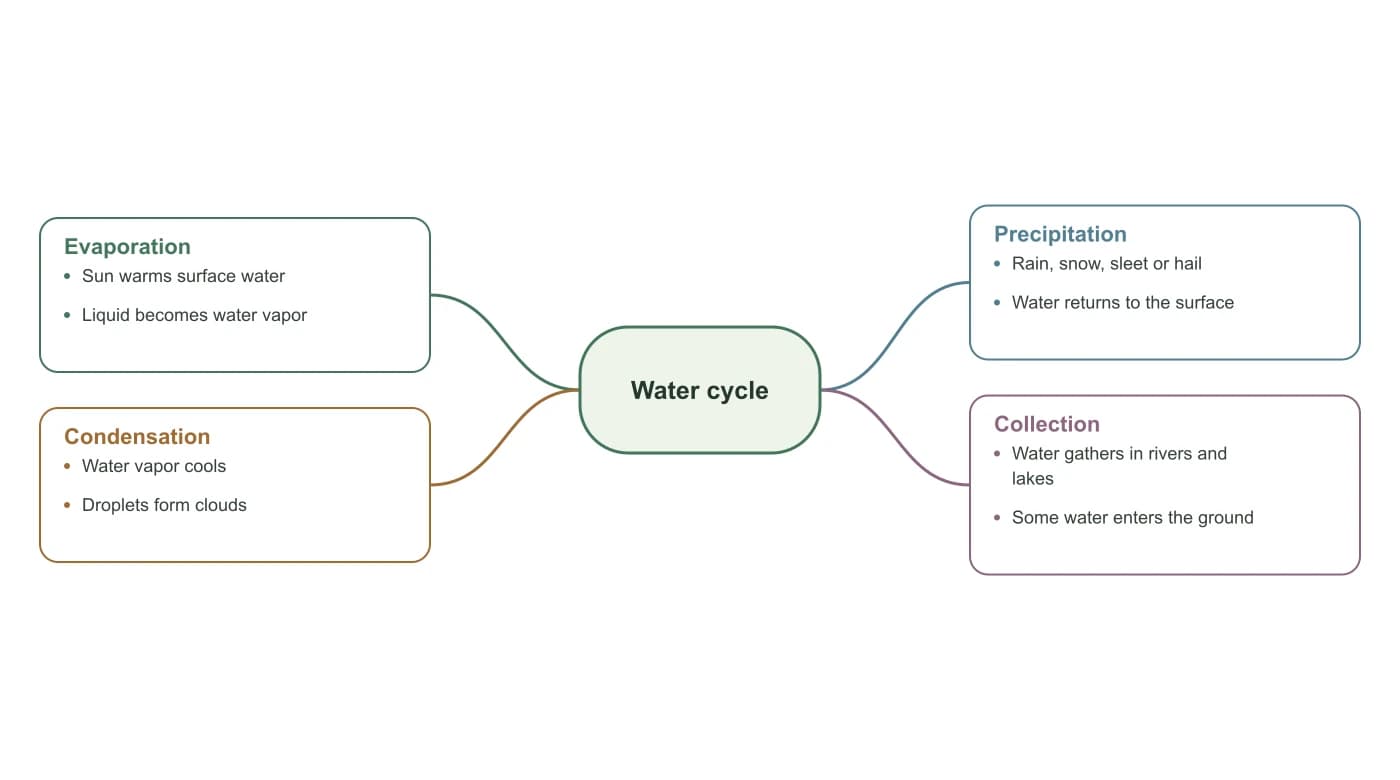
Water cycleWater cycleEvaporationSun warms surface waterLiquid becomes water vaporCondensationWater vapor coolsDroplets form cloudsPrecipitationRain, snow, sleet or hailWater returns to the surfaceCollectionWater gathers in rivers andlakesSome water enters the ground

Scroll the preview to inspect your diagram. Downloads include the complete diagram.

Practice worksheet · fill in the notesPractice worksheet · fill in the notesWater cycleEvaporationCondensationPrecipitationCollectionAnswer key · your original notesAnswer key · your original notesWater cycleEvaporationSun warms surface waterLiquid becomes water vaporCondensationWater vapor coolsDroplets form cloudsPrecipitationRain, snow, sleet or hailWater returns to the surfaceCollectionWater gathers in rivers andlakesSome water enters the ground

One idea, connected thinking

What is a spider diagram?

A spider diagram, also called a spider map or spider web diagram, places a main topic in the center and connects it to related ideas. Each branch groups a subtopic and short supporting notes, so you can see a subject at a glance.

Use this maker for brainstorming, revision, lesson planning or an essay outline. It creates a concept diagram with editable text, rather than a numerical radar chart.

01

A clear central topic

Start with one question, subject or project. Keep it specific enough to explore.

02

Meaningful branches

Choose 2–8 categories, then add up to three supporting points per branch.

03

A reusable output

Download a sharp SVG for resizing or a PNG for documents and slides.
Spider diagram examples and templates

Choose a starting point, then replace the topic and notes with your own. These examples are actual outputs from this maker.

Make room for your ideas

Use spider diagrams for studying, writing and research

Organize a topic before turning it into a lesson, essay or plan.

Spider diagram with Water cycle in the center and 4 labeled branches

Revise a subject

Students can group chapter concepts into a spider diagram for studying, then hide the notes to test recall. Teachers can print the worksheet and its answer page for a class activity.

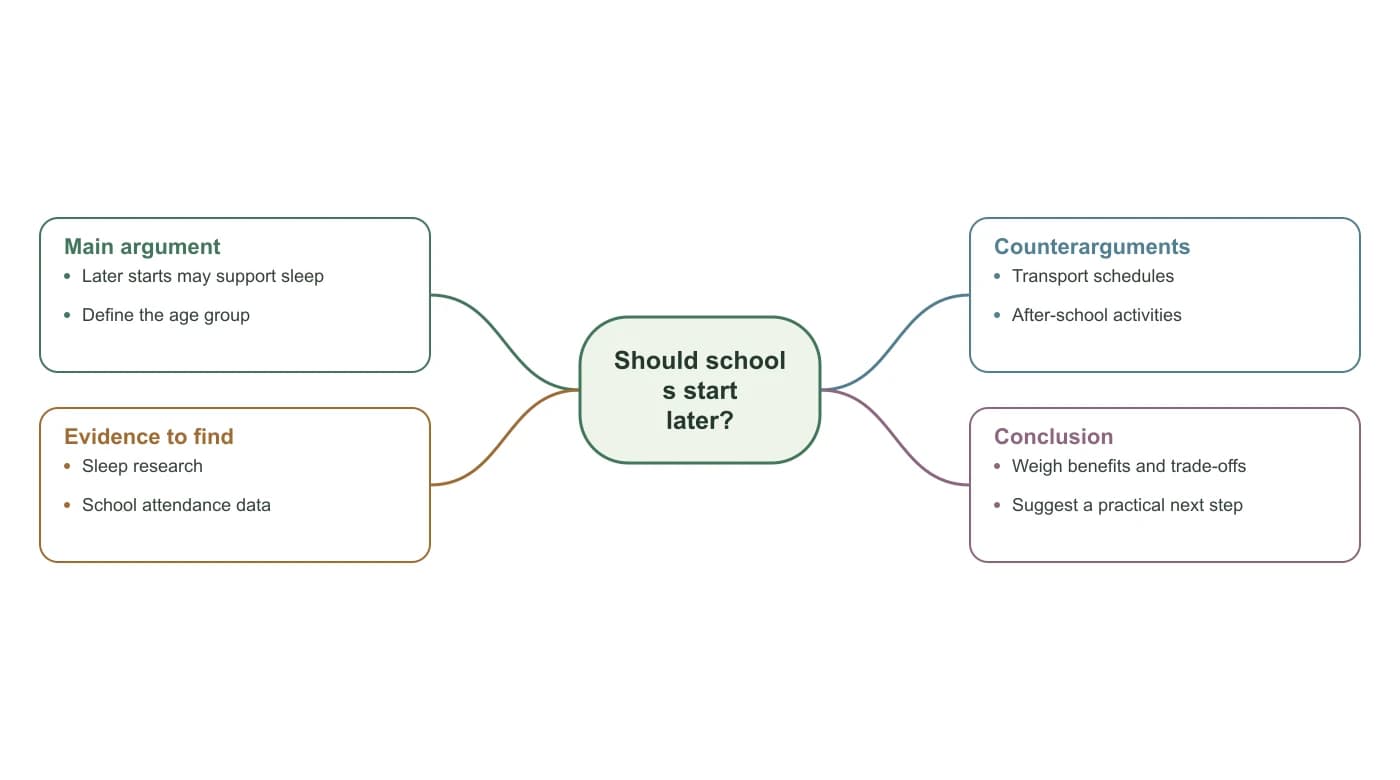
Spider diagram with Should schools start later? in the center and 4 labeled branches

Plan an essay

Map your argument, supporting evidence and counterarguments before writing the first paragraph.

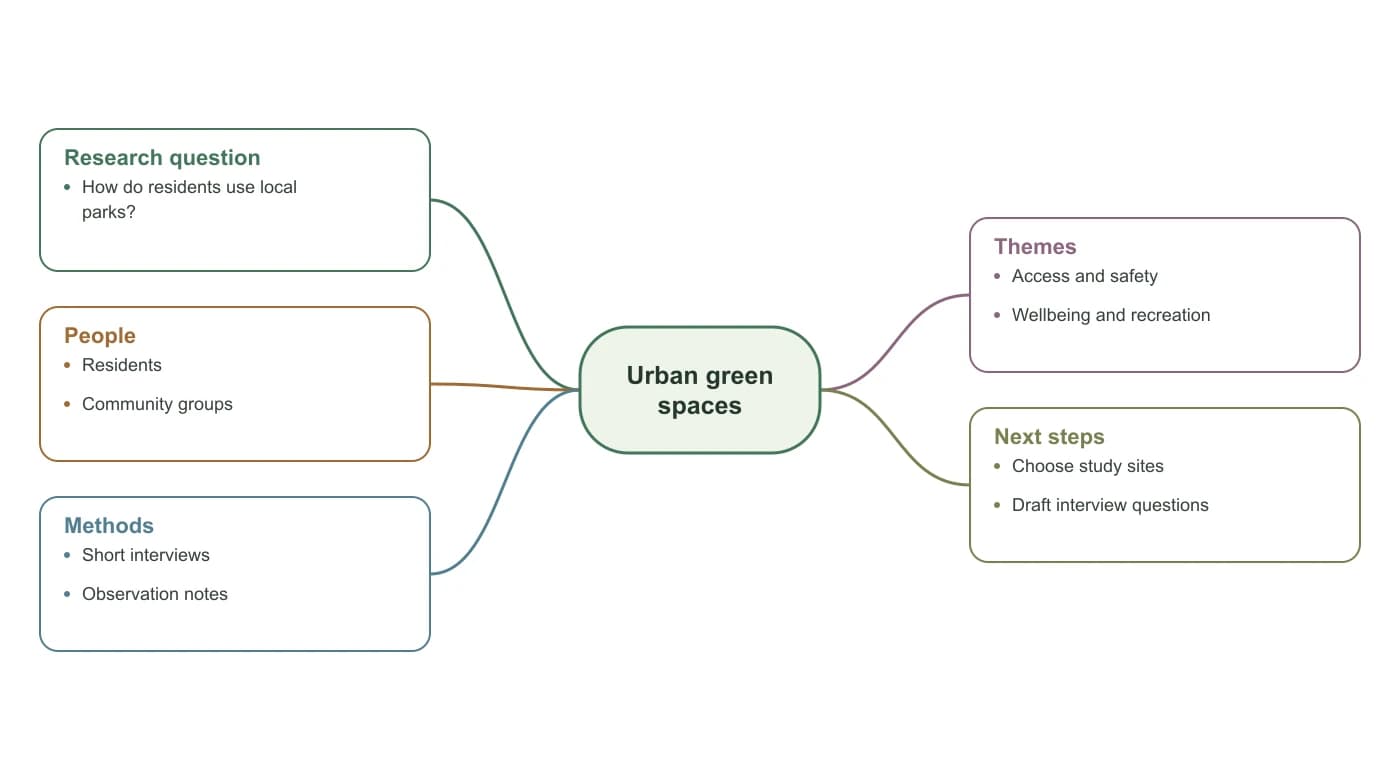
Spider diagram with Urban green spaces in the center and 5 labeled branches

Explore a research question

Separate people, methods and emerging themes. Treat the diagram as a planning aid, not proof of a relationship.

Simple controls, useful output

Turn a spider map into notes, worksheets and reusable projects

Convert an outline, practice from a worksheet, and keep the editable source for your next session.

Turn text outlines into spider diagrams

Paste plain-text or Markdown headings with bulleted notes. Review the parsed topic and branches before applying. The converter keeps your wording, adds no invented ideas and flags over-limit lines instead of silently cutting them.

Try Spider Diagram Maker
Study workspace with a central-topic spider diagram on paper

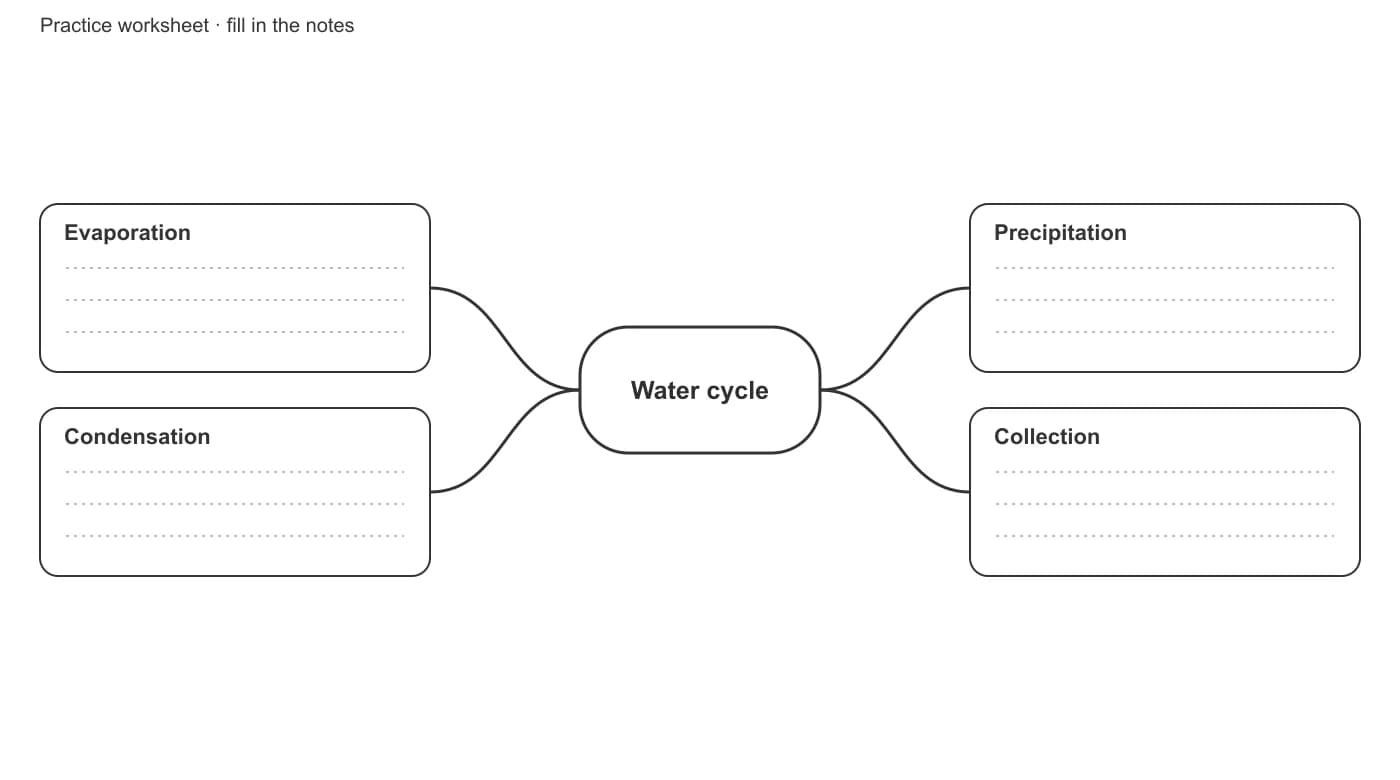
Print a worksheet with its answer key

Hide notes while keeping the central topic and branch headings as cues. Download a two-page landscape PDF in A4 or US Letter: practice sheet first, your completed diagram second. Answers come from your own notes.

Try Spider Diagram Maker
Water cycle spider diagram worksheet with four labeled branches and blank lines for recall

Reopen an editable project on another device

Download a small JSON project containing your topic, branches and notes. Import it into this maker, review the contents, then continue editing. Browser drafts are convenient on one device; project files make a portable backup.

Try Spider Diagram Maker
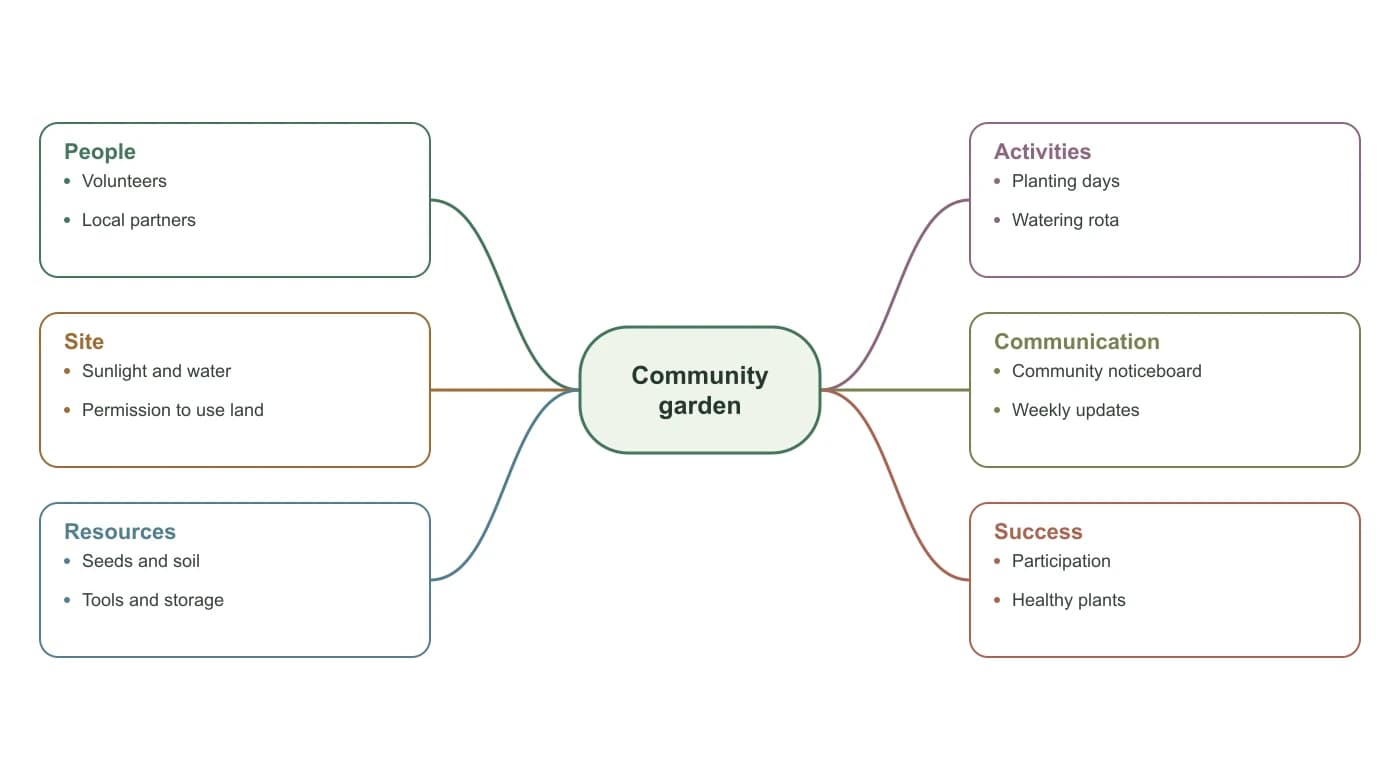
Spider diagram with Community garden in the center and 6 labeled branches
Keep the meaning clear

Show relationships without overstating them

A spider diagram groups ideas around a topic. Its connecting lines do not establish causation, sequence or numerical magnitude.

Use descriptive headings

Choose categories that help a reader understand the subject. Keep notes short enough to scan.

Check your supporting points

Review facts and sources before sharing. The maker arranges your text; it does not generate or verify evidence.

Pick the right type of diagram

For numerical comparisons across axes, use a radar chart. For overlapping sets, use a Venn diagram.

Spider diagram with Urban green spaces in the center and 5 labeled branches
A research planning example with five categories around one topic.Concepts, not numerical axes

Less setup, more thinking

Choose a spider diagram template for your next task

Focus on the connections you want to make.

One central idea

See the whole topic

Keep subtopics and details together on one canvas.

Four editable templates

Start with a useful structure

Adapt an example or turn any layout into a blank worksheet.

No watermark

Take the diagram with you

Download PNG to insert into Word or PowerPoint, SVG for resizing, or a worksheet PDF for printing. Keep a JSON project when you need to edit the labels again.

Three simple steps

How to make a spider diagram online

Begin with your subject, organize its branches, then export the result.

01

Paste an outline or choose a template

Put a topic, branch headings and supporting notes into the outline importer, review the preview and apply. You can also start from one of the examples.

02

Edit and practice

Adjust 2–8 branches and their notes. Enable Hide notes for recall to test yourself without deleting your answers.

03

Export or keep editing later

Download SVG or PNG, make a two-page A4/Letter worksheet with answers, or save a JSON project to reopen in this maker.

Try Spider Diagram Maker
A paper spider diagram in a calm study workspace
Start with one question. Give each related idea a branch.

More ways to organize ideas

Choose the organizer that fits your task

Use a different structure when your question calls for it.

Graphic organizer templates

Graphic Organizer Maker

Explore other structures for organizing learning and writing.

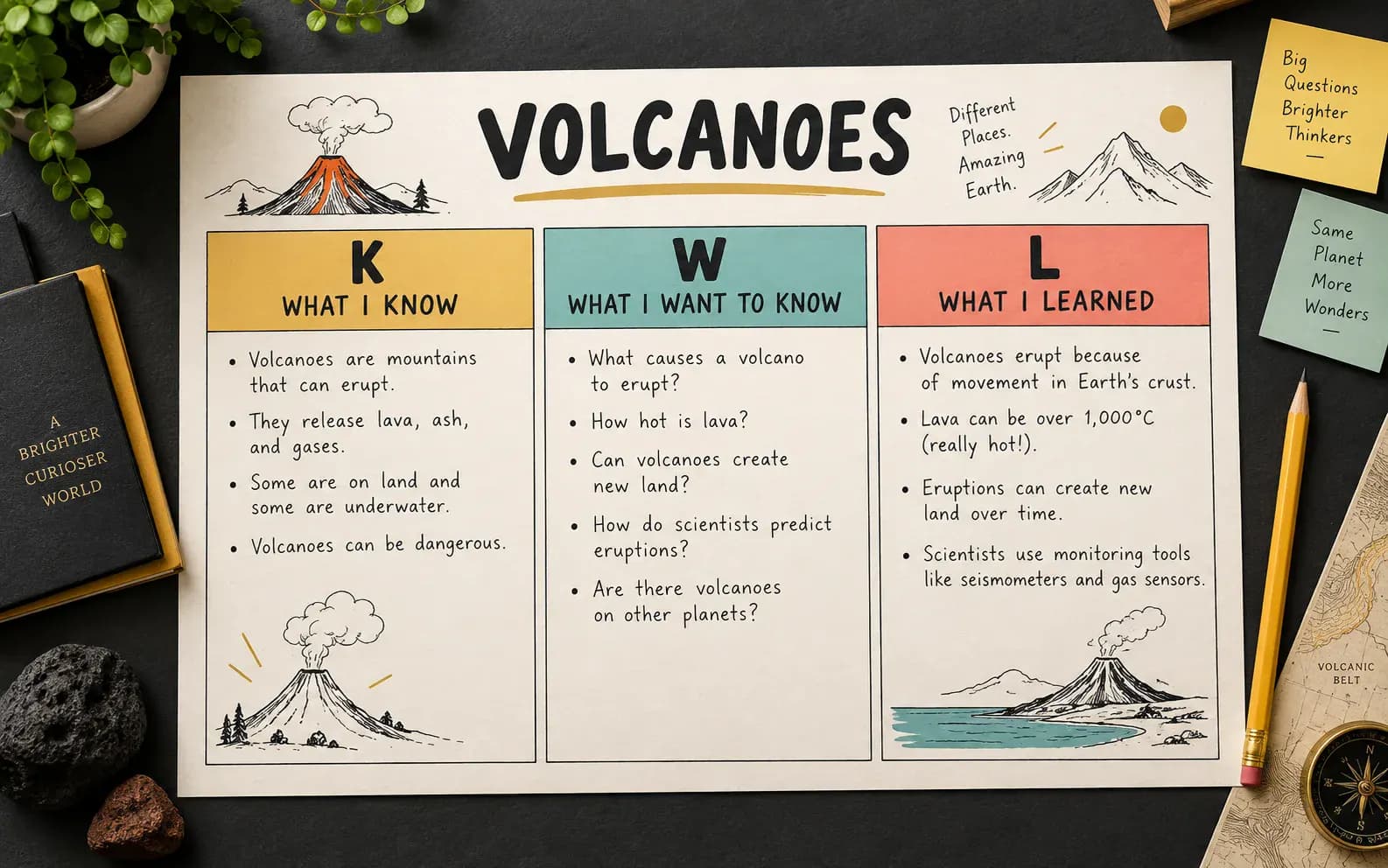
KWL learning chart

KWL Chart Maker

Separate what you know, want to know and have learned.

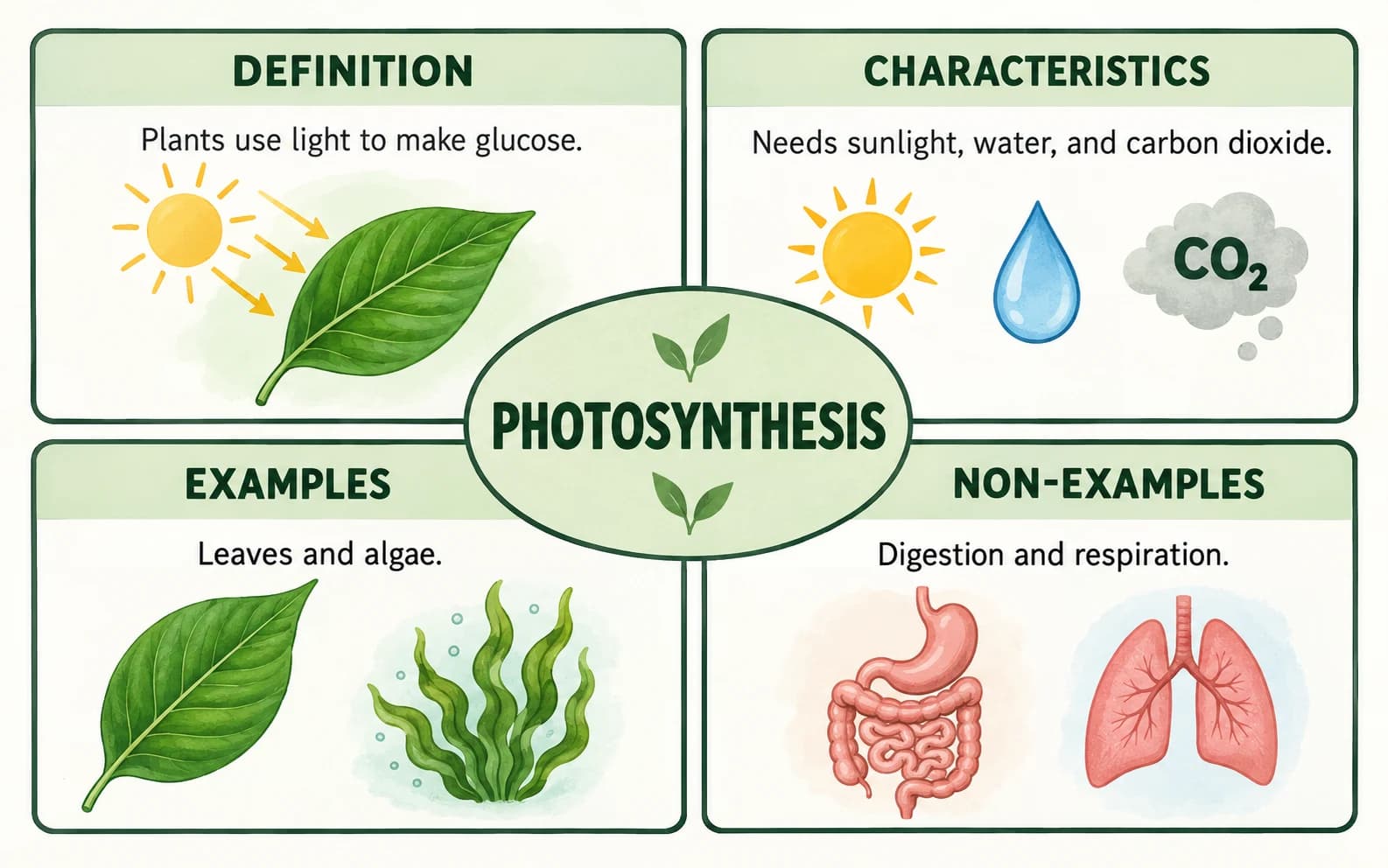
Frayer model graphic organizer

Frayer Model Maker

Explore a concept through definitions, characteristics and examples.

Venn diagram with overlapping sets

Venn Diagram Maker

Compare groups and show their shared characteristics.

Questions, answered

Spider diagram maker FAQs

What can I export without an account or payment?+

The maker requires no account or payment for editing, SVG and PNG downloads, worksheet PDFs, or JSON project backups. Exports have no watermark. Diagram content is processed locally in your browser. Save a draft or download a project before leaving if you want to keep editing later.

How do I create a spider diagram?+

Enter a central topic and add two to eight related branches, or import a structured outline. Each branch accepts an 80-character heading and up to three 140-character notes; the topic allows 100 characters. Check the live preview, then export the diagram or save its editable project.

How does a spider diagram differ from a mind map or radar chart?+

A spider diagram groups ideas around one central topic; a mind map often expands into multiple levels. A radar chart plots numerical values on axes. This maker creates concept diagrams with one level of branches and supporting notes. It does not create nested mind maps or numerical radar charts.

How do I make a blank printable spider diagram template?+

Choose a template, adjust the number of branches and enable Blank worksheet to hide all text. Select Black & white if preferred, download SVG or PNG, and print from your document software. For a worksheet that keeps headings as prompts and includes an answer page, use the worksheet PDF instead.

How do I save a spider diagram and edit it on another device?+

Save draft keeps one editable draft in this browser. Download project saves a portable JSON backup of the topic, branches and notes that you can import on another device. Imports show a preview before replacement. Display settings are not stored in project files. SVG and PNG cannot be imported back into the editor.

How do I convert text or Markdown notes into a spider diagram?+

Open Paste an outline or reopen a project. Put the topic on the first line, followed by branch headings and bulleted or indented notes. Markdown # and ## headings also work. Preview, check the result and apply. This is a structured outline converter, not an AI summarizer; it does not infer categories from paragraphs.

How do I download a spider diagram worksheet with answers?+

Add your topic, branch headings and at least one note. Choose A4 or US Letter and download Worksheet + answers PDF. Page one keeps headings but hides notes; page two shows your entered notes as the answer key. It is an image-based PDF fitted to two landscape pages, not an editable PDF.

How do I add a spider diagram to Word or PowerPoint?+

Download your spider diagram as a PNG, then insert the saved image into your Word document or PowerPoint slide. Keep the JSON project if you may need to change the labels later. SVG is also available for software that supports vector images; there is no native DOCX or PPTX export.

Start with one idea

Make your next topic easier to explore

Choose a template, add your own branches and take a clear diagram into your next lesson or planning session.

Try Spider Diagram Maker