• Logo
    PaperBananaAI Academic Illustration Generator
Home
  • Home
  • Studio
  • Scientific Illustration Generator
  • Poster Maker
  • Diagram Maker
  • Figure Editor
  • Pricing
My Creations
  • My Creations
  • Invite Friends
LogoPaperBanana
HomePricingInvite Friends
LogoPaperBanana

PaperBanana - AI-powered academic illustration generator

support@paperbanana.me

AI Tools

  • All Tools
  • Text to Illustration
  • Scientific Illustration Generator
  • Figure Editor
  • Diagram Maker
  • Poster Maker

Support

  • About
  • Pricing
  • Contact

Legal

  • Privacy Policy
  • Terms of Service
  • Acceptable Use

© 2026 PaperBanana. All Rights Reserved.

PricingContact
  1. Home
  2. Tools
  3. KWL Chart Maker for Editable, Printable Learning Charts
Online, editable, and no signup

KWL Chart Maker for Editable, Printable Learning Charts

Use this KWL Chart Maker to capture what learners know, what they want to know, and what they learned. Edit every heading and response, switch between KWL and KWHL, then download a filled teaching model or blank student worksheet without an account or watermark.

Editable K, W, L, and optional H columnsFilled model or blank student worksheetColor and ink-saving black-and-whiteSVG, PNG, and printable PDF

Live KWL Chart generator

Add a topic and learning notes

Chart structure
Editable columns
Worksheet version
Print style

Everything you type stays in this browser. No account or upload is required to create and export your KWL chart.

KWL

Printable KWL chart preview

Live
Volcanoes KWL ChartGrades 3–5What do we know and wonder about volcanoes?KWhat I KnowVolcanoes can erupt.They release lava, ash, andgases.Some are underwater.WWhat I Want to KnowWhat causes an eruption?How hot is lava?Can volcanoes create new land?LWhat I LearnedMagma is called lava at thesurface.Moving plates create manyvolcanoes.Eruptions can form new land.Name: ______________________________Date: __________________

Long notes expand the chart instead of being cut off. Use the filled version as a teacher model, or switch to blank for a student handout with writing lines.

KWL Chart Examples for Science, History, Reading, and Research

Load a complete example into the maker, then replace the topic, prompts, grade band, and notes with your own lesson content.

KWL chart basics

What Is a KWL Chart?

A KWL chart is a three-column graphic organizer that makes learning visible over time. K records what learners already Know, W records what they Want to know, and L records what they Learned after reading, research, discussion, or instruction.

The order matters. Filling K first activates prior knowledge and reveals misconceptions. Writing W turns curiosity into questions and learning goals. Returning to L after the activity helps learners synthesize evidence, answer earlier questions, and identify what still needs investigation.

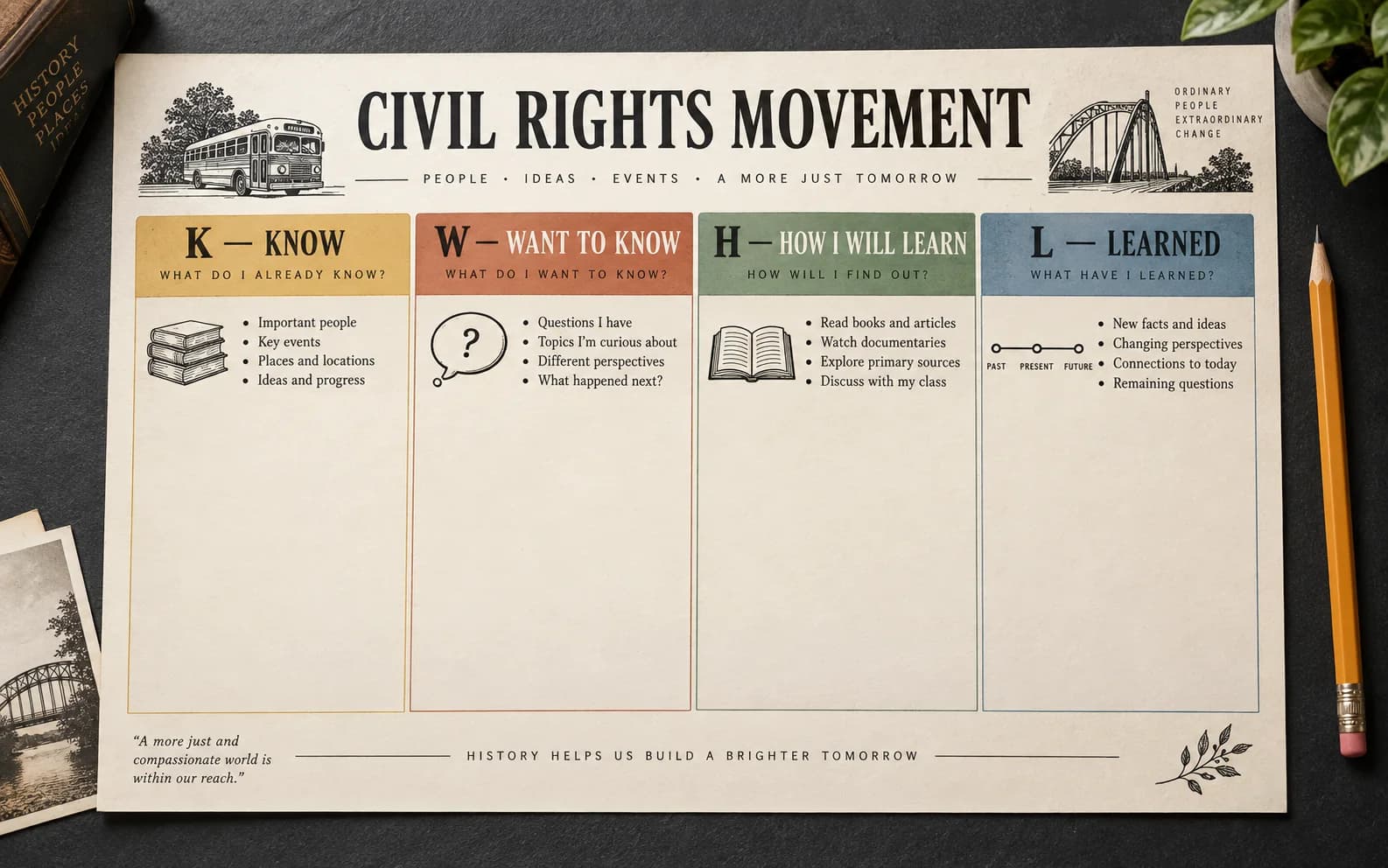
A KWHL chart adds H (How I Will Learn) between questions and findings. That extra planning column is useful for inquiry projects, research tasks, and self-directed learning where students need to choose sources or methods.

01

K: What I Know

Activate prior knowledge and record initial ideas before instruction begins.

02

W: What I Want to Know

Turn curiosity, uncertainty, and misconceptions into useful questions.

03

H: How I Will Learn

Optional KWHL planning for sources, methods, people, or activities.

04

L: What I Learned

Capture evidence, answer W questions, and reflect after learning.
Teaching guide

How to Use a KWL Chart Before and After a Lesson

Use established literacy guidance to capture prior knowledge and questions before teaching, revisit them during learning, and record evidence afterward.

Updated September 15, 2026

Teaching sourceFocusClassroom guidanceReference

Teaching source

The Teacher Toolkit

Focus

Instructional routine

Classroom guidance

Introduce the topic, let students brainstorm K and W, revisit the chart during the lesson, then complete L and discuss unanswered questions.

Reference

KWL teaching strategy

Teaching source

ReadWriteThink

Focus

Before, during, and after learning

Classroom guidance

Use the organizer across stages of reading or inquiry so students can save initial ideas, develop questions, and record what they learn.

Reference

K-W-L Creator classroom resource

These sources support the teaching guidance on this page; adapt the prompts, language, and timing to your learners and curriculum.

Choose the right structure

KWL vs. KWHL Chart: When to Add the H Column

Use KWL when learners only need to record prior knowledge, questions, and learning. Choose KWHL when the task also requires them to plan how they will find answers.

Choose KWL for a guided lesson

Three columns work well when the teacher already provides the text, activity, discussion, or other learning source.

Choose KWHL for inquiry

Add H when learners must identify sources, interviews, experiments, or research methods before answering W.

Customize either structure

Rename any heading for younger learners, another language, a specific subject, or an academic research workflow.

Four-column KWHL chart showing the optional How I Will Learn column
The H column turns questions into a plan by naming the sources or methods learners will use.KWL vs. KWHL

Built for real learning

Printable KWL Worksheets for Teachers, Students, and Researchers

Use the same visual learning cycle before, during, and after reading, lessons, inquiry, or research.

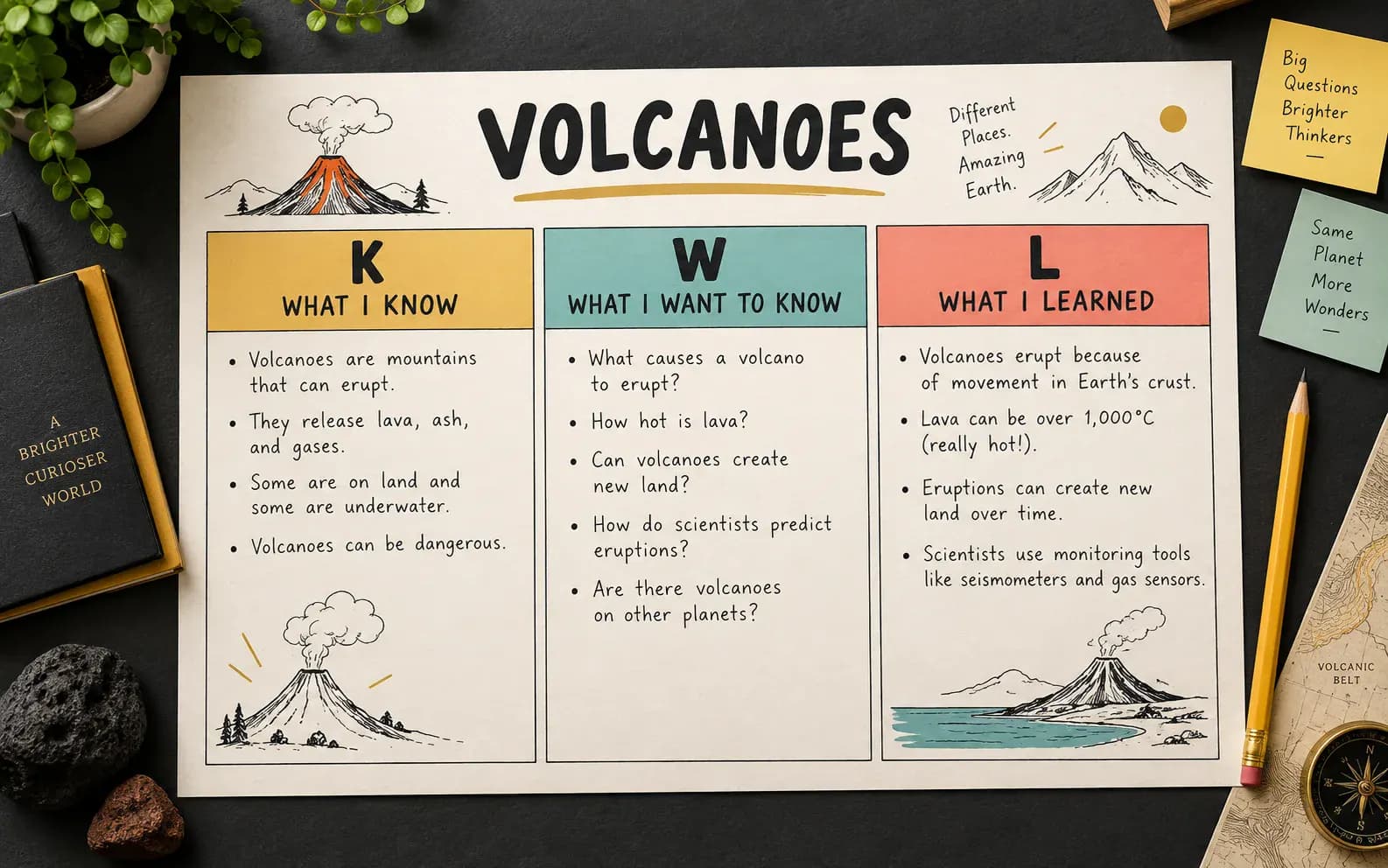
Science lesson KWL chart used for prior knowledge and reflection

Lesson launch and formative assessment

Surface prior knowledge and misconceptions before teaching, then compare them with the completed L column.

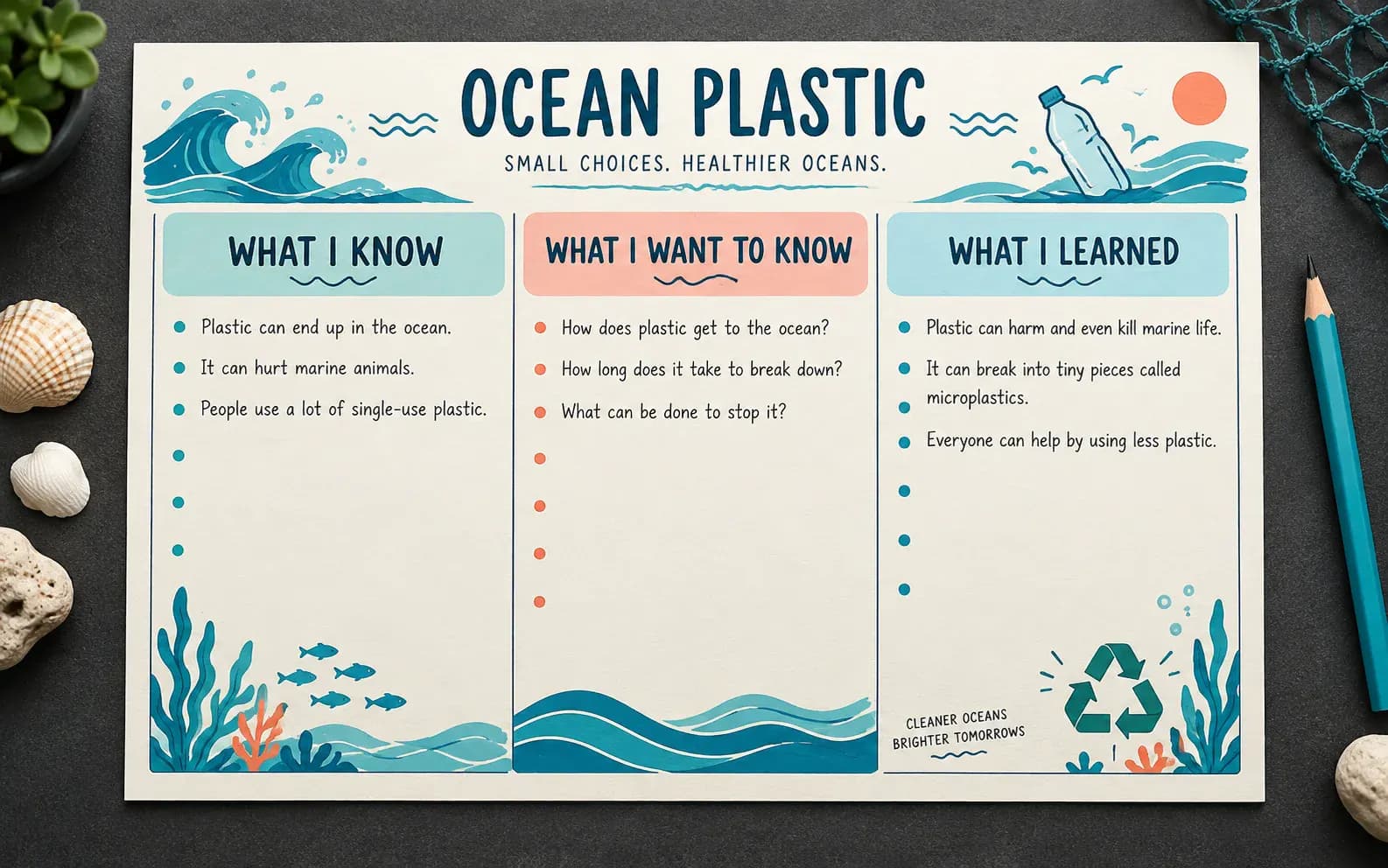
Nonfiction reading KWL chart about ocean plastic

Purposeful reading and note-taking

Turn W questions into a reading purpose and record concise evidence in L instead of copying whole passages.

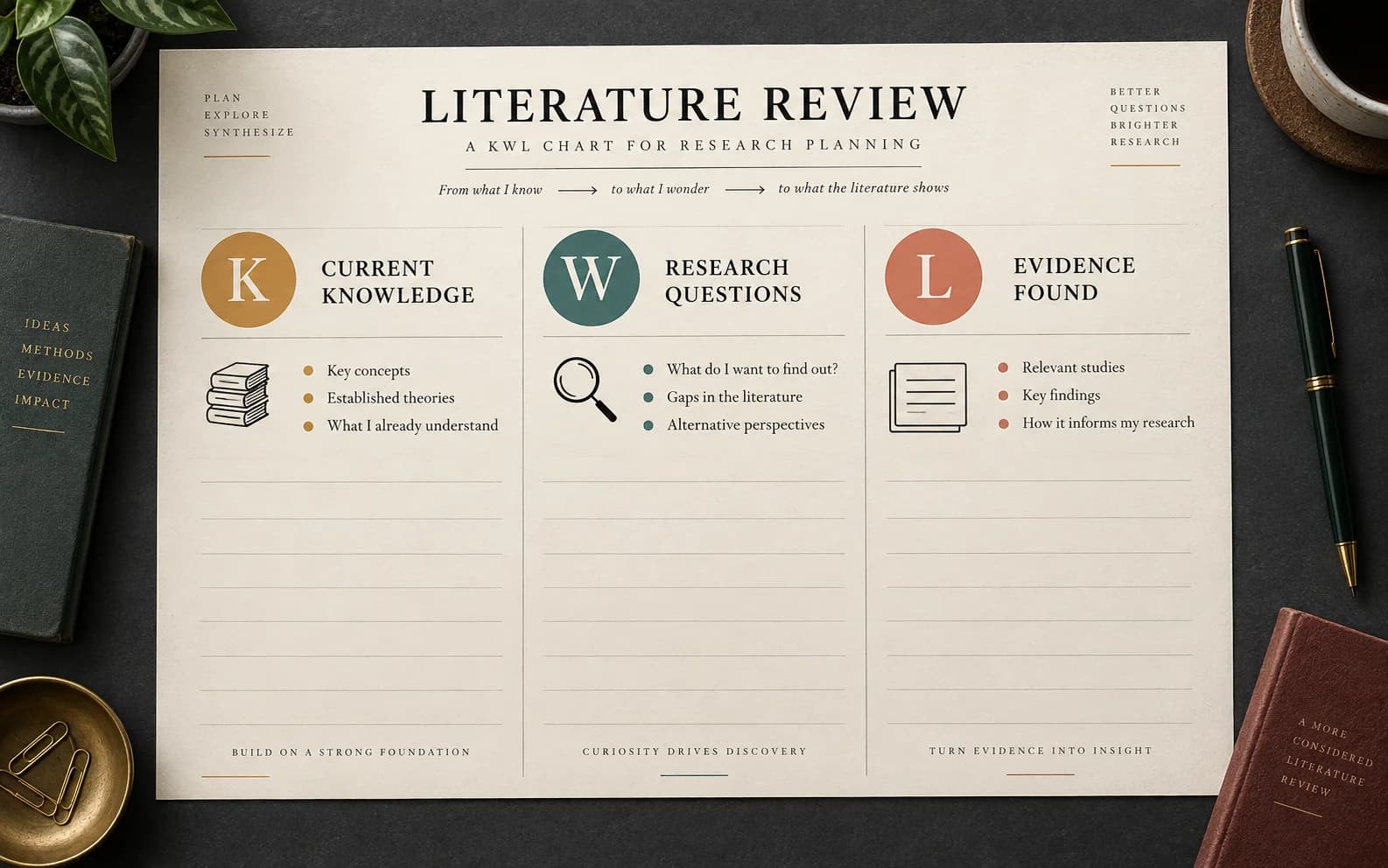
Academic literature review KWL chart for research planning

Inquiry and research planning

Use custom headings or KWHL to connect existing knowledge, research questions, methods, and findings.

KWL Chart Maker features

Create an Editable KWL Chart for Any Lesson

Customize the learning prompts, let longer notes expand the worksheet, and export a classroom-ready chart without rebuilding the layout.

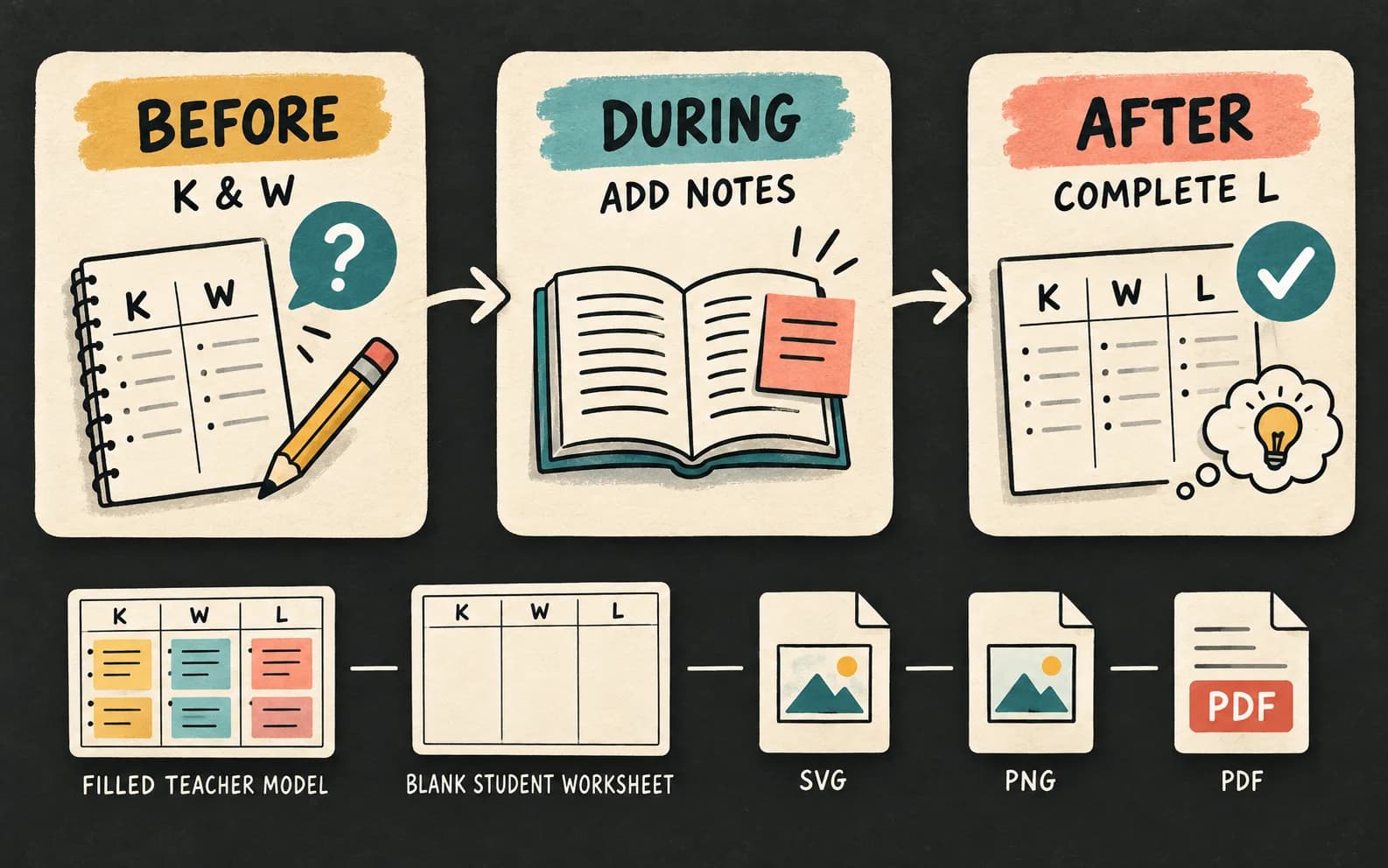
Use one chart across the full learning cycle

Start with K and W before instruction, add evidence during learning, then return to complete L and review unanswered questions.

Create with KWL Chart Maker
Three-step KWL Chart Maker workflow from prior knowledge to reflection

Switch between KWL and KWHL

Add the How I Will Learn column for research planning, and rename any heading to match your lesson language.

Create with KWL Chart Maker
Four-column KWHL chart with editable headings

Prepare teacher and student versions

Keep a filled chart as a model or record, then switch to blank mode for a clean worksheet with writing lines.

Create with KWL Chart Maker
Filled and blank worksheets produced by the KWL Chart Maker

Why use this maker

Make KWL Charts Without Opening a Generic Design Editor

Start with the right learning structure, control every prompt, and leave with a classroom-ready file.

No Account

No signup wall

Open the page, edit the chart, and export without creating an account.

Clean Export

No watermark

Downloaded and printed worksheets stay clean for classroom and professional use.

Custom

Editable prompts

Rename Know, Want, How, and Learned to match your subject or learner language.

Filled + Blank

Two worksheet versions

Create a filled model and a blank student copy from the same content.

B&W

Ink-saving print mode

Switch to black and white before photocopying or saving a PDF.

Local

Private by default

Typed lesson and research notes stay in the current browser while you work.

Three simple steps

How to Make a KWL Chart Online

Choose the learning structure, add the prompts and notes, then export the version you need.

01

Choose KWL or KWHL

Use three columns for the standard learning cycle or add H when learners must plan how they will investigate.

02

Edit headings and responses

Add a topic, customize each column prompt, and type notes while checking the live worksheet preview.

03

Download or print

Choose filled or blank, color or black-and-white, then export SVG, PNG, or a printable PDF.

Start KWL Chart Maker
Three-step KWL Chart Maker workflow for editing and exporting a worksheet
Use the chart over time: K and W before learning, notes during, and L after evidence is gathered.

KWL chart FAQ

KWL Chart Maker Questions and Answers

What is a KWL chart?+

A KWL chart is a three-column learning organizer. K records what a learner already Knows, W records what they Want to know, and L records what they Learned. Teachers and students use it before, during, and after reading, instruction, discussion, or inquiry to make changes in understanding visible.

How do I make a KWL chart online?+

Enter a worksheet title and topic, then add or customize the Know, Want to Know, and Learned headings. Type notes into each column while reviewing the live preview. Choose a filled model or blank worksheet, select color or black-and-white, then download SVG, PNG, or print to PDF.

Is a KWL chart a graphic organizer?+

A KWL chart is a graphic organizer that arranges thinking into three stages: prior knowledge, questions, and new learning. Unlike a static note-taking table, it is revisited across a lesson. That sequence helps learners compare their starting ideas with the evidence and understanding they develop later.

What does the H stand for in a KWHL chart?+

The H stands for How I Will Learn. It sits between Want to Know and Learned, prompting learners to choose sources or methods before collecting evidence. Use it for inquiry projects, research, interviews, experiments, or self-directed tasks. For a teacher-led lesson with supplied materials, standard KWL may be enough.

How do I use a KWL chart as an exit ticket?+

At the end of a lesson, ask learners to complete the L column with one or more evidence-based takeaways. Then have them compare L with their W questions and mark anything still unanswered. The completed chart becomes an exit ticket that shows both new understanding and the next question to investigate.

Can I download a KWL chart as a PDF or Word file?+

You can print or save the chart as a PDF, download a PNG for slides and documents, or export an SVG for scalable editing in compatible software. Direct Word export is not available. To use the chart in Word, insert the downloaded PNG or SVG into your document.

Does a KWL chart work for high school, college, or employee training?+

KWL charts work beyond elementary classrooms when the prompts match the audience. High school and college learners can use Current Knowledge, Research Questions, and Evidence Found. Trainers can adapt the columns for existing skills, learning goals, and takeaways. Editable headings keep the learning sequence while making the language age-appropriate.

How do I make a blank printable version for students?+

Add the worksheet title, topic, grade band, and any custom headings, then select Blank worksheet. The preview replaces response text with writing lines while preserving the prompts. Choose black-and-white for photocopying and use Print / Save PDF, or download SVG for an editable vector template.

Keep organizing ideas

Related Visual Learning Tools

Choose a broader organizer, build vocabulary depth, compare concepts, or map a more complex framework.

Collection of editable graphic organizer templates

Graphic Organizer Maker

Choose Frayer, KWL, Venn, or cause-and-effect for different classroom thinking routines.

Printable Frayer four-square vocabulary organizer

Frayer Model Maker

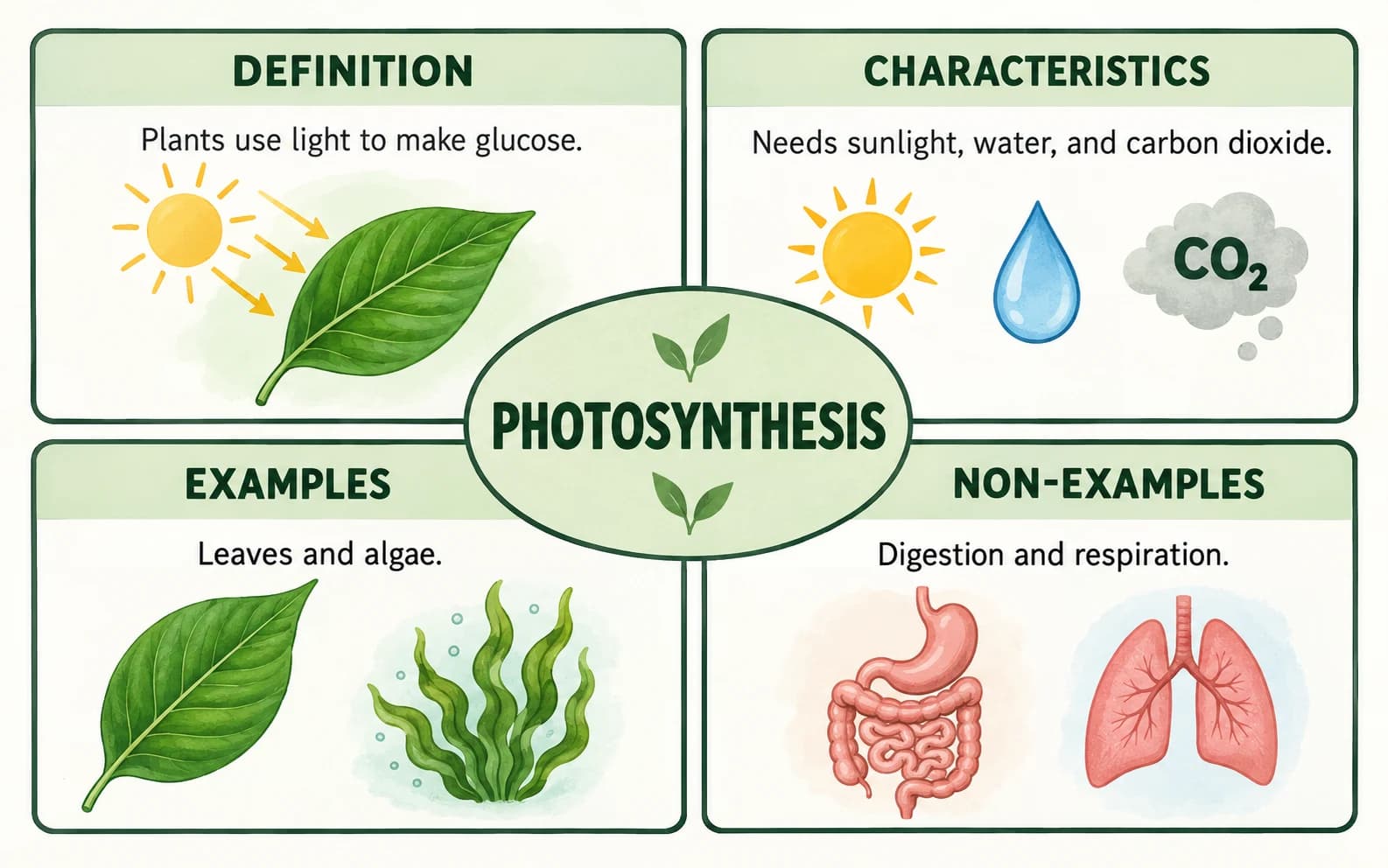
Explore one vocabulary term through its definition, characteristics, examples, and non-examples.

Editable Venn diagram comparing learning concepts

Venn Diagram Maker

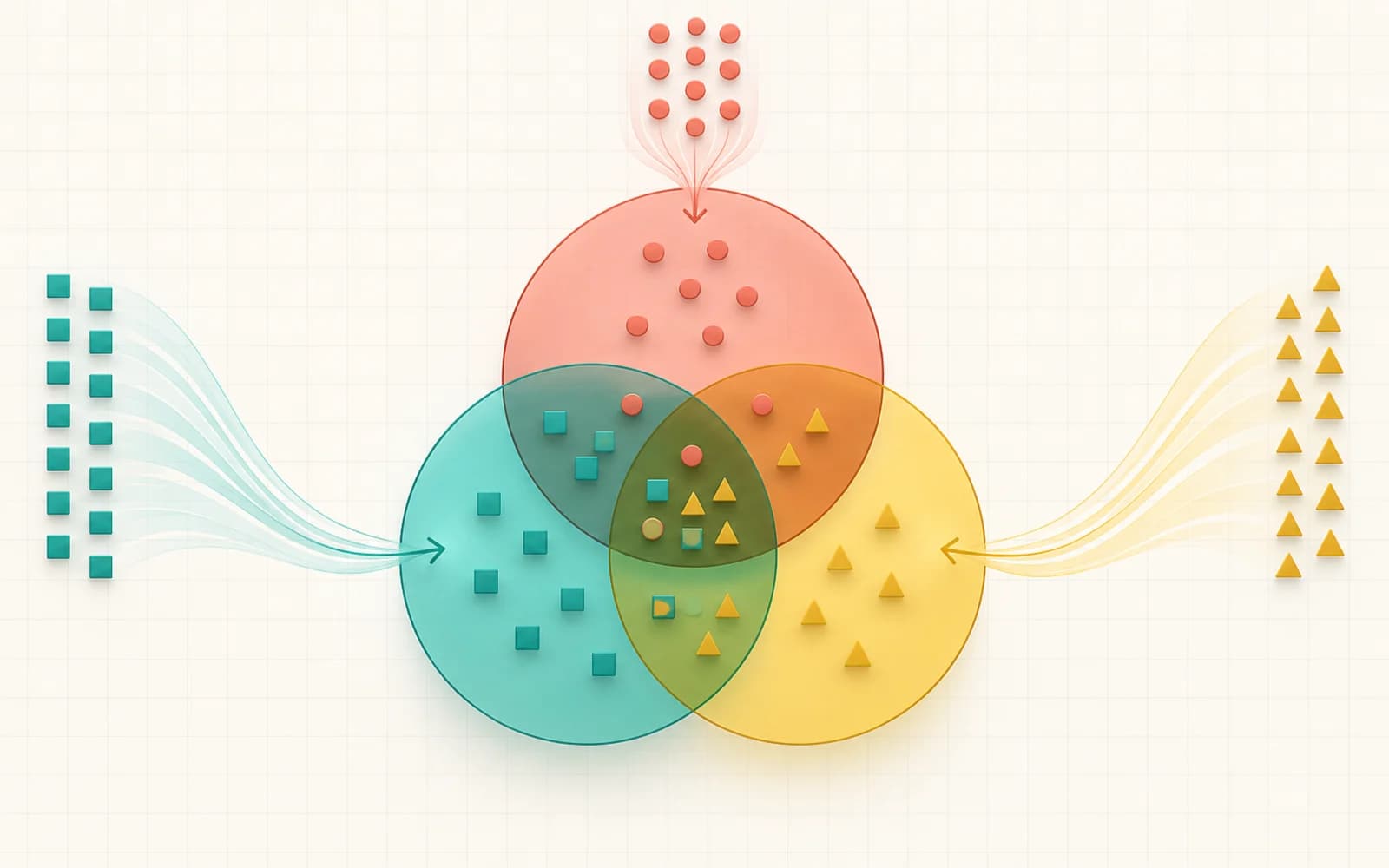
Compare two or more concepts through unique traits and shared overlaps.

Conceptual framework connecting research variables

Conceptual Framework Generator

Map variables, relationships, and hypotheses for academic research planning.

Make learning visible

Create an Editable KWL Chart Now

Start with what learners know, turn curiosity into questions, and finish with a printable record of what changed.

Use KWL Chart Maker Now