• Logo
    PaperBananaAI Academic Illustration Generator
Home
  • Home
  • Studio
  • Scientific Illustration Generator
  • Poster Maker
  • Diagram Maker
  • Figure Editor
  • Pricing
My Creations
  • My Creations
  • Invite Friends
LogoPaperBanana
HomePricingInvite Friends
LogoPaperBanana

PaperBanana - AI-powered academic illustration generator

support@paperbanana.me
All Tools

Tool directory

AI creation

  • Scientific Illustration
  • Graphical Abstract Maker
  • Scientific Poster Maker
  • Diagram Maker
  • Figure Editor

Diagrams & organizers

  • Conceptual Framework Generator
  • Graphic Organizer Maker
  • Frayer Model Maker
  • KWL Chart Maker
  • Cause and Effect Graphic Organizer
  • Compare and Contrast Graphic Organizer
  • Spider Diagram Maker
  • Plot Diagram Maker
  • Factor Tree Generator
  • Number Line Generator
  • Free Body Diagram Maker
  • PRISMA Flow Diagram Generator
  • Venn Diagram Maker
  • CONSORT Flow Diagram Generator

Data visualization

  • Scatter Plot Maker
  • Dot Plot Maker
  • Forest Plot Maker
  • Funnel Plot Maker
  • Kaplan-Meier Curve Maker
  • Box Plot Maker
  • Heatmap Generator
  • Volcano Plot Generator
  • Phylogenetic Tree Generator

Publishing tools

  • Free Journal Figure Checker
  • Free Image Format Converter
  • Free Tools
  • Prompts

© 2026 PaperBanana. All Rights Reserved.

Support

  • About
  • Pricing
  • Contact

Legal

  • Privacy Policy
  • Terms of Service
  • Acceptable Use
PricingContact

Free Number Line Generator for Printable Worksheets

Set a range and tick interval, then mark points, shade intervals or draw addition and subtraction jumps. Hide the numbers so students fill them in, and download the worksheet with its answer key as SVG, PNG or PDF. No signup needed.

Fractions, intervals and addition jumpsStudent and answer versionsSVG, PNG and PDF downloads

Set up your number line

Appearance
Addition and subtraction jumps

Enter signed jumps separated by commas or new lines, such as +5, -3. Write +1/4 * 4 for four equal jumps. Fractions and mixed numbers work too. Up to 12 nonzero jumps. This repeats addition; it does not solve expressions.

Points / Intervals / inequalities

One point per line, such as 3/4 | A. The label is optional. Up to 20 points.

Examples: [1/2, 3/2), x >= 3, -2 < x <= 4. Use one line per interval, or OR for a union. Write -inf or inf for rays, as in (-inf, 2]. Enter solved inequalities; the tool does not solve 2x + 1 < 5.

Student version / Answer key

Separate tick values with commas, such as 3, 7, 11. Points and shaded intervals stay visible.

Input guide & saved settings

Enter integers, decimals (0.5), fractions (1/4) or mixed numbers (-1 1/2). Up to six decimal places, from -1,000,000 to 1,000,000.

Type decimals with a period. Use commas to separate jumps and hidden tick values.

Live preview

Counting to 20Start value: 0 · End value: 20 · Tick interval: 1Counting to 2001234567891011121314151617181920Tick interval: 1 · Student version
How to read this number line

A filled circle includes the endpoint; an open circle excludes it. An arrow on a shaded interval means it continues past the visible range.

Ticks follow your exact interval. If the end value is not a tick, it stays as the edge of the view. Scroll the preview if it is wide. Rounded decimal labels show ≈; fraction labels are exact.

Ready to export

Free downloads with no signup and no watermark. Everything runs in your browser.

Counting to 20Start value: 0 · End value: 20 · Tick interval: 1Counting to 2001234567891011121314151617181920Tick interval: 1 · Student versionCounting to 20Start value: 0 · End value: 20 · Tick interval: 1Counting to 2001234567891011121314151617181920Tick interval: 1 · Answer key

What you can make

What can you make with this number line generator?

A number line shows how numbers compare and how addition and subtraction move along a scale. Equal gaps mean equal differences, whether you are working with negatives, decimals or fractions.

This generator draws number lines with evenly spaced ticks, marked points and shaded intervals. Set the range and an exact tick interval, add addition and subtraction jumps, or hide labels to turn the line into a student exercise with an answer key. It works with integers, negatives, decimals, fractions and mixed numbers.

01

Range

Choose the first and last values students will see.

02

Tick interval

Use 1, 0.1, 1/4 or any exact positive spacing.

03

Points and intervals

Mark single values, bounded intervals and rays such as x ≥ 3.

04

Practice and export

Hide tick labels, then download the worksheet and answer key.

Number line examples: fractions, negatives and missing numbers

Pick one of eight examples to load it into the generator, then edit it however you like.

For lessons, practice and homework

Printable number lines for classroom and home practice

From early counting to middle-school inequalities, match the scale to the skill.

Teacher preparing number-line worksheets with fraction manipulatives.

Teacher preparation

Build a worksheet with missing numbers in minutes, then export one PDF with a student page and an answer page.

Number line showing an open endpoint at -2 and a closed endpoint at 4.

Algebra and number sense

Graph solved inequalities as intervals, show which endpoints are open or closed, and check that equivalent fractions land on the same point.

Parent and child exploring a number-line worksheet at home.

Learning at home

Start with counting, then add negatives or fractions. Use the answer view to check practice together.

What the generator does

Fraction scales, inequality graphs and addition jumps

What you see in the preview is exactly what you download.

Plot fractions, decimals and mixed numbers

Type 1/4 or -1 1/2 directly. Fraction labels are reduced automatically, and switching between decimals, fractions and mixed numbers never moves a point.

Try the generator
Number line with quarter-step ticks and a point at 3/4.

Graph points and inequality intervals

Shade a solved inequality such as x ≥ 3, or type interval notation. Open circles exclude an endpoint and filled circles include it. Put several intervals on separate lines to show a union.

Try the generator
Number line with an open circle at -2, a filled circle at 4 and the segment between them shaded.

Make blank worksheets and answer keys

Hide every tick label for a blank line, or only some for fill-in practice. Points and intervals stay in place. Print one, two or four identical lines, and download a separate answer page with the numbers restored.

Try the generator
Two number lines with missing tick labels for student practice.

Show addition and subtraction as jumps

Pick a starting value and enter signed jumps, or write +1/4 * 4 for four equal jumps. Arrows show each direction, and the worked steps show where every jump lands. Hide the results for practice, then restore them in the answer view.

Try the generator
Four jumps of +1/4 from 0 to 1, each drawn as an arrow.
Built for exact math

Exact ticks, clear endpoints

Equal values land on the same point, and each endpoint symbol shows exactly which values belong to the set.

Exact tick placement

Ticks are calculated with exact fractions, so repeated steps like 1/3 never drift. If the end value is not a tick, it stays as the edge of the view.

Clear endpoint rules

Open circles exclude an endpoint and filled circles include it. Infinite ends are always open, and invalid interval notation blocks export.

Range warnings

A warning appears when a point or interval end falls outside the visible range. Hidden labels must match real ticks.

Number line from 0 to 1 in quarter steps with 1/2 and 0.5 marked at the same position.
1/2 and 0.5 land on the same point. The answer view restores the tick labels without changing the scale.Answer key

Ready to print and share

Everything you need for worksheets, Word and slides

Export formats and settings that fit how teachers prepare materials.

8 examples

Start from examples

Load counting, fractions, negatives, inequalities or missing-number lines, then edit them.

SVG

Sharp at any size

SVG keeps lines and text as vectors, so it stays crisp in slides and documents.

PDF

Print a complete exercise

Download a printable PDF, or a worksheet-and-answer PDF with one page for each.

Answer key

Same scale, two views

The student and answer views share identical values and positions.

Vertical

Horizontal or vertical

Switch to a vertical line for temperature, elevation or other signed values.

Settings file

Reuse your setup

Save your settings as a file and load it for the next lesson.

How to make a number line online

How to make a number line in three steps

Set the scale, mark what students need to see, then download a worksheet with its answer key.

01

Set the range and tick interval

Use whole numbers, decimals or fractions, then choose a label style and orientation.

02

Add points, intervals or jumps

Mark values, shade inequalities, or enter signed jumps for addition and subtraction.

03

Hide labels, then download

Hide tick labels for practice and check the answer view. Then download SVG, PNG or PDF. The worksheet + answer key PDF puts both views on separate pages.

Start your number line
Two identical number lines from 0 to 20 with the labels at 3, 7, 11, 15 and 19 hidden.
Repeated lines share the same range and exercise. The answer page restores every tick label.

More free math and classroom tools

Related math and classroom tools

More free tools for data displays, factoring and classroom organizers.

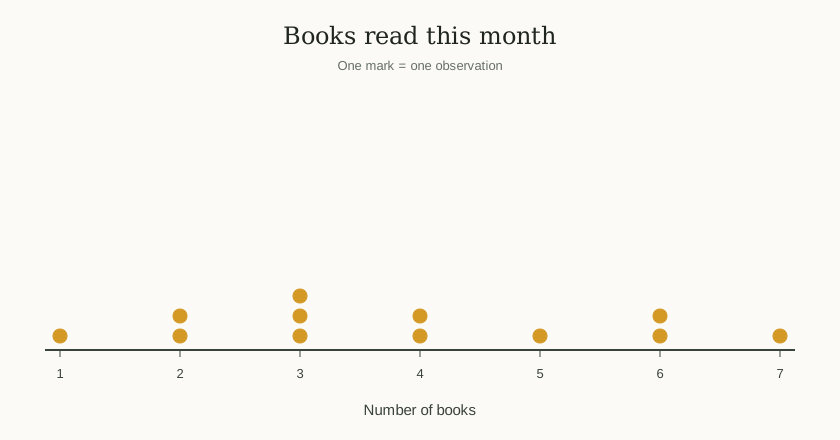
Dot plot with stacked dots above a number line.

Dot Plot Maker

Show how often each value occurs on a number line.

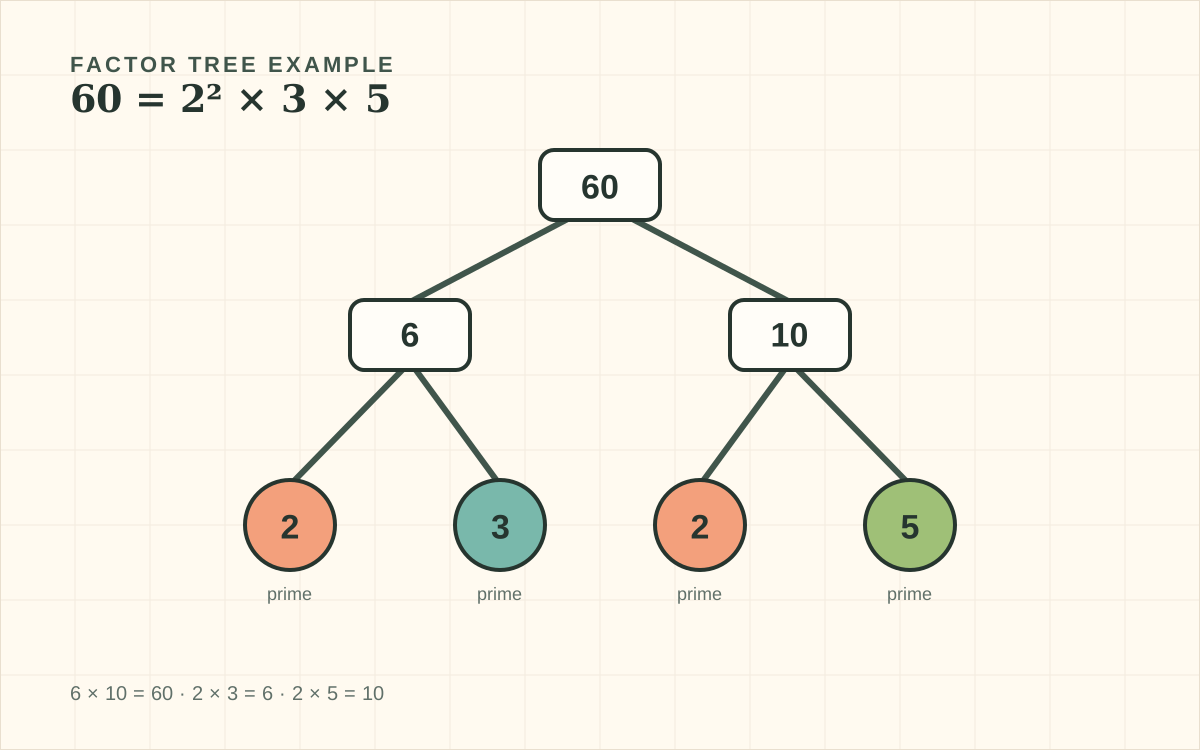
Factor tree breaking 60 into prime factors.

Factor Tree Generator

Break a whole number into prime factors and print a practice worksheet.

Preview of the graphic organizer maker with editable templates.

Graphic Organizer Maker

Build editable classroom organizers for math vocabulary and concepts.

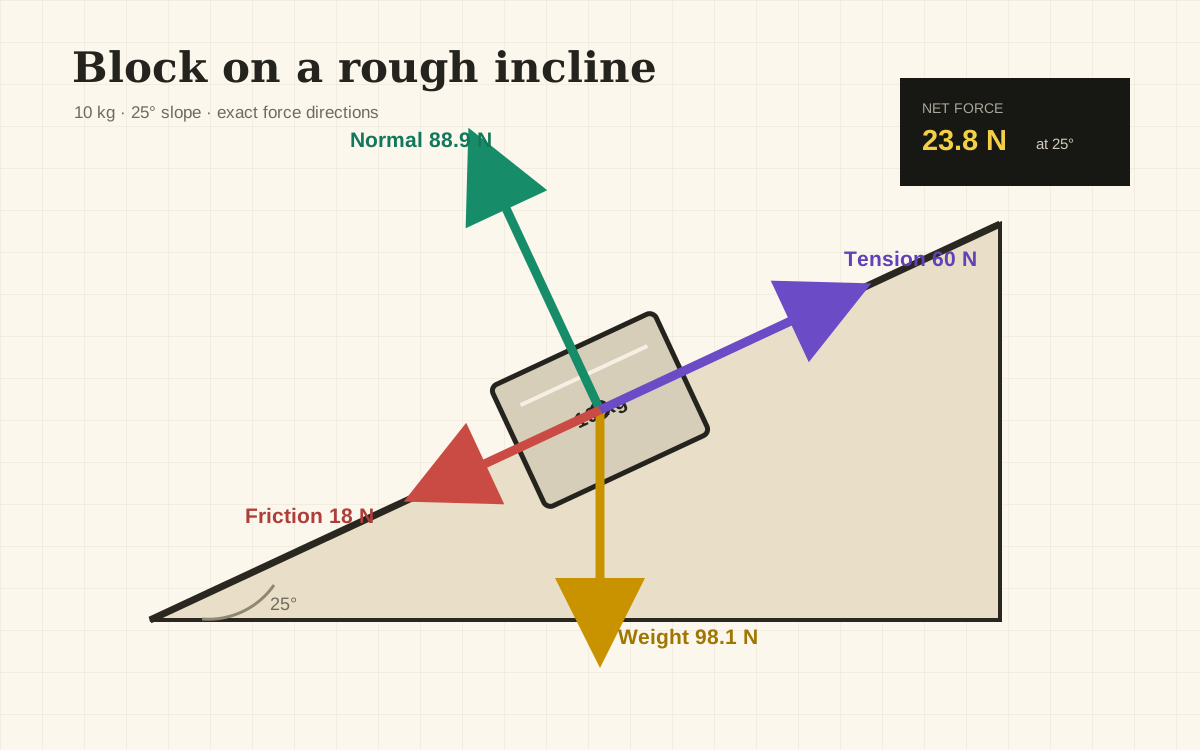
Free body diagram of a block on an incline with force arrows.

Free Body Diagram Maker

Draw force arrows and check the signs of vector components.

Frequently asked questions

Number line questions for lessons, worksheets and downloads

What can I download with the free Number Line Generator?+

SVG, PNG and PDF, including a two-page worksheet with its answer key. No account is needed and there is no watermark. Settings and export run in your browser, and you can save your settings as a file to reopen later.

How do I make a number line with fractions and decimals?+

Enter a tick interval such as 1/4 and choose Fractions or Mixed numbers. The start, end and points accept fractions, decimals and mixed numbers like -1 1/2. Equal values such as 1/2 and 0.5 share one position, and changing the label style never moves them.

How do I create a blank number line worksheet with an answer key?+

Turn on the blank version to hide all tick labels, or list specific ticks to hide for missing-number practice. Points and shaded intervals stay visible. Choose one, two or four identical lines, then download the worksheet + answer key PDF. Page one is for students, and page two restores the labels.

How do I graph inequalities and interval unions on a number line?+

Type a solved inequality like x >= 3, a chain like -2 < x <= 4, or interval notation like (-2, 4]. Put each on its own line, or join them with OR, to show a union. Open circles exclude endpoints and filled circles include them. Solve algebraic inequalities first; the tool graphs the solution set.

How do I create a vertical number line?+

Choose Vertical under Orientation. Values increase upward, and your range, ticks, points and intervals stay the same. Exports match the preview. Fractions, jumps, student worksheets and the answer view work in both orientations.

How do I insert a number line into Word or presentation slides?+

Download a PNG and insert it as an image. Use SVG if your app supports vector images, so it stays sharp when resized. Use PDF for printing; PDFs use A4 pages, so choose Fit to page when printing on Letter paper. If labels look crowded, increase the tick interval before exporting.

Why are some points, endpoints or jumps missing?+

Points and interval ends outside the visible range are cut off, and jumps that start or land outside it are not drawn. Check the warning, widen the range, or choose Fit range to jumps. The scale can show 2 to 61 ticks.

How do I show addition and subtraction jumps and hide the answers?+

Enter a starting value and signed jumps like +5, -3, or +1/4 * 4 for four equal fraction jumps (up to 12). Turn on Hide jump results and worked answers to leave blanks for students. The answer view restores them, and the worksheet + answer key PDF includes both.

Ready for your next lesson?

Make a free number line worksheet with answers

Set exact ticks, mark values and download a worksheet with its answer key. No signup, no watermark.

Make your worksheet