Students: explain a character-table assignment
Paste a course character table, select an outgroup and review the traits supporting each branch before handing in your diagram.
Use Cladogram Maker to turn a character table into a labeled tree or draw an existing Newick topology. Inspect shared branches, check conflicting trait cells and export a diagram for your biology assignment, lesson or lab report. No signup needed.
From character table to cladogram
5 taxa

Teaching model: each derived trait arises once, with no losses. Trait groups must be nested or separate. This is not a maximum-parsimony or sequence analysis.
A split into more than two branches stays unresolved. Branch lengths do not measure time or evolutionary change.
The highlighted group follows shared nodes, not left-to-right proximity or branch length. This inspects the current topology; it does not establish a biological root.
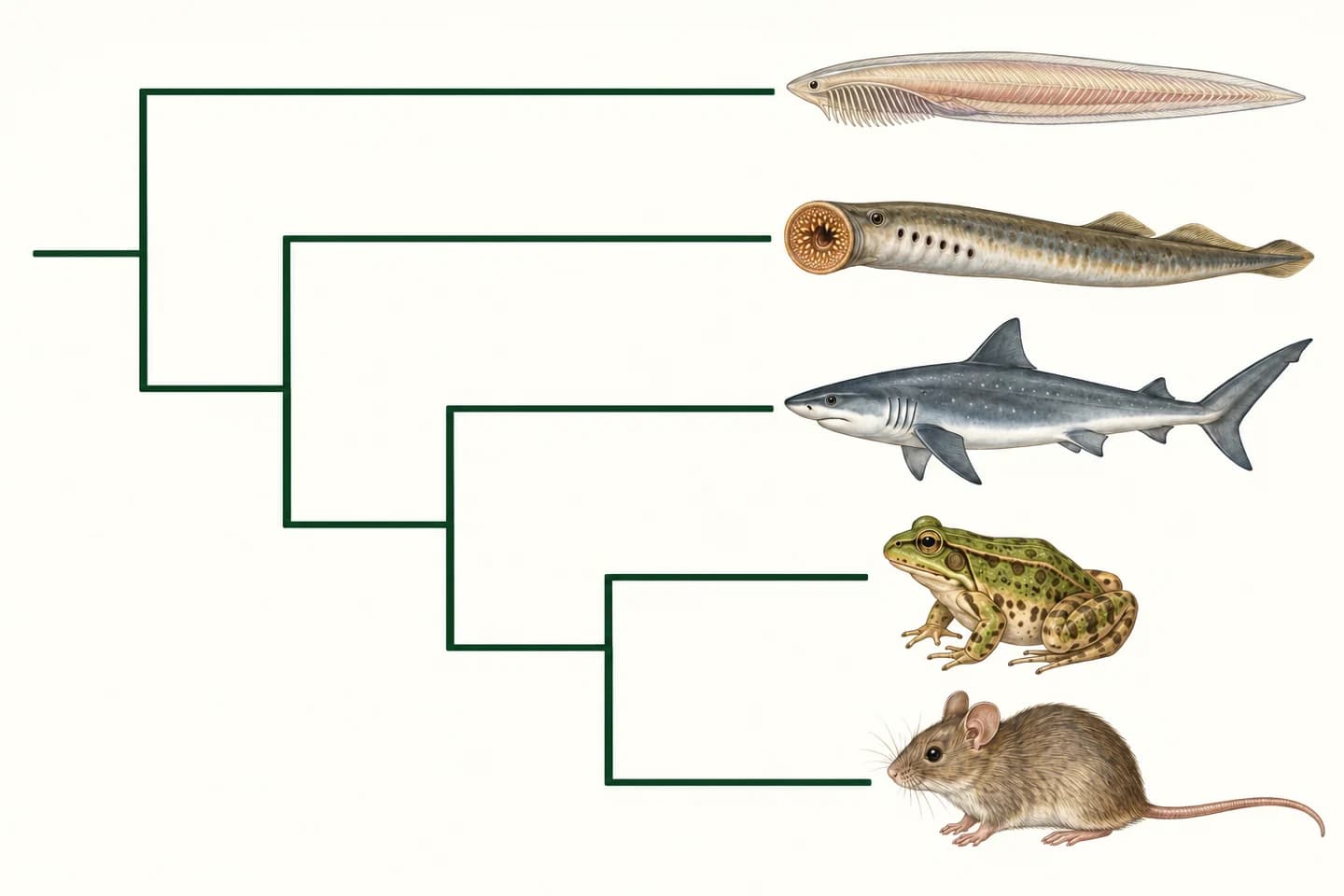
Taxa with this trait: Lamprey, Shark, Frog, Mouse
Taxa with this trait: Shark, Frog, Mouse
Taxa with this trait: Frog, Mouse
Taxa with this trait: Mouse
No overlapping trait-set conflicts found. This checks compatibility under the teaching model, not biological accuracy.
Turn your research methods, mechanisms, and workflows into clear figures with paper banana.
A cladogram is a branching diagram that represents a hypothesis about relationships among organisms. Its tips are taxa, its nodes mark branching points, and a clade contains a common ancestor and all its descendants. Shared derived traits help explain those groups.
Cladogram Maker turns a compatible binary character table into a teaching tree or draws an existing Newick topology. Branch length has no quantitative meaning here. A list of organism names alone does not provide evidence for their evolutionary relationships.
Use this character-based cladogram creator to explain shared traits and branching order. For a supplied tree with quantitative branch lengths or a basic UPGMA analysis of aligned FASTA, use the Phylogenetic Tree Generator. Branch lengths in this Cladogram Maker do not measure time or evolutionary change.
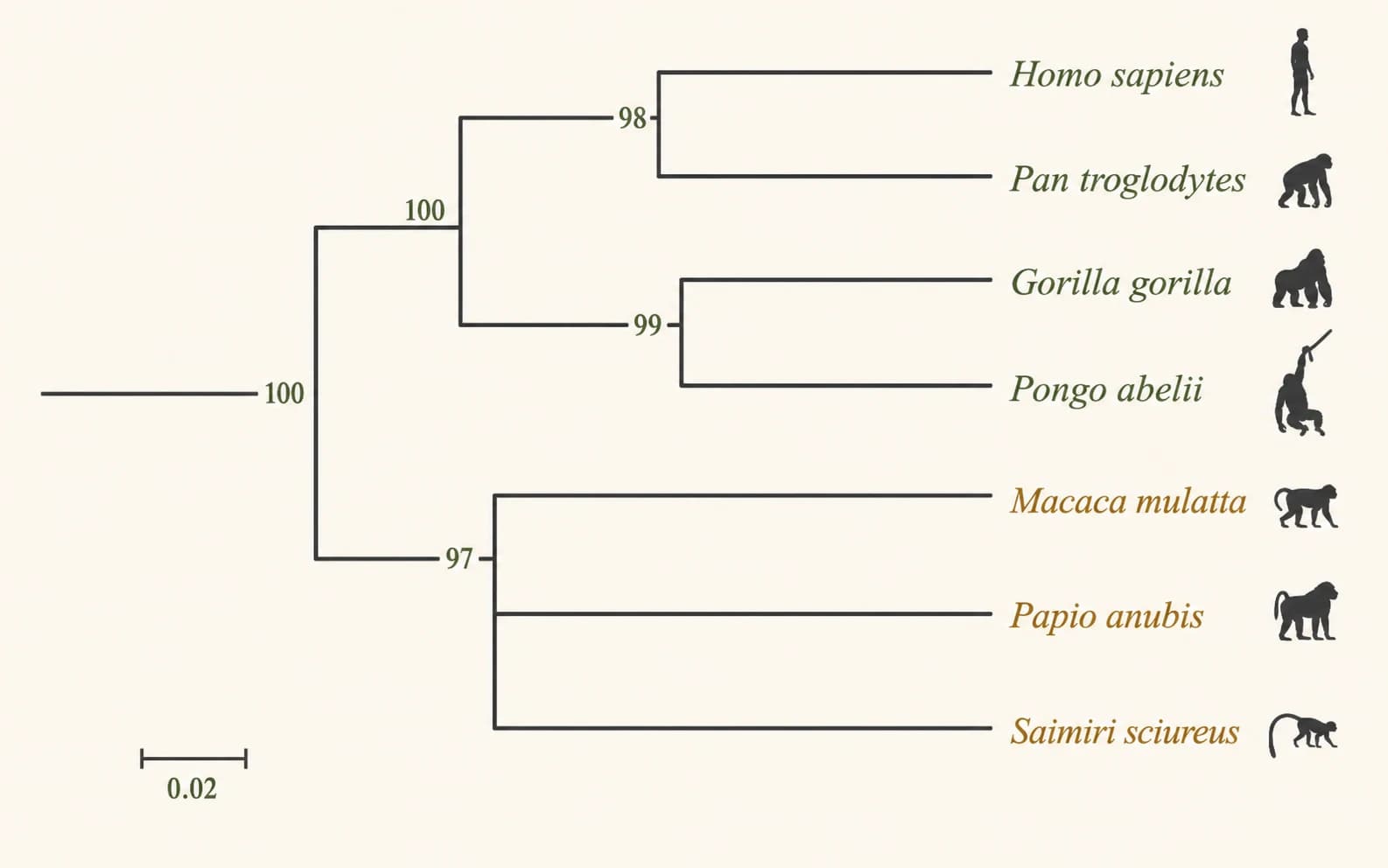
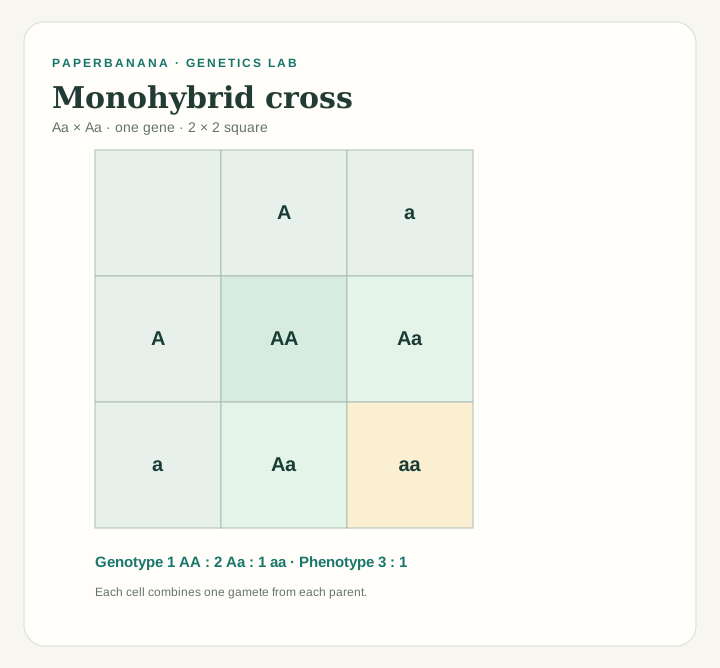
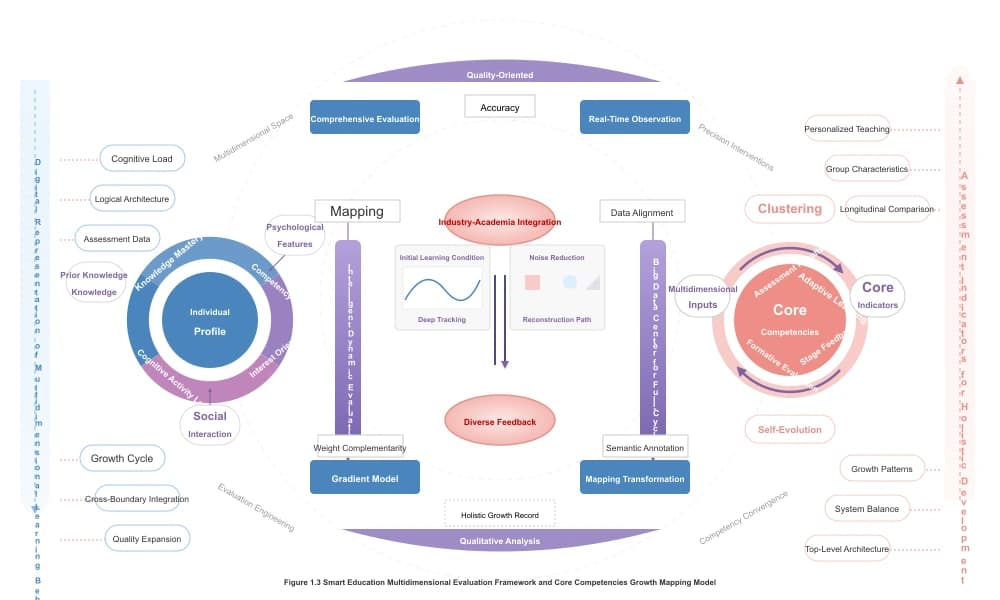
Open Phylogenetic Tree GeneratorExplore vertebrates, land plants or unresolved relationships. The illustrations explain the concepts; each card loads a separate, editable teaching matrix in the tool.
Built for biology
Go from the data you have to a figure you can explain.
Paste a course character table, select an outgroup and review the traits supporting each branch before handing in your diagram.
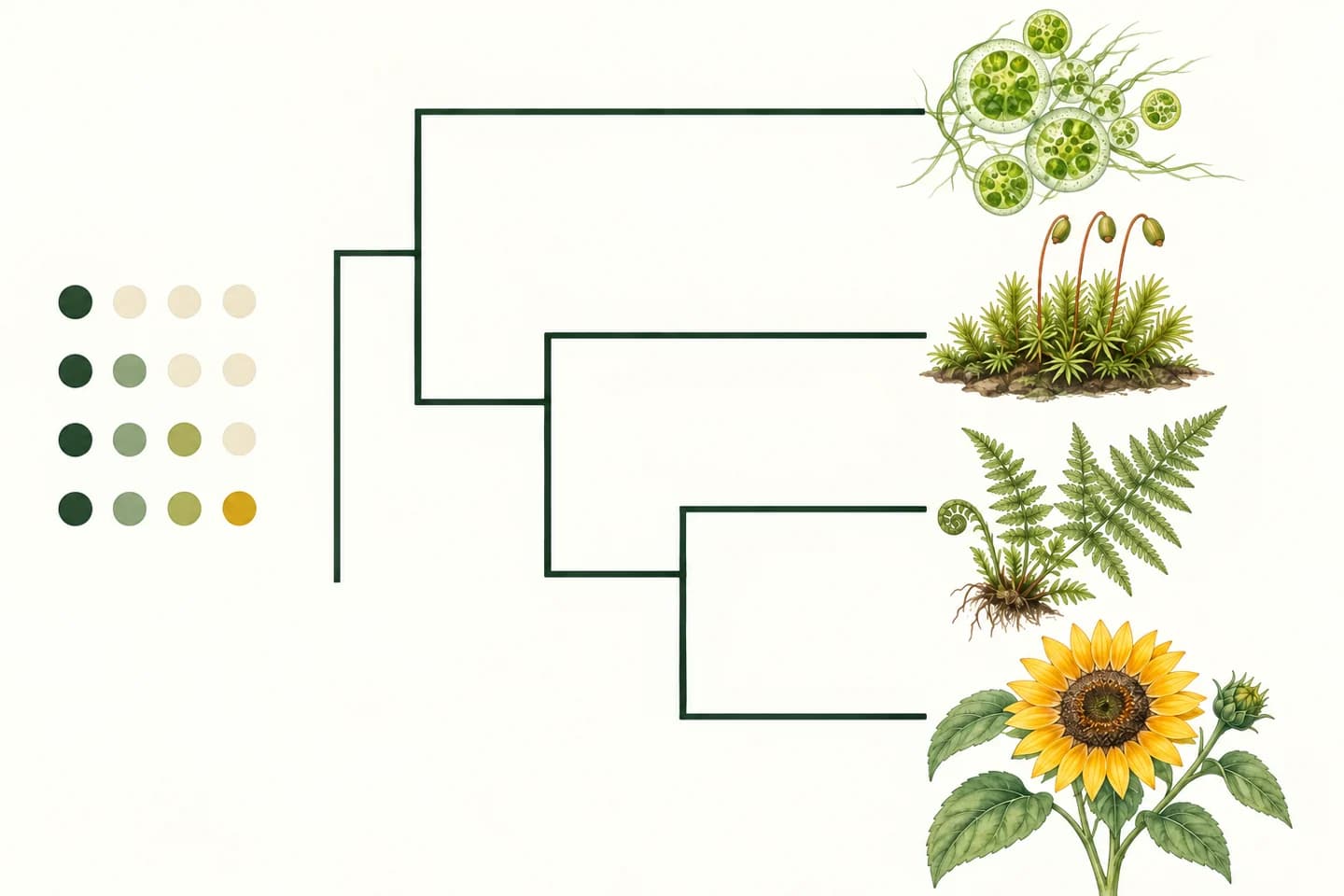
Load a sample plant matrix, change the taxon or trait names and download a clear diagram for a slide or handout.
Bring your own Newick topology and export a clean vector drawing. SVG text and branches remain editable in vector design software.
Evidence before decoration
Keep taxa, shared traits and the resulting groups connected.
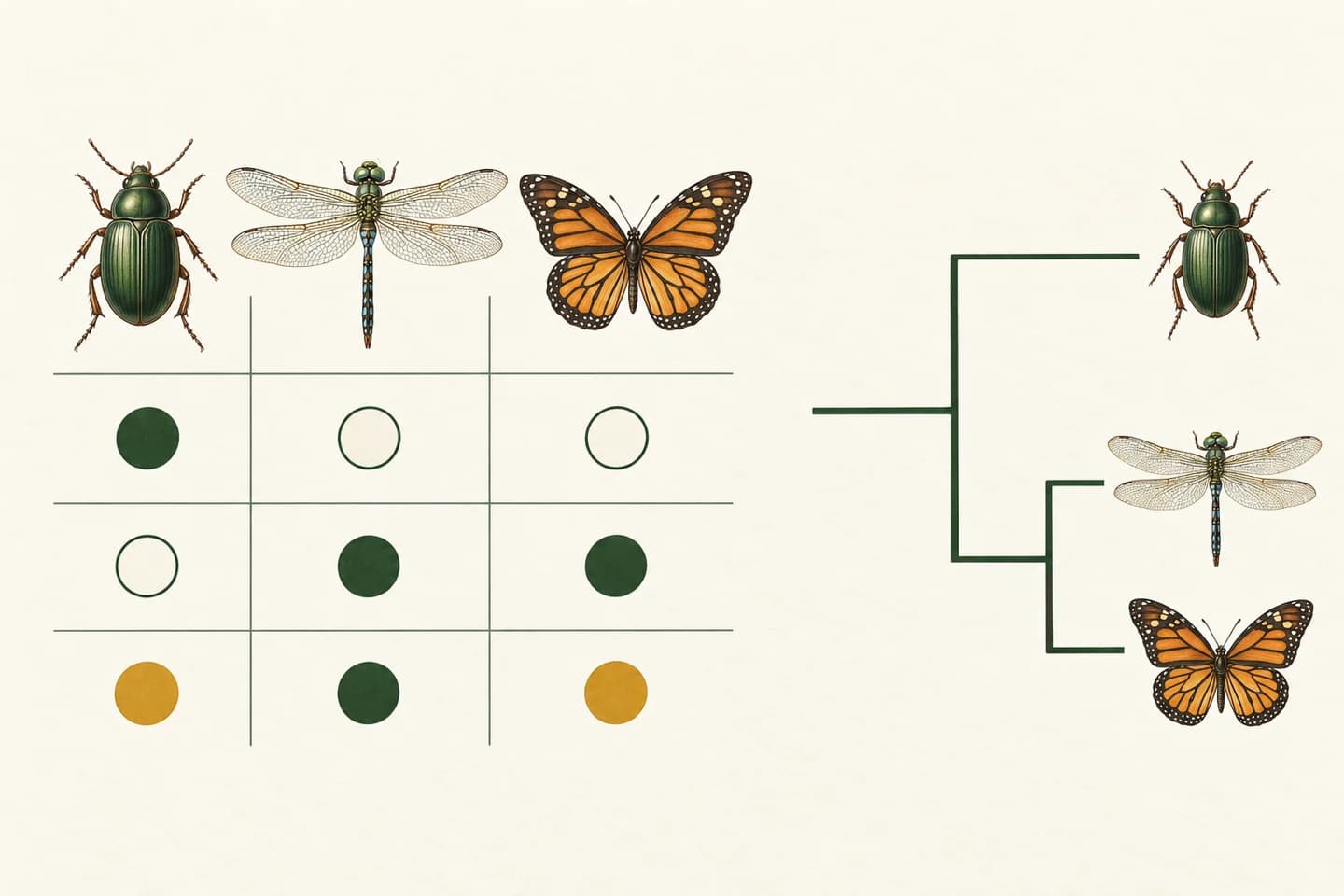
Paste CSV or tab-separated spreadsheet data. Open the table editor to rename taxa and traits, toggle 0/1 states and add rows or columns. Choose an all-zero outgroup, then generate the tree.
Try Cladogram MakerThe matrix mode groups nested or separate sets of derived traits. Labels and the evidence list show which taxa carry each trait. Overlapping incompatible sets produce a useful error instead of a made-up resolution.
Try Cladogram MakerDownload SVG for vector editing, PNG for slides, Newick for topology exchange or CSV to keep the matrix. Rectangular and slanted layouts change the drawing, not the relationships.
Try Cladogram MakerSelect any two taxa in the generated tree. The inspector lists every descendant in their smallest shared group and the derived traits annotated along their shared path. Turn on clade highlighting to see why screen position does not determine relatedness.
Try Cladogram MakerThe compatibility report finds every overlapping, non-nested trait pair and shows three named taxa with the 1/0, 1/1 and 0/1 states that prove the conflict under this teaching model. Export the witness rows as CSV to review the source table.
Try Cladogram MakerThree steps
Start with a complete example, then replace it with your course data.
Paste CSV or a table copied from Excel, with taxa in rows and binary traits in columns. Code ancestral states as 0 and derived states as 1, then select an all-zero outgroup. For a known topology, switch to Newick and paste the tree text instead.
Generate the cladogram and review the trait labels. Select two taxa to inspect and highlight their smallest shared clade. If the matrix is incompatible, review the named trait pairs and three witness rows, or download the conflict report CSV before editing the source data.
Choose rectangular or slanted branches and adjust label size. Download SVG for vector editing or PNG for slides; export Newick for the topology or CSV for the matrix. Newick does not retain separate trait labels or styling. Calculations and downloads run in your browser.
More biology and figure tools
Choose a related tool for sequence-based trees, inheritance diagrams or figure editing.
Questions before you start
To use this cladogram maker from a matrix, put taxon names in the first column and traits in the header. Code ancestral states as 0 and derived states as 1, choose an all-zero outgroup and generate. Trait groups must be nested or disjoint; each derived trait arises once, with no losses.
Copy the header and data rows from Excel and paste the tab-separated table into the input, or paste CSV. Every row needs the same number of cells. Use unique taxon and trait names, with at most 30 taxa and 20 binary traits. Native XLSX upload is not supported.
The automatic cladogram maker requires known 0/1 states; resolve missing or uncertain observations before generation. Overlapping trait groups that are neither nested nor separate produce a compatibility report naming the conflicting traits. It does not guess a best tree, model repeated gains or losses, or perform maximum-parsimony analysis.
A simple cladogram maker still needs relationship evidence: a binary character matrix with a chosen outgroup, or an existing Newick topology. Species names label tips but cannot determine evolutionary relationships. Taxa with identical recorded traits stay unresolved. Start with the editable animal or plant example to learn the input format.
This free online cladogram maker exports SVG, PNG, Newick and matrix CSV in your browser without signup, credits or watermarks. SVG preserves text and lines for vector editing. Newick stores topology and node names rather than trait annotations or styling. A separate CSV report records incompatible trait pairs.
Use this cladogram tree maker to show branching order and shared traits without quantitative branch lengths. Use the linked phylogenetic tree maker for supplied quantitative branch lengths or basic UPGMA analysis of aligned FASTA. Choose according to your data and method; this cladogram drawing does not estimate time, evolutionary distance or confidence.
Choose two different tips in the shared-branch inspector. It finds their smallest shared clade in the current topology, lists all its descendants and shows annotated shared derived traits in matrix mode. Enable clade highlighting to include it in SVG and PNG exports. Newick does not supply trait evidence.
For every incompatible trait pair, the report shows three actual taxa with 1/0, 1/1 and 0/1 states. These witness rows explain why the sets cannot be nested or separate under the single-gain, no-loss model. Download the CSV and check your observations; the tool never changes data automatically.
Start with your evidence
Load a complete example, check the shared traits and create a clear branching diagram for your biology work. No account needed.