


Credits and Billing
Understand PaperBanana credits, subscriptions, credit packs, renewals, refunds, and missing credits
Credits are PaperBanana's usage unit for generation and AI editing. Every Generate or Edit button shows the actual credit cost before you submit.
Credit lifecycle
1. Credits are granted
Credits enter your account from three common sources:
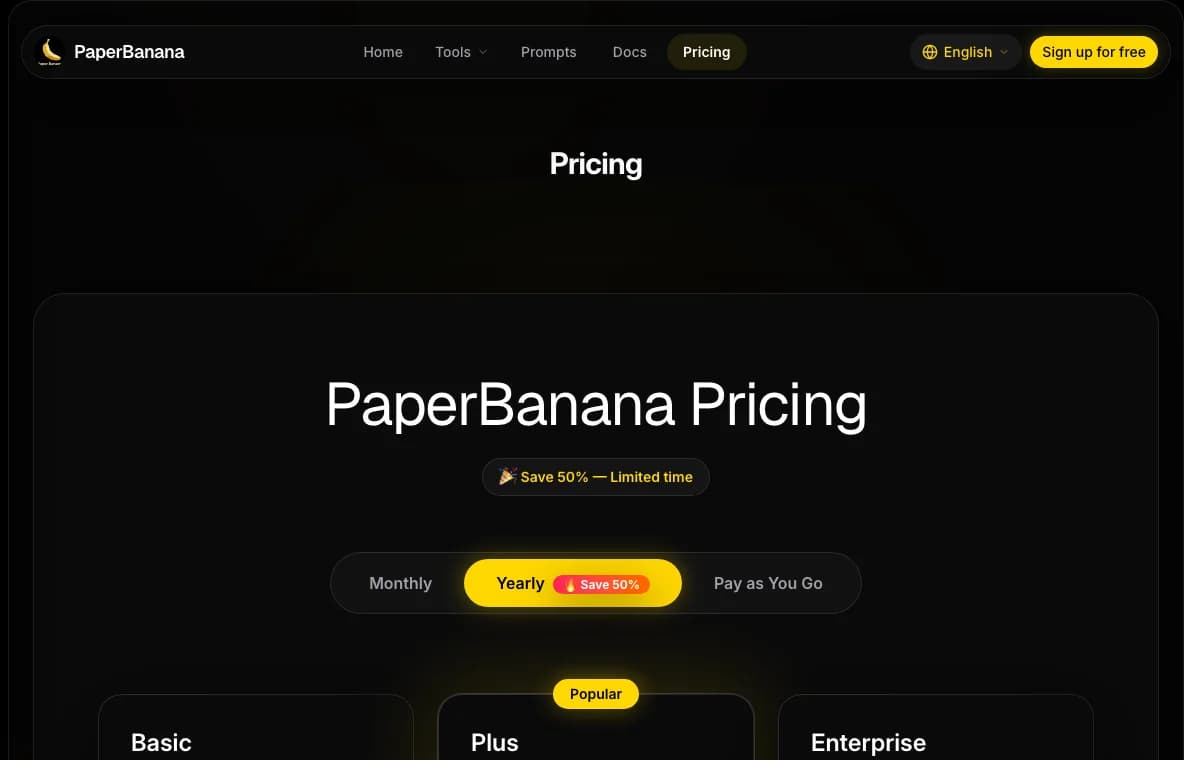
- Subscription renewal: monthly plans currently grant Basic 500, Pro 1,300, and Premium 4,060 credits.
- Yearly subscription monthly grant: yearly plans currently grant Basic 420, Pro 1,080, and Premium 3,380 credits each month.
- One-time credit packs: Starter 880, Basic 2,020, Standard 4,520, and Pro 15,940 credits.
Credits are added after payment confirmation. If payment succeeded but credits are not visible after a few minutes, use Troubleshooting.
2. Credits are reserved
When you submit a generation or AI edit, PaperBanana checks whether your balance can cover the button price. Some tasks reserve credits while they run, so your visible balance may change before the final result appears.
3. Credits are finalized or released
If the task completes successfully, the reserved credits become the final usage charge. If the task fails in a recoverable way before producing a usable result, the system tries to release the reservation automatically.
A result that needs scientific review, prompt improvement, or manual editing is still a completed generation. Use Workspace Editor or Prompt Cookbook to improve the next step.
4. Credits expire or stay available
Subscription credits expire after 30 days. One-time credit packs currently do not expire. Your balance can include both expiring and non-expiring credit buckets at the same time.
Which credits are used first
When you spend credits, PaperBanana uses buckets with the earliest expiration date first. Credits without an expiration date are used after expiring credits, so subscription credits are normally consumed before one-time packs.
Current common costs
| Feature | Credits |
|---|---|
| Scientific Diagram Maker default model | From 8 |
| Text to Illustration | 20 |
| Image to Illustration | 10 |
| Illustration Editor | 10 |
| Scientific Poster Maker by resolution | 12 / 15 / 20 |
| Workspace AI Edit | 5 |
The interface always shows the current actual cost before submission.
Where to check credits and billing
- Open /settings/credits to review your credit balance and recent credit activity.
- Open /settings/billing to manage subscription and billing status.
- Use My Creations to match credit usage with generated items.
Refunds
When a refund is issued, related unused credits may be removed. Refunds usually take 5 to 10 business days, depending on the bank or payment provider.
If some credits were already used before the refund, support will review how to handle the consumed credits.
What to send support
If credits did not arrive, a refund is unclear, or a task failed after credits changed, include:
- Account email
- Payment time or generation time
- Payment amount
- Transaction ID, invoice ID, or item ID
- Screenshot of the balance or failed task