


Scientific Poster Maker
Turn research content into academic conference posters and export the result
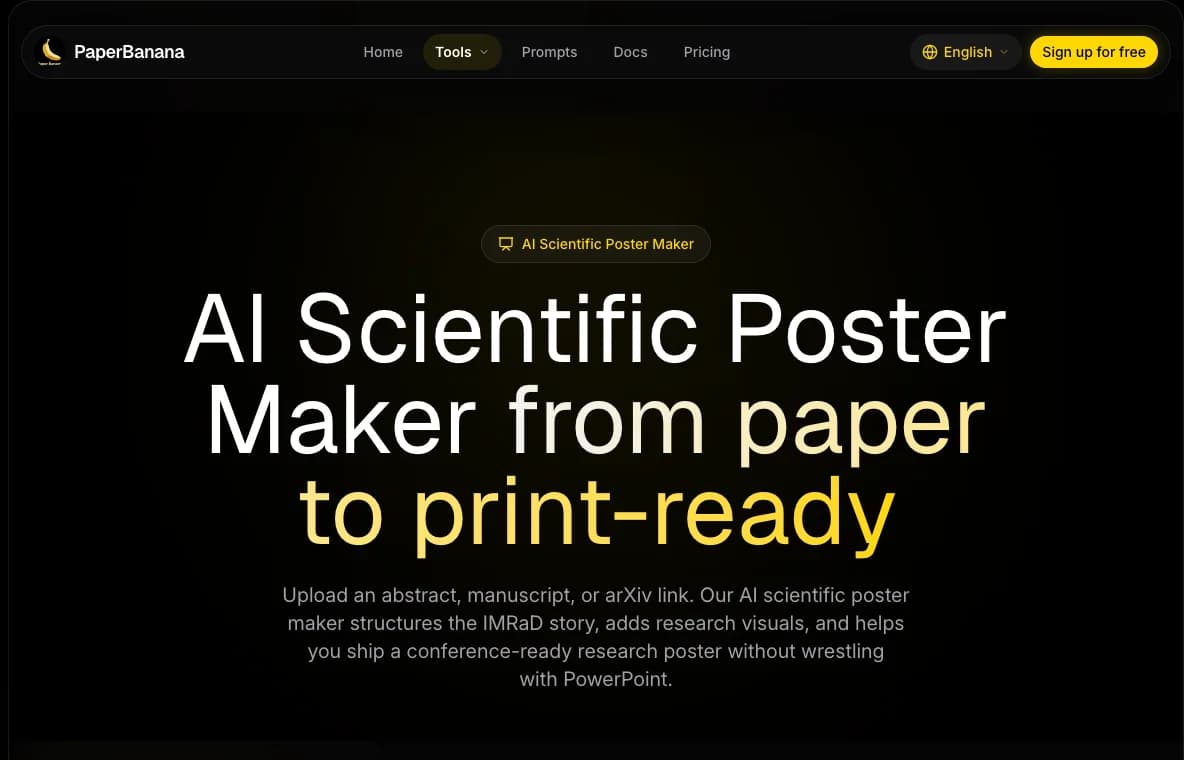
Scientific Poster Maker turns research content into poster layouts for conferences, lab meetings, seminars, and internal presentations.
Prepare your material
Before generating a poster, prepare:
- Poster title
- Authors and affiliations
- Research background or objective
- Methods
- Key results
- Conclusion
- Figures, charts, or images you want to include
Clearer source material usually produces a better layout.
Generate a poster
- Open Scientific Poster Maker.
- Enter your research content and layout requirements.
- Choose a resolution if options are available.
- Confirm the credit cost shown in the interface.
- Start generation and wait for the task to finish.
- Review the final poster and download the output file.
For a reusable poster prompt, start from the Prompt Cookbook.
Good result vs poor result
Use this check before using credits on a higher resolution export.
Keep it when
- The poster has a clear title, section hierarchy, and reading order.
- Key methods, results, and conclusion are visible without dense paragraphs.
- Figures and charts have enough space and the poster only needs minor copy edits.
Fix it in Workspace when
- A figure inside the poster needs a label, color, or spacing fix.
- A generated diagram that will be placed in the poster needs small cleanup.
- A text block needs minor wording changes and the overall layout is already good.
Use Workspace Editor for targeted figure cleanup, then regenerate or update the poster with the refined material.
Regenerate when
- Sections are missing, the reading order is confusing, or the poster is too crowded.
- The poster includes unsupported claims or omits the main finding.
- The source content was too long, too vague, or not organized by section.
If you regenerate, shorten the source content and specify required sections, audience, and key message. The Prompt Cookbook includes a poster template.
Credit cost
Poster generation is priced by resolution:
| Resolution | Credits |
|---|---|
| 1K | 12 |
| 2K | 15 |
| 4K | 20 |
The interface always shows the current actual price.
Tips for better posters
- Use concise text and avoid long paragraphs; dense text makes posters feel crowded.
- Convert results into short conclusions, bullet points, or figure captions before submission.
- Before academic use, check scientific claims, spelling, labels, author affiliations, and legends.