


Product
SciDraw Alternative: Paper Banana for Scientific Figures
Compare SciDraw and Paper Banana for scientific figures, editable SVGs, data charts, posters, pricing, and research accuracy before choosing a tool.

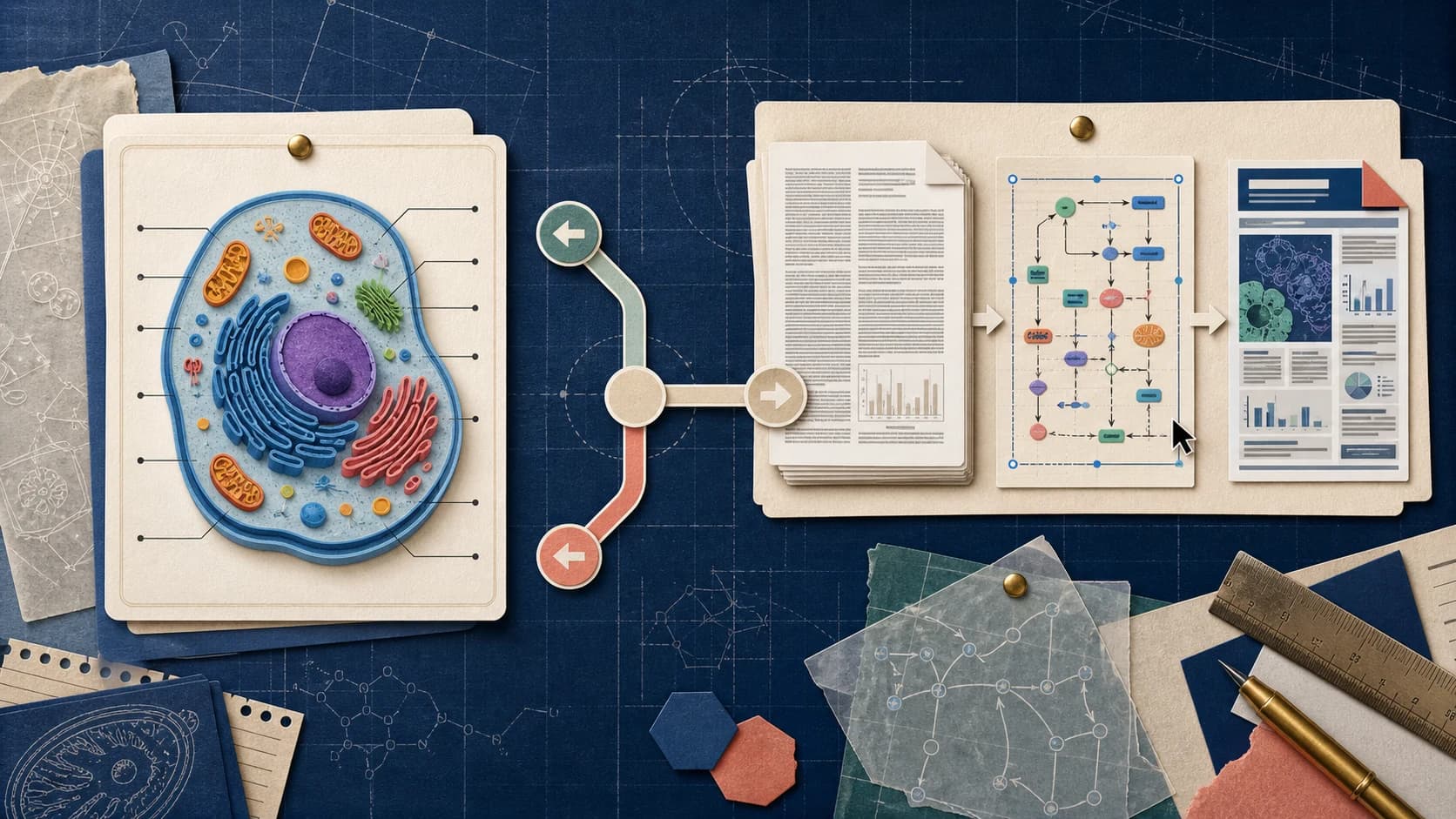
Looking for a ConceptViz alternative? Compare ConceptViz and Paper Banana for scientific diagrams, editable SVGs, research figures, and academic workflows.
A labeled STEM diagram can look finished before its science has been checked. That is where a prompt-to-diagram tool and a research-figure workflow begin to diverge.
ConceptViz centers on turning a prompt or template into a standalone diagram. If your real starting point is a methods section, manuscript, PDF paper, or existing research figure—and the result must remain editable or continue into a conference poster—paper banana is the more relevant ConceptViz alternative to test.
ConceptViz may be sufficient when the task begins with a prompt and ends with one standalone classroom diagram.
Choose Paper Banana when the workflow must:
Neither product can validate scientific truth for you. Treat every AI-generated label, arrow, structure, value, unit, and causal relationship as a draft until a qualified person checks it.
A research figure is not finished when the first image appears. Before choosing an alternative, check whether the workflow can:
These criteria shift the comparison away from demo-image polish and toward the work required to reach an accepted figure.
A useful comparison should not ask which product creates the most impressive demo image. It should ask how quickly each product reaches a correct, editable, and reusable result.
In our test, ConceptViz produced a readable animal-cell image, but “Lysosome” appeared twice with duplicate leader lines. The error was easy to miss because the overall composition looked coherent. That is exactly why first-draft appearance is a weak decision criterion for research work.
The more useful question is whether the workflow helps turn source material into a verifiable structure and supports exact corrections after review.
The duplicated label exposed a practical problem: once a draft looks coherent, one local correction should not require rebuilding the composition. Every generative system requires scientific review, so the real comparison is how much work remains after an error is found.
Prompt-based changes do not guarantee that only the intended detail will change. Paper Banana puts more emphasis on editable SVG diagrams, selected-area revisions, and figure editing when labels, arrows, panels, or annotations need precise corrections.
A ConceptViz workflow can end after one STEM diagram is shared or downloaded. Paper Banana continues from the same source material into figure variants, editable diagrams, plots, and conference posters.
Our hands-on access covered ConceptViz's Studio workflow. Capabilities we could not test directly are described from the product's official materials and terms.
ConceptViz follows a short path: turn a prompt into one diagram, make lightweight changes, and export. That short path also defines the boundary of the workflow.
When the source is a methods section, manuscript, or PDF paper, the user still has to decide what matters and translate the research logic into visual instructions. Adding reference material does not remove the work of defining panels, hierarchy, and relationships.
Paper Banana can start from those source materials directly. It is therefore a better fit when interpreting and organizing the research is part of the task, rather than merely rendering an idea that has already been defined.
Prompt-based edits are useful for broad revisions. They become less predictable when a reviewer asks to change one label, reverse one arrow, move one panel, or preserve everything outside a selected area. Regeneration can also introduce unrelated differences elsewhere. ConceptViz's own Terms of Service acknowledge that outputs may be incomplete, inaccurate, mislabeled, or visually misleading.
Editable SVG diagrams, selected-area revision, and a scientific figure editor reduce the need to regenerate a complete image to fix one local problem.
ConceptViz makes sense when a standalone STEM image is the final deliverable. Research work often continues into multiple figure versions, consistent visuals across a paper, editable assets, plots, and a conference poster built from the same source.
That broader handoff is the practical reason to consider Paper Banana as an alternative—not simply which tool produces the prettier first image.
| Decision area | ConceptViz | Paper Banana |
|---|---|---|
| Primary audience | Teachers, students, educators, and researchers needing STEM diagrams | Researchers, students, and academic teams creating figures for papers, posters, and presentations |
| Best starting point | Plain-English prompt, subject template, reference image, or document | Methods text, manuscript content, prompt, PDF paper, source image, or existing figure |
| Core workflow | Generate a labeled STEM diagram, then apply lightweight edits and export | Generate from research material, refine figures or selected regions, create editable diagrams, and continue into posters |
| Research interpretation | The user translates source material into a visual prompt | Methods text, manuscript content, PDFs, and source figures can be used as research context |
| Correction workflow | Prompt-based revisions can change more than the intended detail | Selected-area revision and scientific figure editing support more localized changes |
| Editable output | SVG export and image editing are advertised | Dedicated editable SVG figure and diagram workflows plus scientific figure editing |
| Poster workflow | Individual diagram and infographic tools | Dedicated scientific poster workflow starting from PDF papers and supporting material |
| Best fit | Occasional classroom diagrams and rapid STEM explainers | Repeated research-figure work where source material, editability, and poster continuity matter |
| Main caution | Scientifically plausible output can still contain duplicated or incorrect labels | Complex research figures can require multiple prompt, verification, and editor passes |

If the task ends with one classroom visual, a prompt-to-diagram tool may cover the requirement. The important boundary is what happens next: peer review, precise corrections, editable deliverables, consistent figure variants, and poster reuse all demand more than a visually convincing first export.
Researchers should evaluate the downstream work before choosing the tool, not treat a polished preview as the final result.
Paper Banana is designed for material researchers already have: a methods paragraph, abstract, manuscript section, model description, source figure, or PDF paper.
This matters because the hardest part of a research figure is often deciding what to include, what to omit, and how to turn the logic of a paper into a visual hierarchy. A research-first workflow reduces the amount of translation you must do before prompting.
The duplicate label in our ConceptViz test was easy to spot once we looked closely. More subtle errors—reversed arrows, unsupported causal links, incorrect protein names, misleading axes—are harder.
Paper Banana's editable SVG and scientific figure workflows are useful when a draft needs exact corrections. Instead of asking an image model to regenerate the entire composition for one label, you can move toward a structured asset that is easier to revise.
Researchers frequently reuse the same story across a manuscript, conference slide, lab update, and poster. Paper Banana includes a poster workflow that can begin with a PDF paper and supporting material, reducing the handoff between figure generation and poster layout.
Paper Banana combines scientific illustrations, editable diagrams, selected-area image editing, plots, and posters. Multiple image models let users balance visual style, cost, and quality instead of relying on one generation path.
Paper Banana is designed for labs and researchers who repeatedly create, verify, and revise figures instead of treating each diagram as an isolated one-off task.
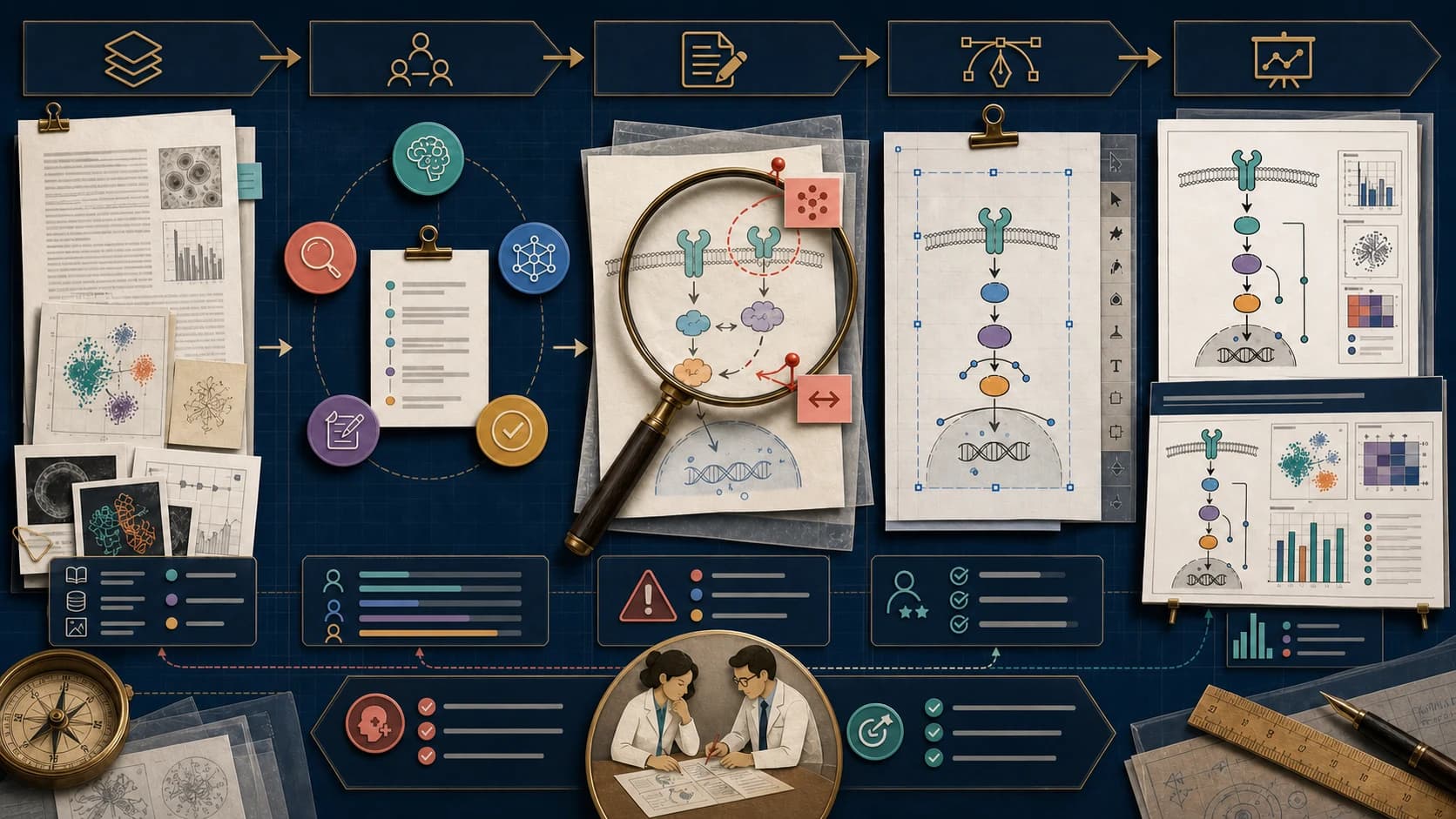
Try the research-first route with paper banana.
Paper Banana is used by an open research framework and by several independent hosted products. The best-known research sources are the PaperBanana paper and the dwzhu-pku/PaperBanana repository, while commercial domains such as paperbanana.me, paper-banana.org, paperbanana.run, and paper-banana.app operate as separate services.
The shared name can make product comparisons confusing. Similar branding does not mean the services have the same owners, codebase, privacy policy, or official relationship with the researchers. Always check the exact domain and terms before creating an account or uploading unpublished work.
No. The PaperBanana paper lists authors affiliated with Peking University and Google Cloud AI Research, not Tsinghua University. The current research repository says the original version was open-sourced by Google Research as PaperVizAgent and that the community fork aims to keep improving academic illustration support.
The repository uses the Apache-2.0 license, requires users to configure model/API access, and offers Gradio, Streamlit, and command-line workflows. It also states that it is not an officially supported Google product and that the maintainers currently have no commercial plan.
A February 2026 GMO engineering article tested an early unofficial implementation before the current repository release. The author found that iterative critique improved a methodology diagram, but some arrows remained unnatural. Plot generation frequently failed, and the generated code was considered too verbose and unreliable for practical statistical work. The article also stressed that exact charts still need code-based verification and that bitmap output was difficult to edit.
That review is valuable precisely because it is specific about both improvement and failure. It also predates the March 2026 code release, so it should not be treated as a review of the current repository or of paperbanana.me.
paperbanana.me, the commercial product compared here, is a separate hosted service. It is not presented as an official Peking University, Google, or Google Research deployment. When evaluating any site with Paper Banana in the name, verify the exact domain and its own terms before creating an account or uploading research material.
Use one difficult real task instead of comparing marketing galleries.
Choose a figure your lab genuinely needs, such as a biological mechanism, model architecture, experimental workflow, or graphical abstract. Before generating, list every required label, relationship, direction, structure, unit, legend, and visual constraint.
Use the same allowed source material in both products. In ConceptViz, write a self-contained prompt and attach references. In Paper Banana, start with the equivalent methods text, manuscript excerpt, PDF, source image, or prompt.
Inspect labels, arrows, structures, and values at full and final size. Record which errors can be corrected locally, then compare editable output, reuse across a paper or poster, export cleanup, and total researcher effort.
Paper Banana is likely the better fit if:
Do not switch based on a feature list or gallery alone. Run the same real task, record the correction work, and compare the final editable result. Also avoid uploading confidential, unpublished, patient-identifiable, export-controlled, or commercially sensitive material to any AI service until you have reviewed its privacy policy, retention rules, current terms, and your institution's requirements.
Paper Banana is a ConceptViz alternative for researchers who start from methods text, manuscripts, PDFs, prompts, or source figures. It supports editable SVG diagrams, selected-area corrections, scientific figure editing, plots, and conference posters, so the same research context can continue beyond the first generated image.
ConceptViz can produce plausible scientific diagrams, but accuracy is not guaranteed. In our animal-cell test, the Lysosome label appeared twice. ConceptViz's own terms also warn that output may be incomplete, inaccurate, mislabeled, or visually misleading, so every label, arrow, structure, and value needs expert review.
Use the same source material and verification checklist in both tools. Compare label accuracy, local correction effort, editable output, and reuse across a paper or poster. The better ConceptViz alternative is the workflow that reaches an accepted scientific figure with fewer regenerations and less manual cleanup.
Paper Banana can use a PDF paper and supporting material as context for a scientific figure, then continue the same research story into a conference poster workflow. Review every generated label, relationship, value, and citation against the source before using the figure or poster in academic communication.
PaperBanana is an Apache-2.0 research framework that users configure with their own model and API access. paperbanana.me is a separate hosted commercial product. It is not presented as an official deployment from Peking University, Google, or Google Research, so evaluate the repository and hosted service independently.
The PaperBanana paper and repository identify authors from Peking University and Google Cloud AI Research. Tsinghua University is not listed as the project institution. Because several unrelated sites use similar names, verify the exact repository or domain before assuming an academic or commercial affiliation.
Start with methods text, a manuscript, PDF, prompt, or source image and generate a scientific figure draft. Then use Paper Banana's editable SVG and scientific figure workflows to revise labels, panels, arrows, annotations, and selected regions instead of regenerating the entire composition for every correction.
The fairest comparison is one figure you already understand deeply. Bring the methods paragraph, manuscript draft, source image, PDF paper, or rough visual idea. Generate a first draft, verify the science, correct the structure, and measure how much work remains before publication.
Start that test with paper banana.
Compare SciDraw and Paper Banana for scientific figures, editable SVGs, data charts, posters, pricing, and research accuracy before choosing a tool.
Compare BioRender alternatives for scientific illustration, including AI figure generators, free vector tools, chemistry diagram makers, and open scientific icon libraries.
Looking for a BioRender alternative? Compare BioRender with PaperBanana for AI scientific illustrations, editable diagrams, conference posters, and fast research visual workflows.